What Is an SSL Certificate?
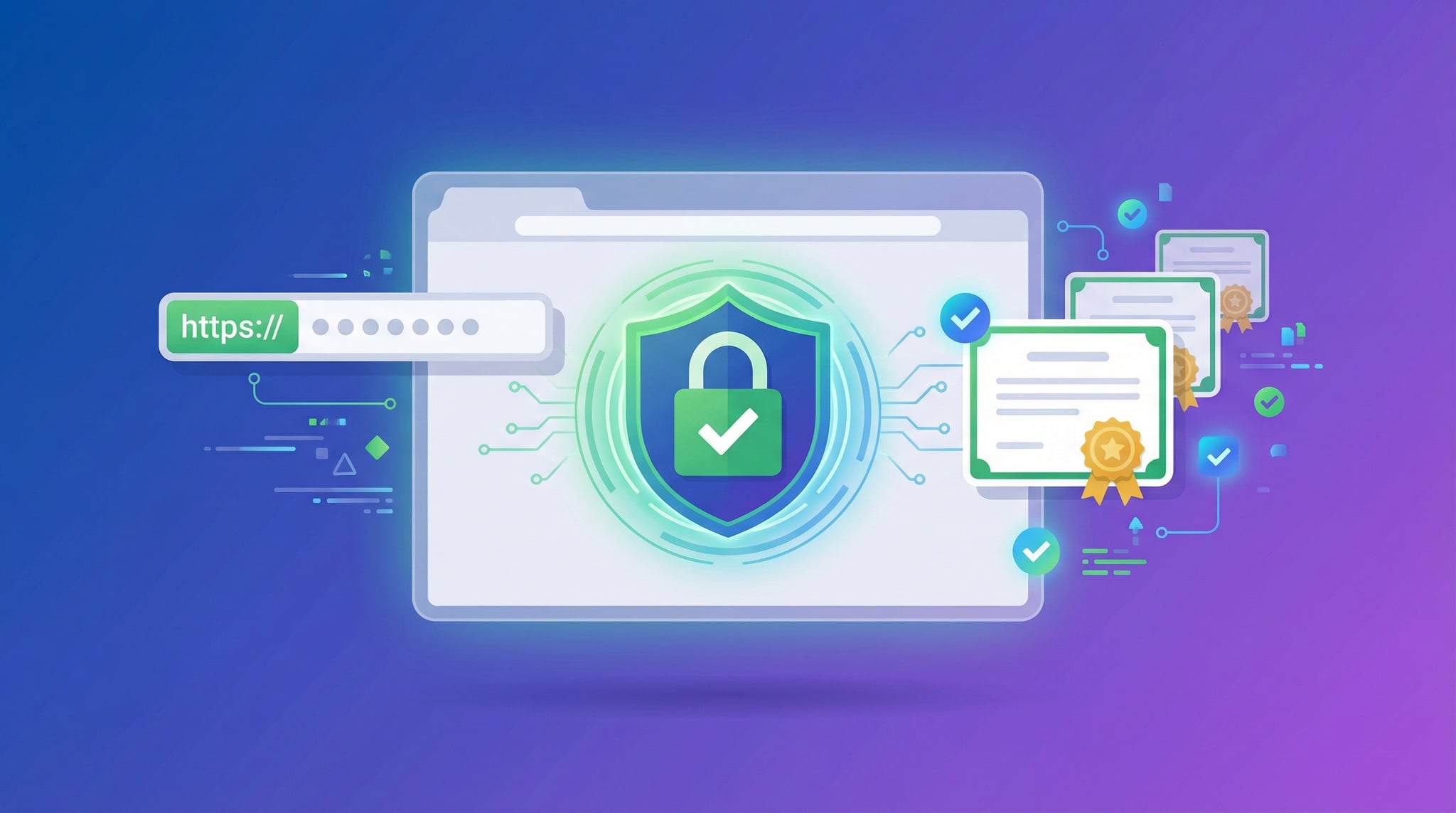
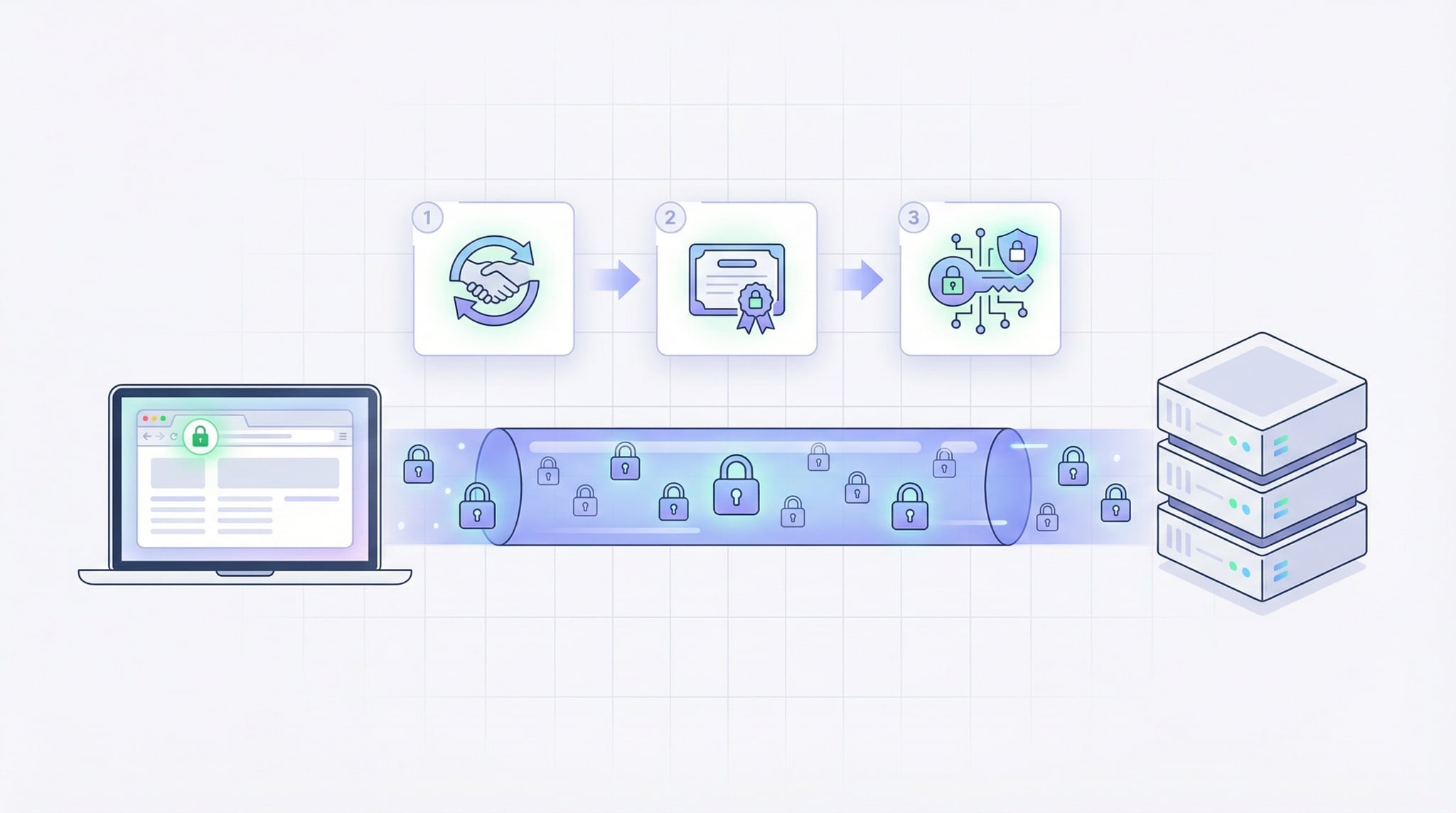
An SSL certificate (Secure Sockets Layer) is a digital certificate that authenticates a website's identity and creates an encrypted connection between the browser and the server. When a website has a valid SSL certificate, the URL starts with https:// and browsers display a padlock icon. SSL certificates protect sensitive data like login credentials, credit card numbers, and personal information from being intercepted by attackers.
Our free SSL checker online tool connects to any domain, retrieves the SSL certificate, and analyzes its security configuration. Unlike basic SSL testers, DNS Robot's SSL checker provides comprehensive details including the full certificate chain, TLS protocol version, cipher suite, Subject Alternative Names (SANs), server type detection, and hostname verification — everything you need for a complete SSL certificate check.
How to Check SSL Certificate of Any Website
There are several ways to check an SSL certificate. Our online SSL checker is the fastest and most comprehensive method, but knowing alternatives is useful for system administrators.
openssl s_client -connect example.com:443 -servername example.com in Terminal. This shows raw certificate data — powerful but requires parsing the output manually.Advertisement
SSL Certificate Types — DV, OV, and EV Explained
SSL certificates come in three validation levels. All provide the same encryption strength — the difference is how thoroughly the Certificate Authority verifies the organization's identity. Our SSL certificate checker identifies the certificate type for any domain.
Domain Validated
Verifies domain ownership only. Issued in minutes. Used by most websites including those with free Let's Encrypt certificates. Lowest cost, basic trust level.
Organization Validated
Verifies domain ownership plus organization identity. Issued in 1-3 days. Shows company name in certificate details. Used by businesses and organizations.
Extended Validation
Highest verification: legal identity, physical address, operational existence. Issued in 1-2 weeks. Used by banks, financial institutions, and large enterprises.
Understanding the Certificate Chain
Common SSL Certificate Errors
Advertisement
Why SSL Certificates Matter for SEO and Security
SSL certificates are no longer optional — they're essential for both security and search engine rankings. Here's why every website needs a valid SSL certificate:

Security Benefits
- Data Encryption: SSL encrypts all data between browser and server, protecting passwords, credit cards, and personal information from interception.
- Identity Verification: Certificates verify that the server belongs to the claimed organization, preventing phishing and man-in-the-middle attacks.
- Data Integrity: SSL ensures data isn't modified in transit. Any tampering invalidates the connection, protecting against content injection.
SEO & Performance Benefits
- Google Ranking Signal: HTTPS is a confirmed ranking factor. Sites with valid SSL certificates rank higher than HTTP-only competitors.
- HTTP/2 & HTTP/3: Modern protocols require HTTPS, enabling multiplexing, header compression, and server push for faster page loads.
- User Trust: The padlock icon and "Connection is secure" indicator increase conversion rates and reduce bounce rates.
SSL Certificate Best Practices
- Use TLS 1.2 or 1.3 — disable older SSL/TLS versions
- Enable HSTS to force HTTPS connections
- Install the complete certificate chain (leaf + intermediates)
- Use 2048-bit RSA or 256-bit ECDSA keys minimum
- Set up automated certificate renewal (especially Let's Encrypt)
- Add CAA DNS records to control which CAs can issue certificates
- Redirect all HTTP traffic to HTTPS with 301 redirects
- Monitor certificate expiration — check monthly with our SSL checker
Advertisement
Related Security & DNS Tools
Check all DNS records including CAA records that control SSL certificate issuance.
Comprehensive domain analysis including SSL, DNS, WHOIS, and email authentication.
Check HSTS, CSP, and other security headers that complement SSL protection.
Look up domain registrar, nameservers, expiration, and owner details via RDAP.
Check DNS propagation after updating records for SSL certificate validation.
Look up IP geolocation, ISP, and hosting provider details for any server.