











Cara Test API Endpoint: DNS, TLS, Header & CORS
 Shaik Vahid10 menit baca
Poin penting
"API-nya down" hampir tidak pernah berarti satu masalah saja. Uji dalam enam lapisan (DNS, port 443, TLS, status HTTP, CORS, payload) dan berhenti di lapisan pertama yang gagal. Penyebab yang umum adalah record DNS yang belum menyebar, sertifikat yang kedaluwarsa semalam, atau header Access-Control-Allow-Origin yang hilang sehingga panggilan dari browser gagal padahal curl berjalan normal.
Periksa sekarang

Mulai membaca
- Mengapa "API-nya Down" Tidak Pernah Satu Masalah
- Pilih Endpoint Asli yang Boleh Anda Uji Berkali-kali
- Lapisan 1: Apakah Nama Host Ter-resolve?
- Lapisan 2: Apakah Port 443 Terbuka?
- Lapisan 3: Apakah Sertifikat TLS Valid?
- Lapisan 4: Baca Header Respons
- Seperti Apa Respons JSON yang Sehat
- Lapisan 5: Header yang Hanya Merusak Panggilan dari Browser
- Jebakan Preflight: Jalan Sampai Anda Menambah Header
- Lapisan 6: Apakah Payload Berbentuk Seperti yang Diharapkan?
- Gejala → Lapisan → Alat
- Pertanyaan yang Sering Diajukan
Mengapa "API-nya Down" Tidak Pernah Satu Masalah
Saat panggilan API gagal, error yang ditampilkan klien biasanya dibuat beberapa lapisan di atas bagian yang benar-benar rusak. Browser yang melaporkan Failed to fetch tidak bisa memberi tahu apakah nama host gagal di-resolve, koneksi TCP ditolak, handshake TLS ditolak, atau server mengembalikan 200 yang sehat tetapi dibuang browser karena header CORS tidak ada. Keempatnya menghasilkan pesan yang sama.
Solusinya adalah berhenti menebak dan menelusuri tumpukan secara berurutan. Setiap lapisan hanya bermakna jika lapisan di bawahnya berhasil, jadi lapisan pertama yang gagal adalah bug Anda yang sebenarnya — semua setelahnya hanya noise.
Ada enam lapisan yang layak diperiksa, dan semuanya memakan waktu sekitar dua menit:
- DNS — apakah nama host ter-resolve menjadi alamat IP?
- Port 443 — apakah ada yang listening, atau koneksi ditolak atau difilter?
- TLS — apakah sertifikat valid, belum kedaluwarsa, dan disajikan dengan chain lengkap?
- Status HTTP — apa yang sebenarnya dikembalikan server: 200, 401, 429, 503?
- CORS — apakah respons membawa header yang dibutuhkan browser agar isinya diserahkan ke Anda?
- Payload — apakah JSON-nya berbentuk seperti yang diharapkan kode Anda?
Cek status dan header endpoint sekarang
Pilih Endpoint Asli yang Boleh Anda Uji Berkali-kali
Untuk berlatih, Anda butuh endpoint aktif yang mengembalikan data asli, tidak memerlukan API key, dan tidak akan membatasi Anda saat permintaan yang sama dijalankan dua puluh kali. Itu menyingkirkan sebagian besar kandidat yang jelas — hampir semua API publik populer kini mewajibkan formulir pendaftaran dan token, sehingga permintaan yang gagal bisa saja disebabkan kredensial Anda, bukan lapisan yang sedang diuji.
Contoh di bawah memakai API jadwal salat gratis dari Waqt Azan (مواقيت الصلاة), layanan jadwal salat berbahasa Arab yang mencakup lebih dari 60.000 lokasi di lebih dari 100 negara. API ini cocok sebagai endpoint latihan karena tiga alasan: tanpa key dan tanpa header autentikasi, mengembalikan JSON terstruktur alih-alih HTML, dan menerapkan kebijakan CORS yang longgar — sehingga perintah curl berjalan persis seperti ditulis, dan contoh fetch() berjalan dari console halaman tanpa Content-Security-Policy yang ketat.
Endpoint ini menerima slug negara dan kota langsung di path:
# Prayer times for a city — no API key, no headers required
curl -s https://waqtazan.com/api/v1/timings/saudi-arabia/riyadh

# The same data as a subscribable calendar feed
curl -s https://waqtazan.com/api/v1/ical/saudi-arabia/riyadh.ics
Ganti dengan host apa pun yang sedang Anda debug — keenam lapisan ini sama saja, baik Anda menguji API publik, server staging sendiri, maupun penerima webhook pihak ketiga.
Lapisan 1: Apakah Nama Host Ter-resolve?
DNS adalah penyebab yang sering. Sebuah record diubah dan belum menyebar, wildcard dihapus, atau API berada di subdomain yang belum pernah dibuat.
Resolve nama host sebelum yang lain. Jika langkah ini tidak mengembalikan apa pun, me-restart aplikasi sebanyak apa pun tidak akan membantu — klien Anda bahkan tidak sampai membuka socket.
dig +short waqtazan.com A
nslookup waqtazan.com

# Compare what different resolvers see — catches mid-propagation records
dig +short waqtazan.com A @1.1.1.1
dig +short waqtazan.com A @8.8.8.8Jika dua resolver publik berbeda hasil tak lama setelah Anda mengubah record, berarti masih menyebar, dan API akan tampak putus-putus tergantung resolver mana yang dipakai tiap klien (CDN dengan geo-routing bisa selalu memberi alamat berbeda ke tiap resolver, jadi bandingkan dengan record yang Anda set). Jalankan DNS lookup untuk melihat seluruh record, atau cek penyebaran di resolver global lewat pemeriksa propagasi DNS tepat setelah mengubah record.
Jawaban kosong di sini langsung berkaitan dengan ERR_NAME_NOT_RESOLVED di Chrome dan getaddrinfo ENOTFOUND di Node — ERR_NAME_NOT_RESOLVED memuat daftar perbaikan lengkapnya.
Satu hal yang tidak perlu dikhawatirkan: banyak API berada di belakang CDN, sehingga record A menunjuk ke edge CDN, bukan server asal. Itu normal. Yang penting Anda mendapat jawaban, bukan IP mana yang muncul.
Lapisan 2: Apakah Port 443 Terbuka?
Nama host ter-resolve, jadi ada sesuatu yang punya alamat. Sekarang cari tahu apakah ada yang listening di alamat itu. Di sinilah Anda membedakan tiga kegagalan yang sangat berbeda, yang oleh klien sering dilaporkan sama persis:
- Terbuka (open) — handshake TCP selesai. Lanjut ke lapisan berikutnya.
- Ditolak (refused) — host menjawab dengan RST seketika. Ada sesuatu di sana, tetapi tidak ada yang terikat ke port itu — biasanya layanan crash, atau hanya bind ke localhost.
- Difilter (filtered) — koneksi menggantung sampai timeout. Firewall atau security group membuang paket secara diam-diam, itulah sebabnya permintaan Anda menggantung semenit lebih sebelum gagal (75 detik di macOS).
# Time-boxed TCP check: -w limits the connect on Linux; on macOS use -G 5 instead
nc -vz -w 5 waqtazan.com 443

# Or with curl: --connect-timeout caps the connect; 000 means no response came back
curl -s -o /dev/null -w '%{http_code}\n' --connect-timeout 5 https://waqtazan.com/Koneksi yang ditolak dan yang difilter butuh perbaikan yang sama sekali berbeda, jadi penting tahu mana yang Anda alami. Pemeriksa port membedakannya dan menguji dari luar jaringan Anda — ini penting, karena port yang terbuka dari VPN kantor bisa saja diblokir firewall dari internet publik.
Jika curl mencetak 000 sebagai kode status, tidak ada respons HTTP yang kembali. Biasanya permintaan gagal di lapisan 1–3 (tidak ada jawaban DNS, port ditolak atau difilter, handshake TLS gagal), tetapi server yang menerima koneksi lalu menutupnya atau tidak pernah menjawab juga menghasilkan 000; tambahkan -v untuk melihat langkah terakhir yang berhasil. ERR_CONNECTION_REFUSED membahas kasus ditolak secara rinci.
Lapisan 3: Apakah Sertifikat TLS Valid?
Port 443 terbuka, tetapi port terbuka tidak berarti endpoint HTTPS berfungsi. Sertifikat adalah penyebab klasik kerusakan semalam, karena kedaluwarsa sesuai jadwal dan otomatisasi perpanjangan gagal tanpa suara.
Sertifikat harus memenuhi tiga hal sekaligus: belum kedaluwarsa, namanya cocok dengan hostname yang diminta, dan server mengirim chain intermediate secara lengkap. Yang ketiga paling licik: chain yang tidak lengkap sering tetap jalan di browser, karena Chrome mengunduh sendiri intermediate yang hilang dan Firefox memuatnya sejak awal, sedangkan Node, Python, Java, dan curl build OpenSSL gagal (curl bawaan macOS memakai verifier Apple dan bisa saja lolos). Itulah asal laporan bug klasik "jalan di browser saya tapi tidak di production".
# Expiry dates and subject
echo | openssl s_client -connect waqtazan.com:443 -servername waqtazan.com 2>/dev/null \
  | openssl x509 -noout -subject -dates

# Full chain as presented by the server
openssl s_client -connect waqtazan.com:443 -servername waqtazan.com -showcerts < /dev/null
Hitung jumlah sertifikat di output -showcerts. Satu sertifikat saja biasanya berarti intermediate hilang. Pemeriksa sertifikat SSL melaporkan masa berlaku, kelengkapan chain, dan kecocokan hostname sekaligus, dan apa itu SSL certificate chain menjelaskan mengapa intermediate sangat penting.
Pertahankan -servername: OpenSSL 1.1.1 ke atas mengisi SNI dari hostname di -connect, tetapi openssl LibreSSL bawaan macOS tidak, dan tidak ada versi yang melakukannya saat Anda terhubung ke alamat IP. Tanpa SNI, host bersama memberi sertifikat default-nya, atau seperti Cloudflare, memutus handshake, dan Anda mengejar ketidakcocokan nama yang sebenarnya tidak ada.
Lapisan 4: Baca Header Respons
TLS aman, jadi akhirnya Anda punya percakapan HTTP yang sebenarnya. Sekarang baca apa yang benar-benar dikatakan server, bukan apa yang diringkas klien Anda. Cetak header saja: body tetap diunduh lalu dibuang, jadi ini GET yang sama dengan yang dikirim klien Anda.
curl -s -D - -o /dev/null https://waqtazan.com/api/v1/timings/egypt/cairoBaca status line dulu, lalu content-type, baru yang lain. Kedua field itu memberi tahu apakah permintaan berhasil dan apakah body-nya JSON sebelum Anda membaca hal lain.
Seperti Apa Respons JSON yang Sehat
Menjalankan perintah di atas terhadap endpoint uji pada 27 Oktober 2026 mengembalikan header berikut, di antara lainnya:
| Header | Nilai | Artinya |
|---|---|---|
HTTP/2 | 200 | Permintaan berhasil, dan server mendukung HTTP/2 |
content-type | application/json | Anda akan menerima JSON, bukan halaman error HTML |
content-length | 567 | Payload nyata, bukan body kosong |
access-control-allow-origin | * | Browser diizinkan membaca respons ini |
server | cloudflare | Ada CDN di depan server asal |
alt-svc | h3=":443" | HTTP/3 diiklankan untuk permintaan berikutnya |
Lapisan 5: Header yang Hanya Merusak Panggilan dari Browser
Di lapisan inilah berjam-jam hilang, karena di sinilah curl dan browser benar-benar berbeda. CORS diberlakukan oleh browser, bukan server. Jika Access-Control-Allow-Origin tidak ada, server tetap mengembalikan 200 yang lengkap dan benar — browser hanya menolak menyerahkan body ke JavaScript Anda.
Jadi gejalanya: curl berjalan sempurna, Postman berjalan sempurna, dan console browser mengatakan permintaan diblokir oleh kebijakan CORS. Tidak ada yang salah dengan server. Respons hanya kehilangan satu header.
Endpoint uji mengembalikan access-control-allow-origin: *, itulah sebabnya fetch() biasa dari origin mana pun berhasil:
// Run it in the console of a tab on a site without a strict CSP, such as example.com
// (this page's own CSP blocks it). It works there because ACAO is set to *
const r = await fetch('https://waqtazan.com/api/v1/timings/egypt/cairo')
console.log(await r.json())Jebakan Preflight: Jalan Sampai Anda Menambah Header
Ada jebakan tingkat kedua, dan endpoint ini menunjukkannya dengan baik. Permintaan sederhana (GET biasa tanpa header kustom) berhasil. Tetapi begitu Anda menambahkan header kustom, atau POST dengan Content-Type: application/json, browser lebih dulu mengirim preflight OPTIONS, dan respons preflight harus membawa header CORS-nya sendiri (MDN).
Uji preflight secara terpisah, karena itu respons yang berbeda dari jalur kode yang berbeda:
curl -s -D - -o /dev/null -X OPTIONS \
  -H 'Origin: https://example.com' \
  -H 'Access-Control-Request-Method: GET' \
  https://waqtazan.com/api/v1/timings/egypt/cairo
Per 27 Oktober 2026, preflight itu mengembalikan 200 dengan content-type: text/html dan sama sekali tanpa header access-control-allow-origin, sehingga permintaan ber-preflight dari browser akan diblokir, meskipun GET biasa berjalan baik.
Itulah jebakan persisnya: integrasi Anda berjalan di development, Anda menambahkan header Authorization atau X-Request-Id, dan integrasi rusak tanpa perubahan apa pun di sisi server. Jika Anda hanya butuh data publik, pertahankan permintaan tetap sederhana dan akan terus berjalan.
Lapisan 6: Apakah Payload Berbentuk Seperti yang Diharapkan?
Lapisan terakhir adalah yang benar-benar dipedulikan kode Anda. Respons 200 dengan JSON valid tetap bisa merusak jika sebuah field diganti nama, tipe berubah dari angka menjadi string, atau timestamp datang dalam format yang tidak Anda parse.
Lihat respons aslinya sebelum menulis parser. Endpoint ini mengembalikan waktu berformat tampilan sekaligus timestamp ISO, pola yang layak ditiru — string terlokalisasi untuk manusia, nilai ISO untuk kode:
{
  "city": { "slug": "riyadh", "name_ar": "الرياض", "name_en": "Riyadh" },
  "country": "saudi-arabia",
  "date": "2026-10-26",
  "times":    { "fajr": "4:38 ص", "dhuhr": "11:37 ص", "maghrib": "5:17 م" },
  "timesISO": { "fajr": "2026-10-26T01:38:00.000Z", "dhuhr": "2026-10-26T08:37:00.000Z" },
  "method": "umm_al_qura"
}
Selalu parse field yang bisa dibaca mesin. Di sini artinya timesISO, bukan times — string tampilan dilokalisasi dan akan berubah format begitu locale berubah.
Alirkan respons ke jq untuk memeriksa struktur dengan cepat: curl -s <url> | jq keys menampilkan field tingkat atas, dan jq '.times' masuk lebih dalam tanpa menggulir body mentah.
Gejala → Lapisan → Alat
Gunakan tabel ini untuk langsung menuju lapisan yang relevan, bukan menelusuri keenamnya setiap kali:
| Yang Anda lihat | Lapisan yang gagal | Periksa dengan |
|---|---|---|
ERR_NAME_NOT_RESOLVED, ENOTFOUND | 1 — DNS | DNS lookup |
ECONNREFUSED, gagal seketika | 2 — Port | Pemeriksa port |
| Permintaan menggantung, lalu timeout | 2 — Port difilter | Pemeriksa port |
CERT_HAS_EXPIRED, UNABLE_TO_VERIFY_LEAF_SIGNATURE | 3 — TLS | Pemeriksa SSL |
| Jalan di browser, gagal di curl atau Node | 3 — Chain tidak lengkap | Pemeriksa SSL |
401, 429, 503 | 4 — Status HTTP | Pemeriksa HTTP Header |
| Jalan di curl, diblokir di browser | 5 — CORS | Pemeriksa HTTP Header |
Unexpected token '<', "<!DOCTYPE "... is not valid JSON | 4 — Halaman error HTML | Pemeriksa HTTP Header |
| Field hilang atau tipe salah | 6 — Payload | curl … | jq |
Latensi berada sedikit di luar tangga ini. Jika semua lapisan lolos tetapi respons lambat, ukur waktu bolak-balik ke host dengan ping dan periksa apakah resolusi nama itu sendiri yang menjadi penyebab dengan tes kecepatan DNS.
Cek header respons asli dari endpoint mana pun
Lihat kode status, content-type, dan header CORS persis seperti yang dikembalikan sebuah API. Permintaan dikirim dari sisi server, sehingga cache browser maupun ekstensi tidak bisa mengubah hasilnya. Gratis, tanpa daftar.
Sumber
Pertanyaan yang Sering Diajukan
Bagaimana cara test API endpoint tanpa Postman?
Mengapa API saya jalan di curl tetapi gagal di browser?
Apa arti curl mengembalikan kode status 000?
Bagaimana saya tahu API down untuk semua orang atau hanya untuk saya?
Mengapa API mengembalikan 200 tetapi parser JSON saya error?
Apa itu CORS preflight dan kapan terjadi?
Haruskah saya menguji DNS API dengan resolver sendiri atau yang publik?
Apakah port 443 yang terbuka berarti endpoint HTTPS berfungsi?
Tentang penulis
Shaik VahidPendiri DNS Robot. Vahid bertahun-tahun bekerja di dukungan web hosting, memperbaiki domain, record DNS, sertifikat SSL, dan pengiriman email untuk pelanggan. Ia membangun alat-alat DNS Robot dan menulis panduan ini dari error yang benar-benar dialami orang.
Artikel Terkait
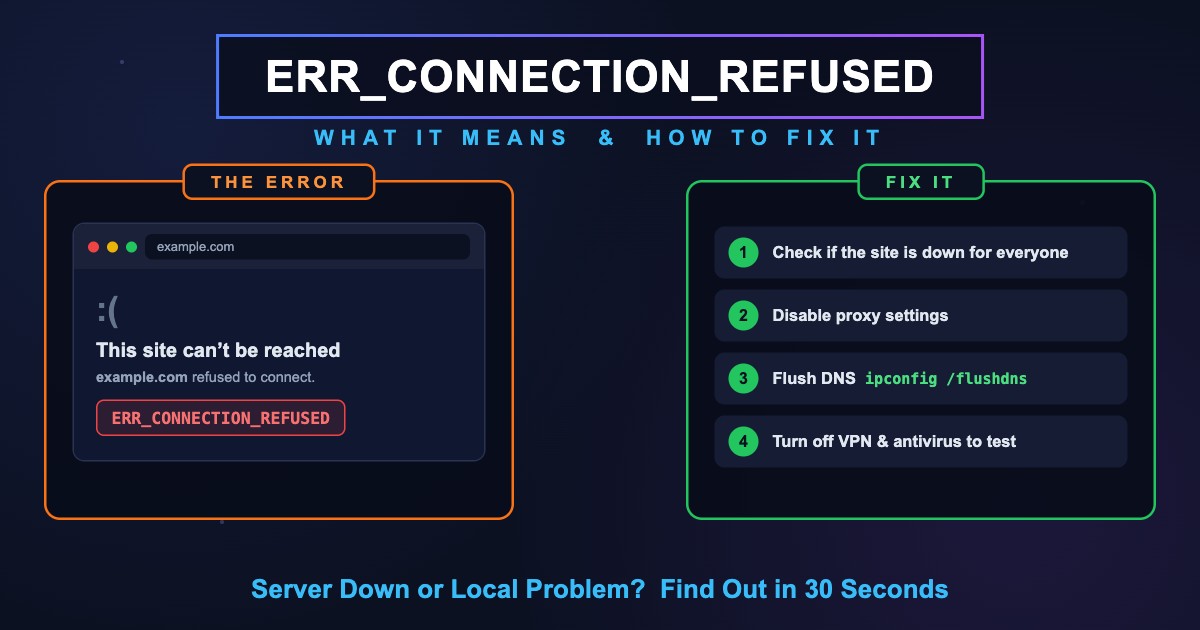
ERR_CONNECTION_REFUSED Artinya & Cara Mengatasinya
ERR_CONNECTION_REFUSED (menolak untuk terhubung) artinya server ditemukan tapi menolak koneksi. Cek penyebabnya, lalu atasi di PC, HP, atau localhost.
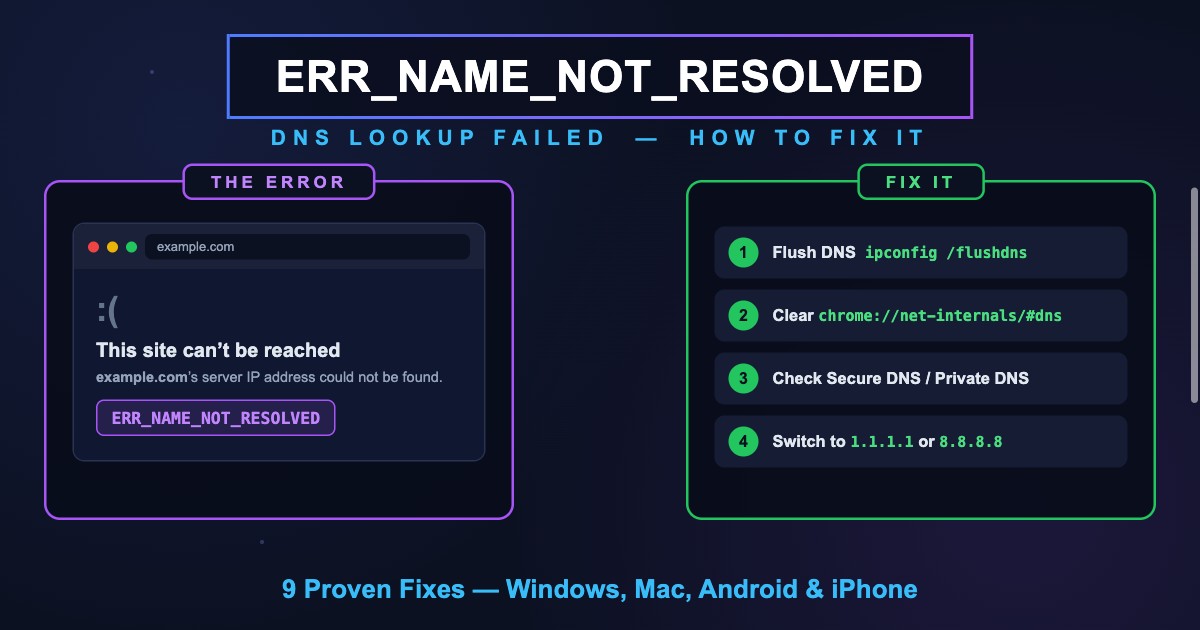
ERR_NAME_NOT_RESOLVED: Artinya & Cara Mengatasi di HP/Laptop
ERR_NAME_NOT_RESOLVED artinya DNS gagal mengubah nama situs menjadi alamat IP. Cara mengatasinya di Chrome, HP Android, dan laptop, plus arti kode -105.
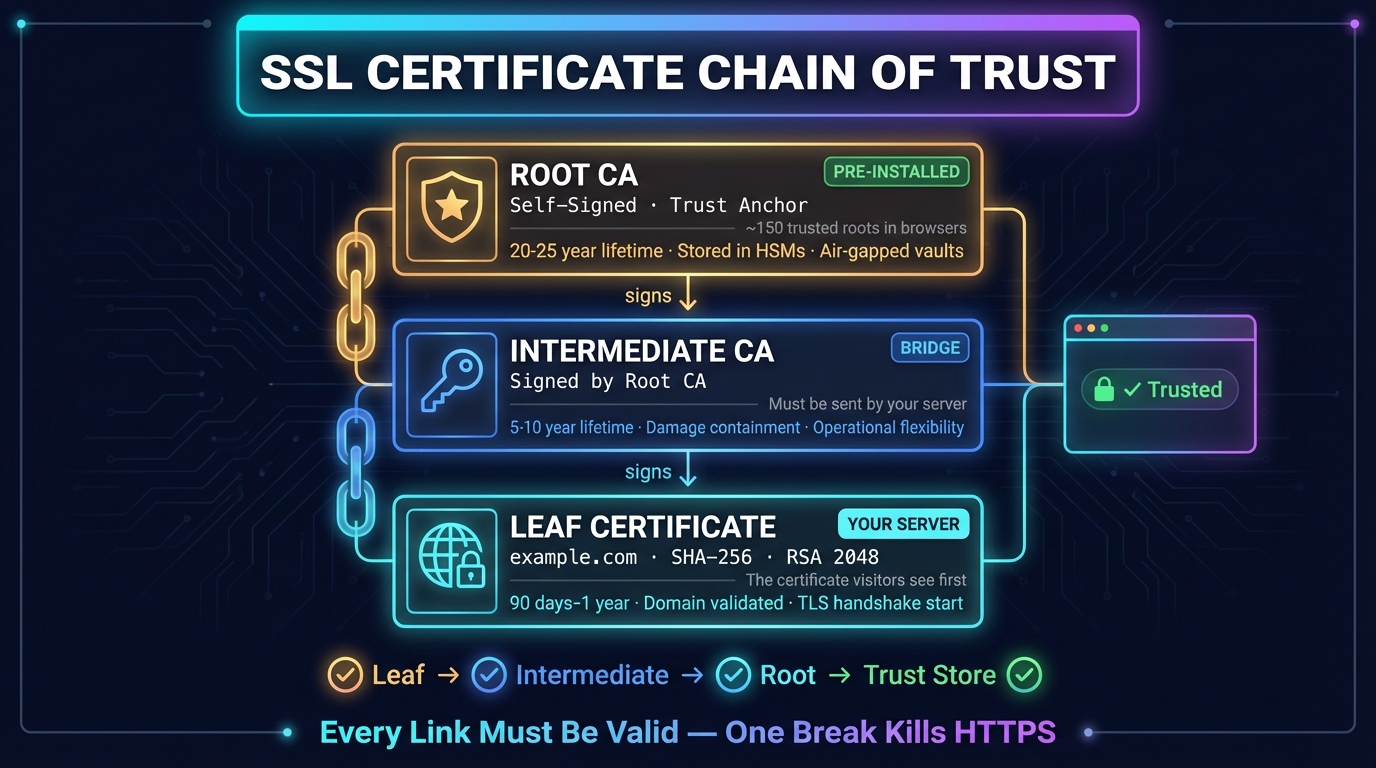
Rantai Sertifikat SSL: Urutan, Cara Cek, dan Perbaikan
Rantai sertifikat SSL menghubungkan sertifikat situs ke root yang dipercaya browser. Cara kerja, urutan yang benar, cara memeriksa, dan memperbaiki error.


Alat Terkait
Cek HTTP Header
Analisis header respons HTTP dan penilaian header keamanan
Cek DNS
Semua DNS record langsung dari nameserver domain, berdampingan dengan cache Google dan Cloudflare
Pemeriksa Port
Uji konektivitas port dan ketersediaan layanan
Pemeriksaan Sertifikat SSL
Verifikasi validitas sertifikat SSL dan detail keamanan
Tes Ping
Ukur ping, jitter, dan packet loss Anda, ping ke 34 region cloud, dan ping situs atau IP apa pun dari 11 kota