What Is a QR Code Scanner?
A QR code scanner is a tool that reads Quick Response (QR) codes — two-dimensional barcodes that store data in a matrix of black and white squares. QR codes were invented in 1994 by Denso Wave for tracking automotive parts and have since become the universal bridge between physical and digital content. They encode URLs, text, WiFi credentials, contact cards, payment info, and more.
DNS Robot's free QR code scanner online lets you scan QR codes two ways: upload an image file (PNG, JPG, GIF, WebP) or use your device's webcam for real-time scanning. Unlike phone apps that require installation, our QR scanner runs entirely in your browser using the jsQR library and HTML5 Canvas API. Your images and camera feed are never uploaded to any server — all processing happens on your device, ensuring complete privacy.
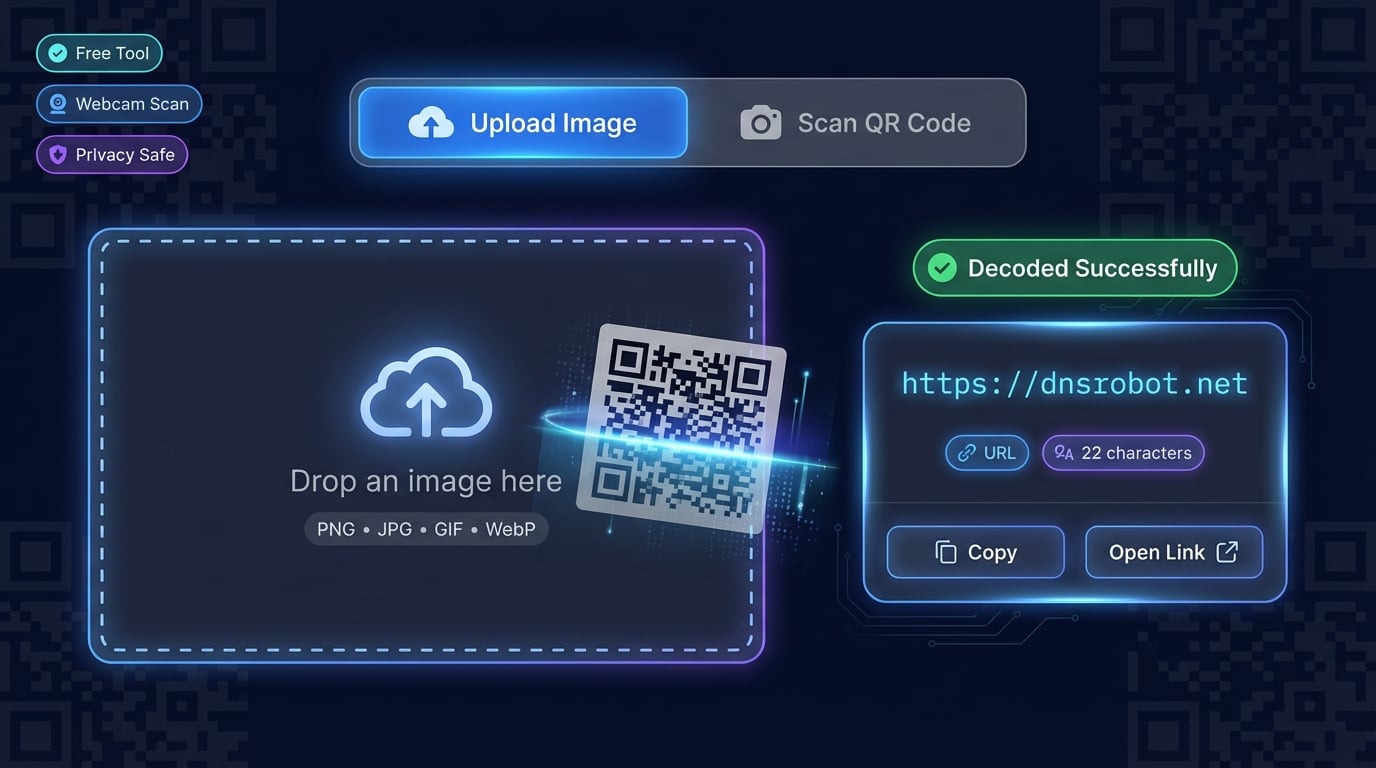
How to Scan a QR Code Online
Our QR code reader online supports two scanning methods. Choose the one that fits your situation — both decode instantly with no server uploads.
Advertisement
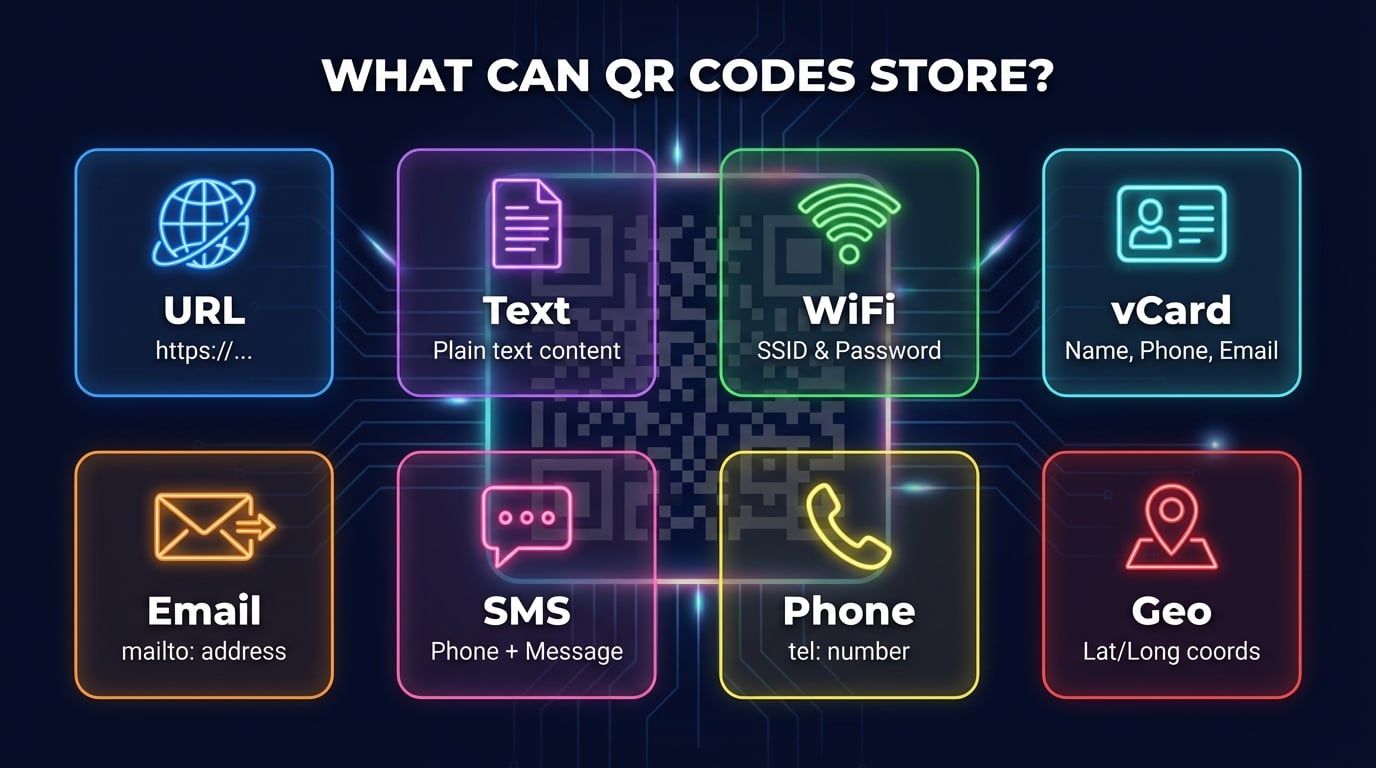
QR Code Data Types: What Can QR Codes Store?
QR codes can encode many types of data. Our QR code scanner from image and webcam scanner decode all standard formats automatically.
How QR Codes Work: Understanding QR Code Structure
QR codes (Quick Response codes) store data in a two-dimensional grid of black and white modules. Unlike traditional barcodes that encode data in one direction, QR codes encode data both horizontally and vertically, allowing them to store significantly more information in a smaller space. A standard QR code can hold up to 7,089 numeric characters or 4,296 alphanumeric characters.
Every QR code contains several structural elements: three finder patterns (the large squares in corners) that help scanners locate and orient the code, alignment patterns that compensate for distortion, timing patterns that define the grid structure, and the data/error correction area that holds the actual encoded information. The format information encodes the error correction level (L/M/Q/H) and the mask pattern used to ensure readability.
There are 40 QR code versions, ranging from Version 1 (21×21 modules) to Version 40 (177×177 modules). Higher versions hold more data but require higher resolution to print and scan. The Reed-Solomon error correction algorithm allows QR codes to remain readable even when up to 30% of the code is damaged or obscured — this is why QR codes with logos in the center still work.
Advertisement
Privacy & Security: Why Client-Side QR Scanning Matters
Many QR code scanners upload your images to a remote server for processing. This means your data — including QR codes containing WiFi passwords, personal contact information, or private URLs — passes through third-party servers where it could be logged, analyzed, or leaked.
DNS Robot's QR code scanner is 100% client-side. The jsQR library runs entirely in your browser using JavaScript and the HTML5 Canvas API. When you upload an image, it's processed locally — no network requests are made. When you use the webcam, video frames are analyzed in real time on your device using getUserMedia() and canvas frame capture. Your images, camera feed, and decoded data never leave your device.
QR Codes vs Barcodes: What's the Difference?
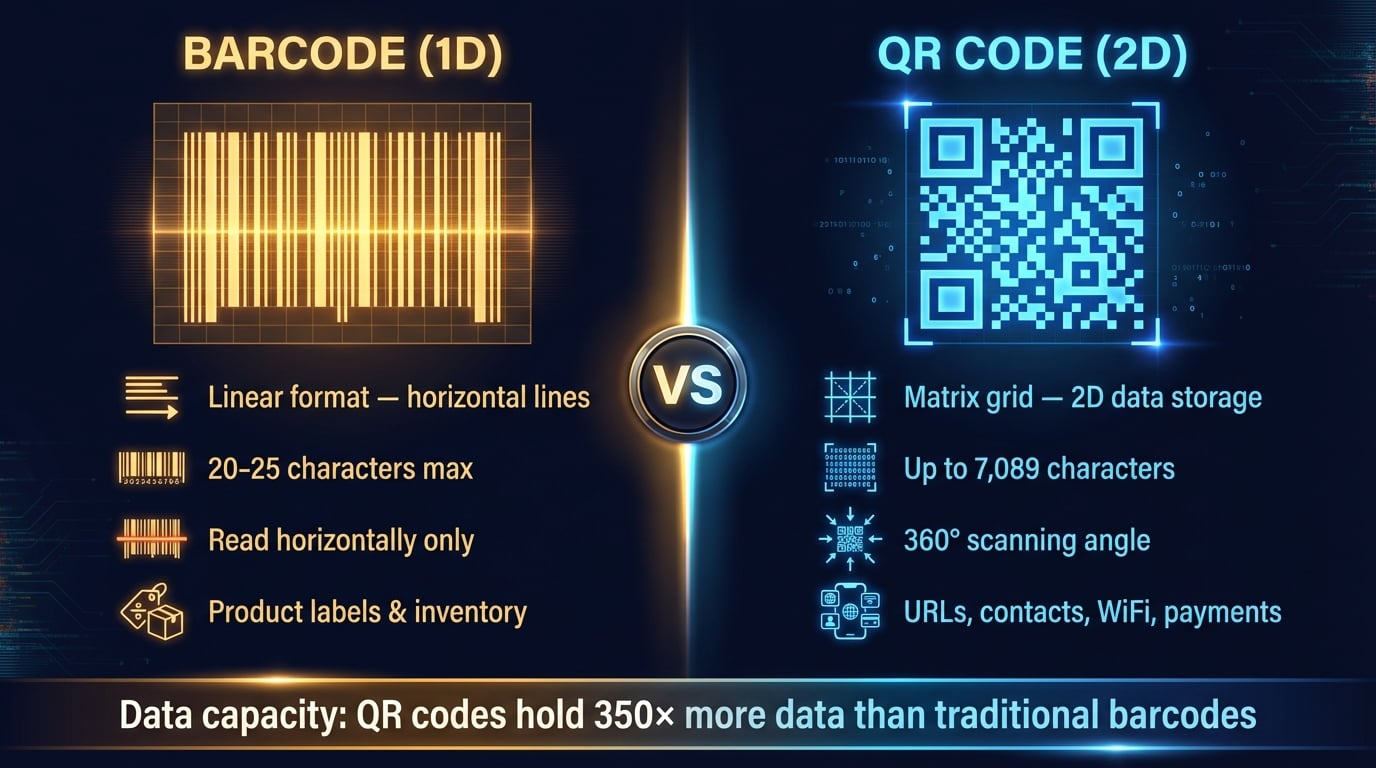
QR codes and traditional barcodes serve different purposes. Here's how they compare.
Traditional Barcode (1D)
- -Linear format — horizontal lines only
- -Holds 20-25 characters maximum
- -Must be read horizontally
- -Used for product labels & inventory
- -No error correction
QR Code (2D)
- +Matrix grid — stores data in 2 dimensions
- +Holds up to 7,089 characters
- +360° scanning angle
- +URLs, contacts, WiFi, payments, and more
- +Reed-Solomon error correction (up to 30%)
Data capacity comparison:QR codes hold up to 350× more data than traditional barcodes, making them the standard for digital content encoding.
Advertisement