What Is 10.0.0.1?
10.0.0.1 is a private IP address: it only exists inside a local network and cannot be reached from the internet. Two very different things use it.
In the Philippines, 10.0.0.1 is the customer portal of most Piso WiFi vending machines ("vendo"), the coin-operated hotspots found in sari-sari stores and apartment buildings. It is the page where you insert coins, see your remaining time and pause your session. In the United States, 10.0.0.1 is the admin page of Xfinity (Comcast) gateways.
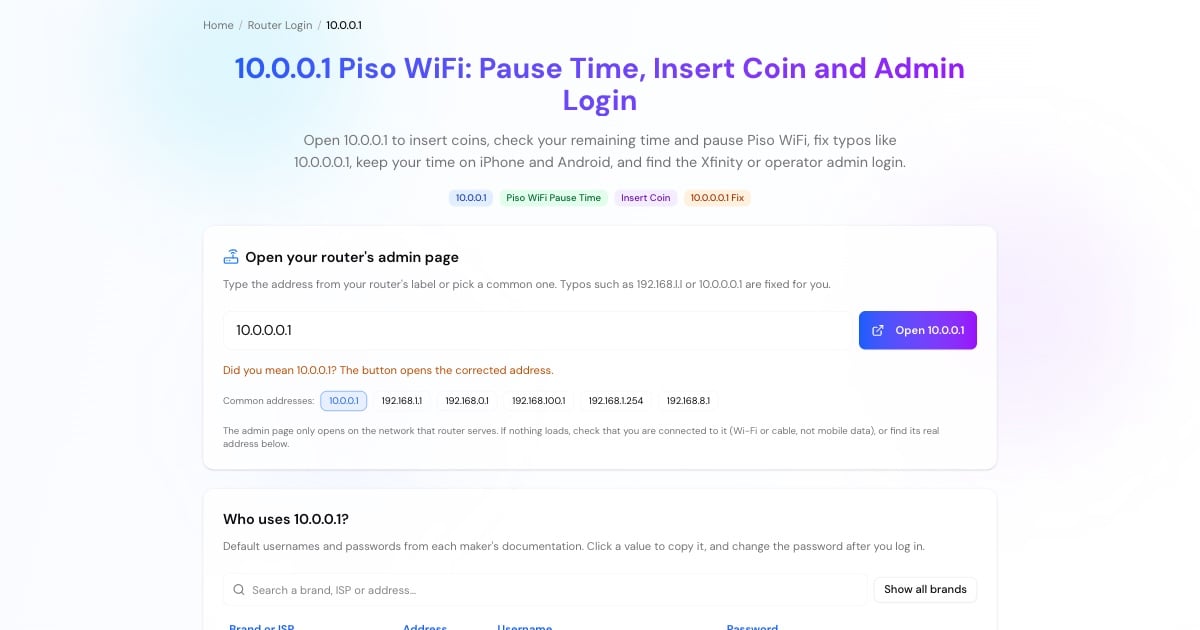
Either way, 10.0.0.1 opens only while your phone or laptop is connected to that Wi-Fi network. The button above opens http://10.0.0.1 directly, so it never ends up in a Google search.
How to Use 10.0.0.1 Piso WiFi
The exact screens depend on the vendo software the owner installed, but every Piso WiFi machine works the same way:
Join the vendo's Wi-Fi. Turn off mobile data so your phone uses the Wi-Fi for the portal.
The portal usually pops up by itself. If it doesn't, open Chrome or another browser and type http://10.0.0.1 in the address bar, or tap the button above.
A countdown starts. Drop your coins into the machine before it ends; each coin adds the minutes set by the owner.
The portal shows your time left and connection status. Open 10.0.0.1 again at any time to see it.
Your time runs while you are connected. Pause it (next section) if you need to step away.
Advertisement
How to Pause Piso WiFi Time on 10.0.0.1
Most vendo software has a Pause (or Pause Time) button on the portal. Pausing freezes your countdown and disconnects you from the internet, so the minutes you paid for are kept for later.
To pause in Chrome: open Chrome while still connected to the Piso WiFi, tap the address bar, type http://10.0.0.1 and tap Go. Do not type it into the Google search box. Tap Pause. To continue, open 10.0.0.1 again on the same phone and tap Resume.
The owner decides whether pause is available, how long a session may stay paused and how many times you can pause. If you don't see the button, the operator has turned it off.
Paused time can expire. Many machines cancel a paused session after a set period, often within a day. Resume before then.
Resume from the same device. The machine recognises you by your phone's network (MAC) address, not by a login.
Why Your Piso WiFi Time Disappears and How to Keep It
A Piso WiFi machine remembers your time by your device's MAC address. Modern phones hide their real MAC address on Wi-Fi networks and sometimes change it. When that happens, the vendo sees a brand-new device with no time, even though you paid. Turn this off for the Piso WiFi network only:
iPhone / iPad: Settings → Wi-Fi → tap (i) next to the Piso WiFi network → set Private Wi-Fi Address to Off (or Fixed on iOS 18 and later).
Android (Pixel and most phones): Settings → Network & internet → Internet → gear next to the network → Privacy → Use device MAC.
Samsung Galaxy: Settings → Connections → Wi-Fi → gear next to the network → View more → MAC address type → Phone MAC.
Don't tap Forget network while you still have time, and don't switch to another phone: the time stays with the device that paid.
Use the MAC address lookup if you want to see which company a MAC address belongs to.
Advertisement
10.0.0.1 Not Opening? Fixes That Work
If 10.0.0.1 shows an error, a blank page or Google results, go through these in order:
Check the Wi-Fi. You must be connected to the Piso WiFi (or Xfinity) network itself. Turn off mobile data.
Use the address bar, with http://. Type
http://10.0.0.1exactly. Searching "10.0.0.1 piso wifi" only shows search results.Fix the typo.
10.0.0.0.1,1.0.0.0.1,10.0 0.1and10001are not valid addresses. The tool above corrects them to 10.0.0.1.Turn off Private DNS, VPN and ad-blocker apps. On Android, Settings → Network & internet → Private DNS → Off (or Automatic) lets the portal load.
Try another browser or an incognito tab to rule out a cached error page.
The machine may use a different address. Some vendos are set up on 192.168.1.1 or another address. Check the sticker on the machine, or your phone's gateway (steps in the tool above).
10.0.0.1 Admin Login for Piso WiFi Operators
The owner's dashboard is separate from the customer portal. It belongs to the vendo software running the machine, such as LPB Piso WiFi, AdoPiSoft or JuanFi, and is where operators set coin rates, pause limits and vouchers and see sales. On many systems it is at an address such as 10.0.0.1/admin, opened from a device on the vendo network.
The admin path and default password depend on the software and its version, so use the ones from your installer or manual and change the default password right away. Anyone who can reach an unchanged dashboard can add free time or change your rates.
Advertisement
10.0.0.1 on Xfinity Gateways
In the US and Canada, Comcast Xfinity gateways use 10.0.0.1 for their admin tool. Connect to your Xfinity Wi-Fi, open http://10.0.0.1 and sign in with the default username admin and password password, then change the password when prompted. Xfinity has moved many settings, including the Wi-Fi name and password, to the Xfinity app.
Using a different router? The router login hub lists the default address and login for 25+ brands and ISPs.
More Network Tools
Other tools that help on a shared or home Wi-Fi network: