What Is 192.168.8.1?
192.168.8.1 is the default admin address of Huawei mobile broadband routers: the 4G and 5G home routers that take a SIM card (often supplied by mobile operators) and Huawei pocket Wi-Fi (MiFi) devices. GL.iNet travel routers use it too.
Because these routers connect over the mobile network, their admin page shows things a normal router doesn't: signal strength, the APN, the SIM PIN, data usage and even an SMS inbox. All of it is reached at http://192.168.8.1 from a device connected to the router.
How to Log In to 192.168.8.1
The network name and Wi-Fi key are printed on the label (on pocket Wi-Fi, often under the battery cover).
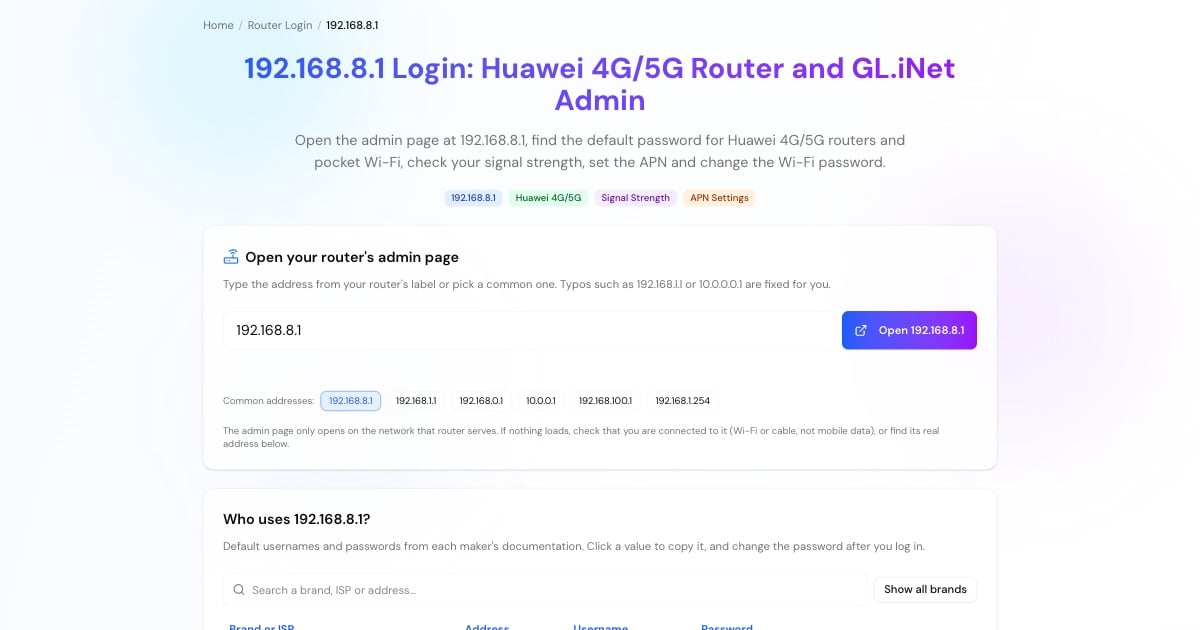
Type http://192.168.8.1 in the browser's address bar, or tap the button above.
Older Huawei models use admin / admin. Newer Huawei models and GL.iNet ask you to create a password the first time; some operator-branded units print it on the label.
It shows signal bars, the network type (4G/5G) and the connection status, which is the first thing to look at when the internet is slow.
Advertisement
192.168.8.1 Default Username and Password
Huawei 4G/5G routers and pocket Wi-Fi (older models): username admin, password admin.
Newer Huawei models: no shared default. You set the password at first login, or it is printed on the label of operator-branded units.
GL.iNet travel routers: you create the admin password during the first setup.
Forgotten password: hold the reset button for a few seconds (on pocket Wi-Fi it is a small hole) to restore factory settings. Your custom Wi-Fi name, password and APN are erased.
Check Your 4G/5G Signal on 192.168.8.1
Huawei routers show detailed signal values under device information or the mobile network settings. Moving the router a metre or two, closer to a window or higher up, often improves them. As a rough guide for LTE:
RSRP (received signal power): around −80 dBm or better is strong, −80 to −100 dBm is usable, and weaker than about −110 dBm is poor.
RSRQ (signal quality): around −10 dB or better is good; −15 dB or worse means interference or a busy cell.
SINR (signal-to-noise): above about 20 dB is excellent, 13–20 dB good, below about 0 dB poor.
Values vary by operator and band; compare readings in different spots rather than relying on one number. To see what this means for page loads, try the DNS speed test.
Advertisement
APN, SIM PIN and SMS Settings
If the router shows full signal but no internet, the APN (access point name) is the usual suspect. On Huawei routers it is under the mobile network or profile management settings: create a profile with the APN your operator publishes and set it as the default.
The same menus let you enable or disable the SIM PIN (needed when you move a SIM from a phone) and read SMS sent to the SIM, which is where operators send data-balance messages.
192.168.8.1 Not Opening?
If the page doesn't load:
Connect to the router's own Wi-Fi and turn off mobile data on your phone, otherwise the phone uses its own SIM.
Type http:// in full:
http://192.168.8.1.The router may use another address. Some operator-customized units are set to 192.168.1.1 or another address; check the label or your default gateway (steps in the tool above).
Turn off VPN and Private DNS apps while you log in.
Restart the router, and as a last resort reset it.
Advertisement