











Crear un código QR gratis: tipos, tamaño y logo
 Shaik Vahid15 min de lectura
Punto clave
Para crear un código QR, elige el tipo de contenido (enlace, texto, Wi-Fi, vCard, correo, teléfono, SMS, WhatsApp, ubicación, evento o un sistema de pago), escribe los datos, deja la corrección de errores en M (H con un logo), añade si quieres colores, un marco o un logo, y descárgalo en PNG para pantallas o en SVG o PDF para imprimir. Un generador gratis en el navegador hace todo esto sin registro, y tus datos nunca salen de tu dispositivo. En la práctica, los códigos QR fallan por poco contraste, un tamaño de impresión demasiado pequeño para la distancia de escaneo, un logo demasiado grande y un enlace que cambia después de imprimir, así que prueba cada código con un teléfono antes de usarlo.
Compruébelo ahora
Abrir Generador de QR
Empiece a leer
- Qué necesitas para crear un código QR
- Cómo crear un código QR paso a paso
- Tipos de contenido de un código QR y qué escribir
- Cómo crear un código QR para Wi-Fi, vCard y WhatsApp
- Niveles de corrección de errores del código QR
- Añadir un logo, colores y un marco
- Tamaño del código QR para impresión y pantallas
- Códigos QR estáticos y dinámicos
- Cómo probar y medir un código QR
- Errores que debes evitar con un código QR
- Preguntas frecuentes sobre cómo crear un código QR
Qué necesitas para crear un código QR
Cómo crear un código QR en una frase: elige qué debe contener el código, escríbelo en un generador de códigos QR, elige un tamaño y un nivel de corrección de errores, y descarga la imagen. Ese es todo el proceso, y con una herramienta en el navegador como el Generador de QR lleva unos 30 segundos y no necesita cuenta, aplicación ni pago.
Un código QR es un código de barras bidimensional definido por la norma ISO/IEC 18004 (edición actual: 2024) y presentado por Denso Wave en 1994. Almacena texto, y todo lo demás (un sitio web, un acceso Wi-Fi, una tarjeta de contacto, un pago) es solo texto con un formato que los teléfonos reconocen. La versión más grande (versión 40, 177 por 177 módulos) con el nivel de corrección de errores más bajo contiene 7089 dígitos, 4296 caracteres alfanuméricos o 2953 bytes, según la especificación de Denso Wave, aunque un código tan denso es difícil de escanear; los códigos prácticos contienen unos cientos de caracteres. QR Code es una marca registrada de DENSO WAVE INCORPORATED.
Esta guía cubre los cinco pasos, qué escribir en cada tipo de contenido, cómo interactúan la corrección de errores y los logos, el tamaño que se escanea de forma fiable en papel, la diferencia entre códigos estáticos y dinámicos, y cómo probar un código antes de comprometerlo con un cartel, un menú o una tarjeta de visita.
Crea un código QR ahora
Cómo crear un código QR paso a paso
Los cinco pasos siguientes coinciden con los controles de la mayoría de los generadores. El ejemplo usa la herramienta gratuita de DNS Robot, que se ejecuta por completo en tu navegador.
Paso 1: elige el tipo de contenido
Elige el tipo que coincida con lo que debe hacer quien escanee: abrir un enlace, unirse al Wi-Fi, guardar un contacto, iniciar un chat de WhatsApp, enviar un correo, marcar un número, abrir una ubicación en el mapa o hacer un pago. El tipo determina cómo reacciona el teléfono tras escanear, así que elígelo en lugar de pegarlo todo como texto sin formato.
Paso 2: escribe los datos
Escribe o pega el contenido. Para un sitio web, usa la URL completa con https://; un dominio sin más funciona en la mayoría de los lectores, pero no en todos. Para el Wi-Fi, escribe el nombre de la red, la contraseña y el tipo de seguridad tal como aparecen en el router. Mantén el contenido corto: menos caracteres significan un código menos denso, que se escanea desde más lejos.
Paso 3: define el nivel de corrección de errores
La mayoría de los generadores usan M por defecto, que sirve para pantallas y para casi toda la impresión; H es el nivel para un logo o para un código que se ensuciará o se rayará. La herramienta de DNS Robot lo ajusta por ti: M por defecto, H en cuanto añades un logo, y su verificación de escaneo ofrece cambiar a H con un clic cuando un código necesita más margen. Los niveles altos resisten más daño, pero hacen el código más denso; la sección sobre corrección de errores más abajo explica el equilibrio.
Paso 4: personaliza colores, marco y logo (opcional)
Ajusta el patrón de puntos, los colores y el estilo de los cuadrados de esquina, añade un marco con una llamada a la acción como «Escanéame», o superpón un logo. Mantén módulos oscuros sobre fondo claro con un contraste fuerte, y deja que la herramienta cambie la corrección de errores a H cuando se añada un logo.
Paso 5: descarga y prueba
Descarga PNG para sitios web, correo y presentaciones, o SVG o PDF para todo lo que se vaya a imprimir o redimensionar. Después escanea el resultado con la cámara del teléfono y con una segunda aplicación, como el Lector de códigos QR, antes de usarlo en cualquier sitio.
Tipos de contenido de un código QR y qué escribir
La tabla enumera los tipos de contenido que admite un generador moderno, qué escribir y qué ocurre cuando alguien escanea el resultado. La columna de la derecha es lo que el teléfono decodifica realmente, útil si quieres crear el mismo código con el tipo Texto en otra herramienta.
| Tipo | Qué escribes | Qué hace el teléfono | Cómo se ve el texto codificado |
|---|---|---|---|
| Enlace | Una dirección web completa | Abre la página en el navegador | https://example.com/menu |
| Texto | Cualquier texto | Muestra el texto | Mesa 12, pide en la barra |
| Wi-Fi | Nombre de la red, contraseña, seguridad | Ofrece unirse a la red | WIFI:T:WPA;S:Cafe;P:espresso-2026;; |
| Contacto (vCard) | Nombre, teléfono, correo, empresa, dirección | Ofrece guardar el contacto | BEGIN:VCARD ... END:VCARD |
| Correo | Dirección, asunto, mensaje | Abre un correo ya redactado | mailto:hi@example.com?subject=Quote |
| Teléfono | Un número | Ofrece llamar | tel:+14155550100 |
| SMS | Un número y un mensaje | Abre un mensaje de texto ya redactado | SMSTO:+14155550100:Hello |
| Un número y un mensaje | Abre un chat de WhatsApp | https://wa.me/14155550100?text=Hi | |
| Ubicación | Latitud y longitud | Abre una aplicación de mapas en ese punto | geo:37.7749,-122.4194 |
| Evento | Título, lugar, inicio y fin | Ofrece añadirlo al calendario | BEGIN:VCALENDAR ... END:VCALENDAR |
| Pago (UPI, PayPal, cripto) | ID del beneficiario o dirección de billetera, monto | Abre la aplicación de pago con los datos completados | upi://pay?pa=name@bank&pn=Shop&am=100.00&cu=INR |
El generador de DNS Robot admite 16 tipos: diez de uso diario y seis sistemas de pago, desde UPI y Pix hasta transferencias SEPA. Dos tareas tienen su propia página con el tipo preseleccionado: el Generador de QR WiFi para redes de invitados, y el Generador de QR UPI para códigos de pago que leen PhonePe, Google Pay, Paytm y BHIM.
Cómo crear un código QR para Wi-Fi, vCard y WhatsApp
Estos tres son los más pedidos después de las URL, y cada uno tiene una particularidad de formato que conviene conocer. El generador se ocupa del formato por ti, pero ver el texto sin procesar explica por qué un código a veces falla.
Código QR de Wi-Fi
El formato Wi-Fi es WIFI:T:<seguridad>;S:<nombre de la red>;P:<contraseña>;; donde la seguridad es WPA (que también sirve para redes WPA2 y WPA3), WEP o nopass para redes abiertas. En el formato de ZXing, que leen los iPhone y los teléfonos Android, una barra invertida, un punto y coma, una coma, dos puntos o unas comillas dobles dentro del nombre o la contraseña llevan una barra invertida delante; la versión WPA3 de la Wi-Fi Alliance escribe el punto y coma como %3B, así que prueba en un teléfono cualquier código con estos caracteres. Una red solo WPA3 añade R:1;, y una red oculta añade H:true;, aunque Apple ha dicho que la cámara del iPhone no admite redes ocultas, así que pruébalo en un iPhone.
WIFI:T:WPA;S:Blue Cafe Guest;P:latte\;2026;;

# Nombre de la red: Blue Cafe Guest
# Contraseña:       latte;2026   (el ; se escapa como \;)
# Seguridad:        WPA/WPA2/WPA3
Código QR de vCard (contacto)
Un código QR de vCard codifica una tarjeta de contacto que las cámaras del iPhone y de Android ofrecen guardar. Limítate a nombre, un teléfono, un correo, empresa y sitio web: aun así, el código de abajo es una cuadrícula de 53 × 53, de unos 6 cm de ancho a 25 cm según la estimación de tamaño más abajo, así que en una tarjeta de visita suele encajar mejor un enlace corto a tu página de contacto. Nuestro generador escribe vCard 3.0, la versión del propio ejemplo de ZXing, o el formato MECARD, más corto.
BEGIN:VCARD
VERSION:3.0
N:Shaik;Vahid;;;
FN:Vahid Shaik
ORG:DNS Robot
TEL;TYPE=CELL:+14155550100
EMAIL:hello@dnsrobot.net
URL:https://dnsrobot.net
END:VCARD
Código QR de WhatsApp
Un código de WhatsApp es solo una URL con la forma https://wa.me/<número>?text=<mensaje>, con el número en formato internacional sin signo más, espacios ni guiones, y el mensaje codificado para URL. Al escanearlo se abre un chat con el mensaje ya escrito, y por eso lo usan restaurantes y tiendas pequeñas para los pedidos.
Niveles de corrección de errores del código QR
Todo código QR incluye datos redundantes para que se siga escaneando cuando una parte está sucia, rota, tapada por un logo o mal impresa. La norma define cuatro niveles, y la elección cambia robustez por densidad.
| Nivel | Palabras de código que puede restaurar | Ideal para |
|---|---|---|
| L (bajo) | Alrededor del 7 % | Pantallas limpias, máximo de datos, códigos muy pequeños |
| M (medio) | Alrededor del 15 % | El valor por defecto: pantallas, folletos, menús, carteles |
| Q (cuartil) | Alrededor del 25 % | Etiquetas y envases que se ensucian o se rozan |
| H (alto) | Alrededor del 30 % | Logos, rótulos exteriores, todo lo que se manipula |
Un logo tapa parte del código, así que consume corrección de errores, y más de la que sugieren los porcentajes: estos cuentan palabras de código, no superficie de imagen, y un logo estropea todas las palabras de código que toca (Denso Wave). Mantén el logo en torno al 10 % de la superficie del código con el nivel H; nuestro generador cambia a H cuando añades uno, nunca deja que un logo pase del 15 % y vuelve a leer el código antes de que lo descargues. No añadas un logo con el nivel L o M: el código puede escanearse en tu teléfono y fallar en el de otra persona.
Añadir un logo, colores y un marco
La personalización es donde nacen la mayoría de los códigos que no se escanean. Tres reglas mantienen fiable un código con tu marca.
- Primero el contraste. Módulos oscuros sobre fondo claro. Una cámara convierte la imagen en blanco y negro con un umbral a medio camino entre sus partes más claras y más oscuras, así que los puntos pálidos o un código claro sobre fondo oscuro caen del lado equivocado, y los códigos invertidos solo se escanean en lectores que los prueban. Mantén al menos un 40 % de contraste entre los módulos y el fondo (la calificación de impresión da una A a partir del 70 %).
- Deja la zona de silencio. El margen en blanco alrededor del código, de al menos cuatro módulos de ancho, es parte del código. Los marcos, el texto y los logos deben quedar fuera.
- Mantén intactos los tres cuadrados de esquina. Los cuadrados grandes de tres esquinas son la forma en que el lector encuentra y orienta el código. Puedes cambiar su forma (esquinas redondeadas, círculos), pero deja cada anillo y cada centro sólidos, y nunca los tapes ni los colorees tan claro que se confundan con el fondo.
Los degradados funcionan si los dos extremos siguen siendo oscuros frente al fondo. Un marco con una llamada a la acción corta, como «Escanea para ver el menú», aumenta los escaneos porque la gente sabe lo que va a obtener, y la página detrás del código debe ofrecer exactamente eso, que es el trabajo de una página de destino enfocada. Prueba cualquier diseño personalizado en un iPhone y en un teléfono Android, con poca luz, antes de enviarlo a imprimir.
Tamaño del código QR para impresión y pantallas
Una estimación útil es dar a cada módulo (un cuadrado de la cuadrícula) al menos 1/250 de la distancia de escaneo. Para un enlace corto, eso significa un código de unos 3,3 centímetros de ancho, con margen incluido, si se lee desde 25 centímetros, y de unos 13 centímetros desde 1 metro. Los proveedores de QR lo dicen de forma más simple: un teléfono lee un código típico desde unas diez veces su ancho, sin contar el margen (QRStuff). Ninguna norma fija una distancia, así que sube una talla con poca luz o en ángulo, y recuerda que un contenido más largo, un logo con el nivel H o una tarjeta de contacto completa añaden módulos y necesitan más espacio.
| Dónde va | Distancia de escaneo típica | Ancho mínimo para un enlace corto |
|---|---|---|
| Tarjeta de visita | 20 a 30 cm | Unos 2,6 a 4 cm |
| Menú, folleto, envase de producto | 30 a 50 cm | Unos 4 a 6,6 cm |
| Cartel, escaparate | 1 a 2 m | Unos 13 a 26 cm |
| Lona, valla, vehículo | 5 m o más | Unos 66 cm o más |
| Sitio web o correo | Distancia de pantalla | 150 a 250 píxeles mostrados |
| Diapositiva de presentación | 3 a 6 m | Unos 40 a 80 cm proyectado |
Exporta SVG o PDF para todo lo que se imprima; ambos se escalan a cualquier tamaño sin perder nitidez. Para pantallas, exporta un PNG y deja que la página lo reduzca. Un contenido más corto también ayuda: una URL de 30 caracteres produce una cuadrícula más gruesa y más fácil de escanear que una de 200 caracteres al mismo tamaño físico. Un código QR en una tarjeta de visita que abre tu sitio web de currículum es el caso clásico de formato pequeño: una URL corta, nivel M y unos 3 centímetros de ancho.
Códigos QR estáticos y dinámicos
Un código QR estático codifica el contenido directamente: la URL, el acceso Wi-Fi, la vCard. Nunca caduca, no necesita ningún servicio y no se puede cambiar después de imprimirlo. Un código QR dinámico codifica una URL de redirección corta que controla un servicio, de modo que el destino puede cambiarse después y los escaneos pueden contarse, normalmente por una cuota mensual.
Puedes tener las ventajas de los códigos dinámicos sin suscripción apuntando el código a una URL corta de un dominio que controlas y gestionando tú mismo la redirección. Imprime https://yourdomain.com/menu en la tarjeta, redirígela a donde esté el menú este mes y cambia la redirección cuando quieras. El Verificador de redirecciones confirma que la URL corta llega a la página final en un solo salto (un bucle aparece como el error de demasiadas redirecciones), y el Buscador de Dominios te ayuda si todavía no tienes un dominio corto para ello.
Cómo probar y medir un código QR
Probar lleva dos minutos y evita el fallo más caro de un código QR: mil menús impresos que apuntan a una página que muestra una advertencia del navegador. Escanea el arte final, no solo el PNG descargado, con la cámara nativa de un iPhone y de un teléfono Android, y con un lector dedicado como el Lector de códigos QR, que además te muestra el texto decodificado exacto.
En los códigos de URL, comprueba el destino además del código. La página debe cargar por HTTPS con un certificado válido, porque una advertencia de privacidad tras escanear termina la visita. El Verificador SSL confirma el certificado en segundos, y la solución a «la conexión no es privada» explica la advertencia si la ves. Si el enlace redirige, el Verificador de redirecciones muestra cada salto. Para contar las visitas del código sin un servicio de pago, etiqueta el enlace con parámetros UTM; tu analítica mostrará entonces esas visitas bajo esa fuente y campaña. Cuenta cargas de página, no escaneos, así que un escaneo que nunca abre la página, o un visitante que bloquea la analítica, no se registra. No pongas las etiquetas en el código impreso: imprime un enlace corto en tu propio dominio y añádelas a la página a la que redirige, para que el código siga siendo pequeño.
https://yourdomain.com/menu-tables
  → redirects to https://yourdomain.com/menu?utm_source=qr&utm_medium=print&utm_campaign=menu&utm_content=table-tents

# Un enlace corto por ubicación: table-tents, window, flyer
# utm_content distingue las ubicaciones en tu analíticaErrores que debes evitar con un código QR
- Imprimir demasiado pequeño. Dimensiona el código según la distancia de escaneo (un módulo de al menos 1/250 de ella) e imprime una copia de prueba antes de una tirada grande.
- Poco contraste o colores invertidos. Los módulos claros sobre fondo oscuro siguen fallando en algunos lectores.
- Tapar los cuadrados de esquina o la zona de silencio con un logo, un marco o texto.
- Codificar una URL larga. Acórtala en tu propio dominio; el código se vuelve más grueso y se escanea desde más lejos.
- Un destino que cambia. Si puede moverse, apunta el código a una redirección que controles.
- Enlazar a una página HTTP o con un certificado roto. Escanea y comprueba que la página muestra un candado.
- No probarlo nunca en otro teléfono. Tu teléfono ya ha visto el código; el de un desconocido, no.
- Sin llamada a la acción. Un código sin más recibe menos escaneos que uno que dice qué se obtiene al escanear.
Crea un código QR ahora, gratis y sin registro
El Generador de QR gratis de DNS Robot crea 16 tipos de código, desde enlaces, Wi-Fi y tarjetas de contacto hasta seis sistemas de pago, con colores, marcos y un logo dentro de un tamaño seguro. Vuelve a leer cada código antes de que lo descargues en SVG, PNG, JPEG, WebP o PDF, y todo se ejecuta en tu navegador.
Fuentes
- ISO/IEC 18004:2024 (QR Code), ISO
- QR Code versions and capacity, Denso Wave
- QR Code error correction, Denso Wave
Preguntas frecuentes sobre cómo crear un código QR
¿Cómo creo un código QR gratis?
¿Cómo hago un código QR para un enlace?
¿Cómo creo un código QR para el Wi-Fi?
¿Puedo añadir un logo a un código QR?
¿Qué tamaño debe tener un código QR?
¿Los códigos QR caducan?
¿Cuál es la diferencia entre un código QR estático y uno dinámico?
¿Qué formato de archivo debo descargar, PNG o SVG?
¿Cuántos datos cabe en un código QR?
¿Cómo pruebo un código QR antes de imprimirlo?
Sobre el autor
Shaik VahidFundador de DNS Robot. Vahid pasó años en el soporte de alojamiento web resolviendo dominios, registros DNS, certificados SSL y la entrega de correo para clientes. Desarrolla las herramientas de DNS Robot y escribe estas guías a partir de los errores que la gente encuentra de verdad.
Artículos relacionados
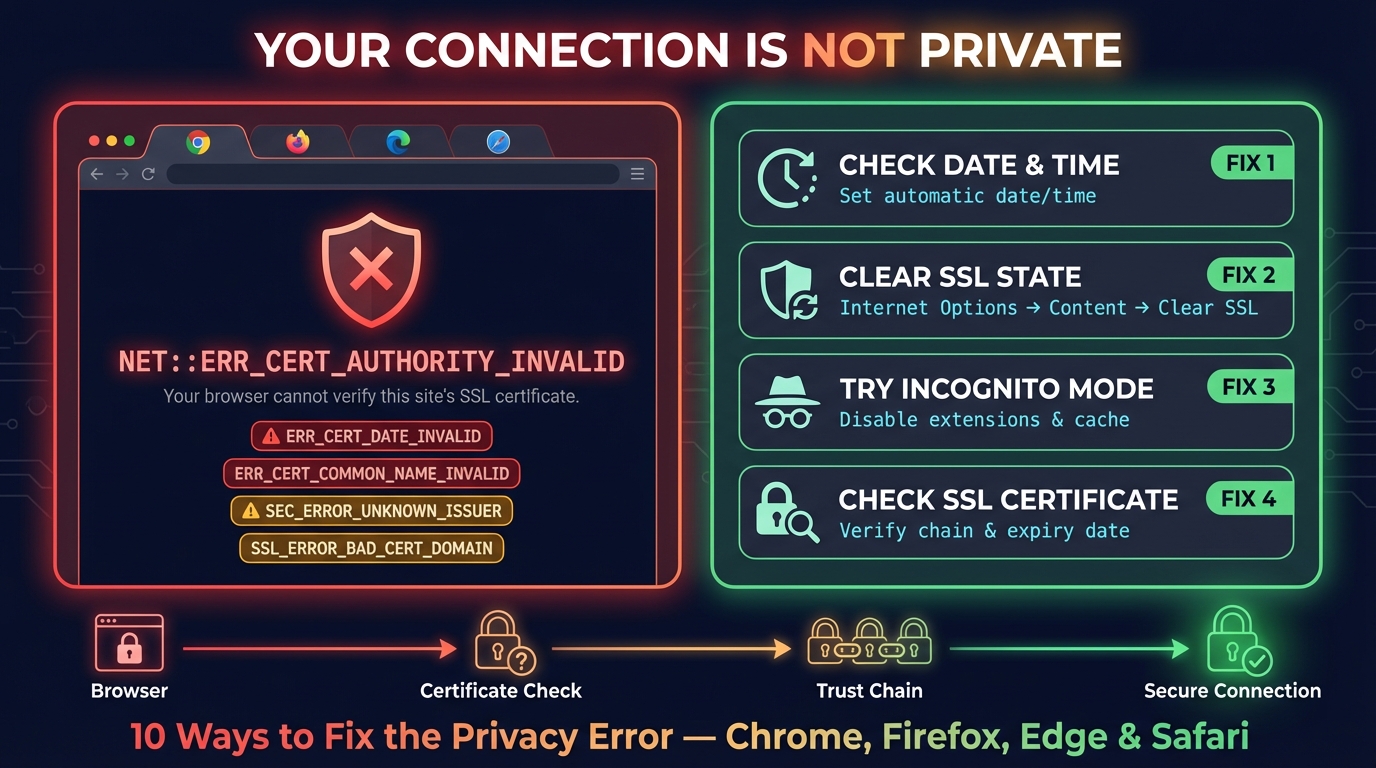
La conexión no es privada: cómo solucionarlo en Android y iPhone
Soluciona "La conexión no es privada" en Chrome y "Esta conexión no es privada" en iPhone y iPad: qué significa el aviso y la solución para cada causa.
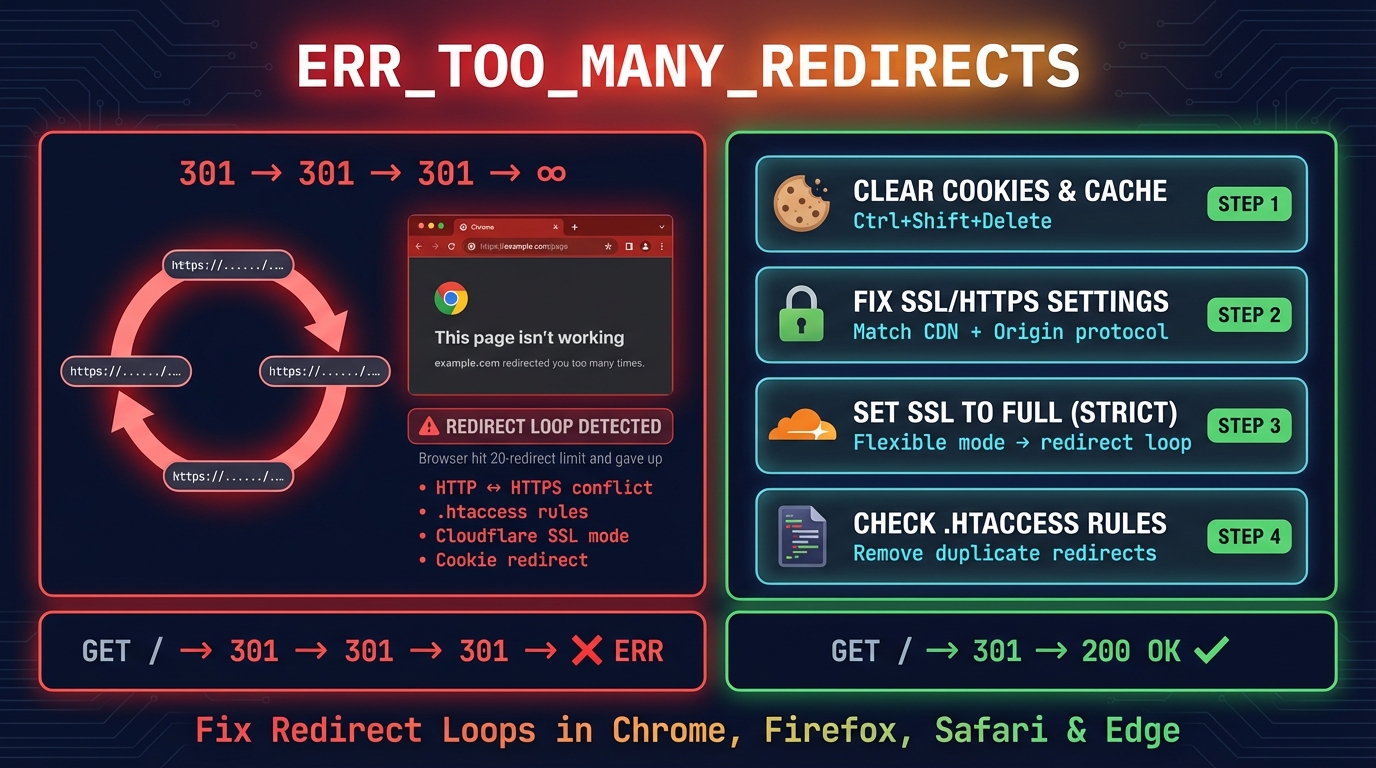
ERR_TOO_MANY_REDIRECTS: cómo solucionarlo (todos los navegadores)
ERR_TOO_MANY_REDIRECTS («te ha redirigido demasiadas veces»): borra las cookies del sitio o corrige el bucle de Cloudflare SSL, WordPress o .htaccess.


Herramientas relacionadas
Generador de QR
Cree códigos QR para enlaces, Wi-Fi, contactos, WhatsApp y pagos UPI o Pix, con su logo y colores, verificados antes de descargar SVG, PNG o PDF
Escáner de Código QR
Escanea códigos QR desde la webcam o imágenes subidas al instante
Generador de QR WiFi
Un código QR WiFi para que sus invitados se conecten en un escaneo desde la Cámara del iPhone o el Wi-Fi de Android: WPA2, WPA3 y tarjeta imprimible
Generador de Código QR UPI
Genere códigos QR de pago UPI que funcionan con PhonePe, Google Pay, Paytm, BHIM, Amazon Pay y WhatsApp Pay — un único código estándar para todas las apps de pago de la India
Verificador de Redirecciones
Verifica redirecciones de URL, cadenas de redirección y códigos de estado HTTP para SEO
Verificador de Certificado SSL
Verifica la validez y detalles de seguridad del certificado SSL