What Is Epoch Time (Unix Time)?
Epoch time, also called Unix time or a Unix timestamp, is the number of seconds that have passed since 1 January 1970, 00:00:00 UTC, a moment known as the Unix epoch. For example, 1700000000 is 14 November 2023 at 22:13:20 UTC.
Computers store time this way because a single number is easy to compare, sort and send between systems, and it means the same instant everywhere in the world. Time zones only come in when you turn it into a date for people to read. Unix time ignores leap seconds: every day counts as exactly 86,400 seconds.
Seconds, Milliseconds, Microseconds or Nanoseconds?
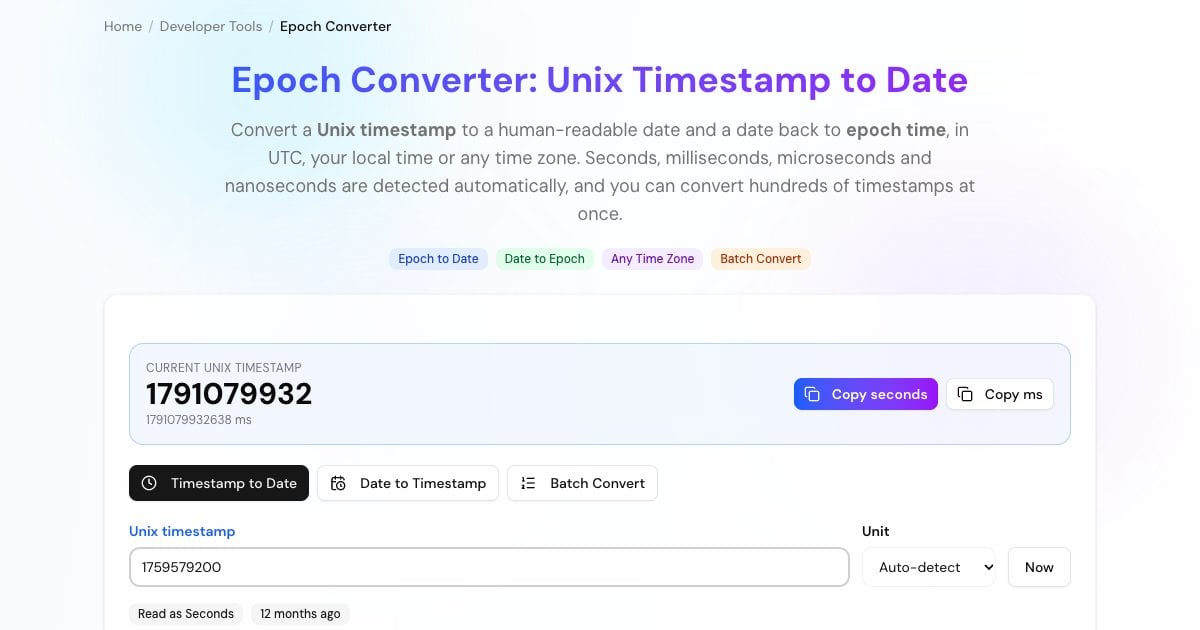
Timestamps come in different precisions. The converter detects the unit from the number of digits, and you can override it with the unit menu:
The classic Unix timestamp, used by Linux, PHP, Python's time.time() (as a float), JWT exp claims and most APIs. Example: 1700000000.
Used by JavaScript (Date.now()), Java and many databases and logs. Example: 1700000000000.
Used by Go's UnixMicro() and many high-resolution logs and traces. Example: 1700000000000000.
Used by Go's UnixNano(), InfluxDB and monitoring systems. Example: 1700000000000000000.
Advertisement
How to Convert a Unix Timestamp to a Date
Enter it in the Timestamp to Date tab. Commas, spaces and a decimal part (like 1700000000.5) are fine, and negative values give dates before 1970.
The badge shows whether it was read as seconds, milliseconds, microseconds or nanoseconds. Pick the unit yourself if the guess is wrong.
You get the date in UTC and your own time zone, ISO 8601, RFC 2822, how long ago it was, and the same moment in all four units.
Choose any time zone from the list to see the same instant there, for example to check when a log entry happened for a colleague abroad.
How to Convert a Date to a Unix Timestamp
Open the Date to Timestamp tab, pick a date and time, and choose the time zone it belongs to. You get the epoch time in seconds and milliseconds, plus the ISO 8601 form in UTC.
The same panel shows the first and last second of that day, month and year in the chosen time zone. That's handy for database queries such as "all orders placed in October in New York time", where you need the start and end timestamps of the period.
Advertisement
Time Zones and Daylight Saving Time
A Unix timestamp has no time zone: it always counts from midnight UTC on 1 January 1970. The same timestamp is simply shown as different clock times in different places, such as 22:13 in London and 03:43 the next morning in India for 1700000000.
Converting a date to a timestamp is where time zones matter. Some clock times happen twice when the clocks go back, and some never happen when they go forward. On the night US clocks jump forward, 02:30 in New York doesn't exist. This tool handles both cases the way Python does: a time that doesn't exist moves forward by the gap, and a time that happens twice uses the first occurrence.
The Year 2038 Problem
Older systems store Unix time in a signed 32-bit integer, which tops out at 2147483647: 19 January 2038 at 03:14:07 UTC. One second later the number overflows to a negative value and those systems read the date as 13 December 1901.
Most modern operating systems and languages use 64-bit time and aren't affected, but embedded devices, old file formats, some legacy code and MySQL's TIMESTAMP column type (which ends at 2038-01-19 03:14:07 UTC) still are. The converter shows a warning for any timestamp outside the 32-bit range, so you can spot values that could break older software.
Advertisement
Get the Current Epoch Time in Code
Every language and shell can read and convert Unix time:
Math.floor(Date.now() / 1000)              // seconds
Date.now()                                 // milliseconds
new Date(1700000000 * 1000).toISOString() // '2023-11-14T22:13:20.000Z'import time, datetime
int(time.time()) # seconds
datetime.datetime.fromtimestamp(1700000000, datetime.timezone.utc)
# 2023-11-14 22:13:20+00:00date +%s # current epoch seconds
date -u -d @1700000000 # Linux (GNU date)
date -u -r 1700000000 # macOS (BSD date)-- PostgreSQL
SELECT extract(epoch FROM now());
SELECT to_timestamp(1700000000);
-- MySQL
SELECT UNIX_TIMESTAMP();
SELECT FROM_UNIXTIME(1700000000);time(); // PHP
date('c', 1700000000);
time.Now().Unix() // Go
Instant.now().getEpochSecond() // Java=(A1/86400)+DATE(1970,1,1) // epoch seconds in A1 to a UTC date
=(B1-DATE(1970,1,1))*86400 // UTC date in B1 to epoch secondsNotable Unix Timestamps
0: 1 January 1970, 00:00:00 UTC, the Unix epoch.1000000000: 9 September 2001, 01:46:40 UTC, the first 10-digit timestamp.1234567890: 13 February 2009, 23:31:30 UTC.1700000000: 14 November 2023, 22:13:20 UTC.1800000000: 15 January 2027, 08:00:00 UTC.2000000000: 18 May 2033, 03:33:20 UTC.2147483647: 19 January 2038, 03:14:07 UTC, the 32-bit limit.4294967295: 7 February 2106, 06:28:15 UTC, the unsigned 32-bit limit.
Advertisement
More Developer Tools
Other free tools for developers and system admins, all running in your browser: