











How to Test a Public API Endpoint: DNS, TLS, Headers & CORS
 Shaik Vahid10 min read
Key takeaway
"The API is down" is almost never one problem. Test it in six layers (DNS, port 443, TLS, HTTP status, CORS, payload) and stop at the first layer that fails. Typical culprits are a DNS record that never propagated, a certificate that expired overnight, or a missing Access-Control-Allow-Origin header that breaks browser calls while curl works fine.
Check it now

Start reading
- Why "The API Is Down" Is Never One Problem
- Pick a Real Endpoint You Can Hammer
- Layer 1: Does the Hostname Resolve?
- Layer 2: Is Port 443 Open?
- Layer 3: Is the TLS Certificate Valid?
- Layer 4: Read the Response Headers
- What a Healthy JSON Response Looks Like
- Layer 5: The Header That Breaks Only Browser Calls
- The Preflight Trap: Works Until You Add a Header
- Layer 6: Is the Payload the Shape You Expect?
- Symptom → Layer → Tool
- Frequently Asked Questions
Why "The API Is Down" Is Never One Problem
When an API call fails, the error your client shows you is usually generated several layers above the thing that actually broke. A browser reporting Failed to fetch cannot tell you whether the hostname failed to resolve, the TCP connection was refused, the TLS handshake was rejected, or the server returned a perfectly healthy 200 that the browser then discarded for a missing CORS header. All four produce the same message.
The fix is to stop guessing and walk the stack in order. Each layer only makes sense if the one beneath it succeeded, so the first layer that fails is your actual bug — everything after it is noise.
There are six layers worth checking, and together they take about two minutes:
- DNS — does the hostname resolve to an IP at all?
- Port 443 — is anything listening, or is the connection refused or filtered?
- TLS — is the certificate valid, unexpired, and served with a complete chain?
- HTTP status — what does the server actually return: 200, 401, 429, 503?
- CORS — does the response carry the headers a browser needs to hand you the body?
- Payload — is the JSON the shape your code expects?
Check an endpoint's status and headers now
Pick a Real Endpoint You Can Hammer
To practise this you need a live endpoint that returns real data, needs no API key, and will not rate-limit you for running the same request twenty times. That rules out most obvious candidates — nearly every mainstream public API now gates you behind a signup form and a token, which means a failed request could always be your credentials rather than the layer you are testing.
The examples below use the free prayer-times API from Waqt Azan (مواقيت الصلاة), an Arabic prayer-times service covering more than 60,000 places in over 100 countries. It works well as a teaching endpoint for three reasons: there is no key and no auth header, it returns structured JSON rather than HTML, and it sets a permissive CORS policy — so the curl commands run exactly as written, and the fetch() example works from the console of a page without a strict Content-Security-Policy.
The endpoint takes a country and city slug directly in the path:
# Prayer times for a city — no API key, no headers required
curl -s https://waqtazan.com/api/v1/timings/saudi-arabia/riyadh

# The same data as a subscribable calendar feed
curl -s https://waqtazan.com/api/v1/ical/saudi-arabia/riyadh.ics
Substitute any host you are actually debugging — the six layers are identical whether you are testing a public API, your own staging server, or a third-party webhook receiver.
Layer 1: Does the Hostname Resolve?
DNS is a common culprit. A record was changed and has not propagated, a wildcard was removed, or the API lives on a subdomain that was never created in the first place.
Resolve the hostname before anything else. If this step returns nothing, no amount of restarting your app will help — your client never gets far enough to open a socket.
dig +short waqtazan.com A
nslookup waqtazan.com

# Compare what different resolvers see — catches mid-propagation records
dig +short waqtazan.com A @1.1.1.1
dig +short waqtazan.com A @8.8.8.8If two public resolvers disagree just after you changed a record, it is still propagating, and the API will look intermittently broken depending on which resolver each client happens to hit (a geo-routing CDN can hand each resolver a different address all the time, so compare against the record you set). Run a DNS lookup to see the full record set, or check propagation across global resolvers from the DNS propagation checker right after changing a record.
An empty answer here maps directly to ERR_NAME_NOT_RESOLVED in Chrome and getaddrinfo ENOTFOUND in Node — ERR_NAME_NOT_RESOLVED has the full fix list.
One thing not to worry about: many APIs sit behind a CDN, so the A record points at a CDN edge rather than the origin server. That is expected. What matters is that you get an answer at all, not which IP it is.
Layer 2: Is Port 443 Open?
The hostname resolves, so something has an address. Now find out whether anything is listening on it. This is where you separate three very different failures that clients love to report identically:
- Open — the TCP handshake completes. Move to the next layer.
- Refused — the host answered with an immediate RST. Something is there, but nothing is bound to that port — usually the service crashed, or is bound to localhost only.
- Filtered — the connection hangs until it times out. A firewall or security group is dropping packets silently, which is why your request hangs for a minute or more before failing (75 seconds on macOS).
# Time-boxed TCP check: -w limits the connect on Linux; on macOS use -G 5 instead
nc -vz -w 5 waqtazan.com 443

# Or with curl: --connect-timeout caps the connect; 000 means no response came back
curl -s -o /dev/null -w '%{http_code}\n' --connect-timeout 5 https://waqtazan.com/A refused connection and a filtered one need completely different fixes, so it is worth knowing which you have. The port checker distinguishes them and tests from outside your network — which matters, because a port that is open from your office VPN may be firewalled off from the public internet.
If curl prints 000 as the status code, no HTTP response came back. Usually the request failed in layers 1–3 (no DNS answer, a refused or filtered port, a failed TLS handshake), but a server that accepts the connection and then closes it or never answers also gives 000; add -v to see the last step that worked. ERR_CONNECTION_REFUSED covers the refused case in detail.
Layer 3: Is the TLS Certificate Valid?
Port 443 is open, but an open port does not mean a working HTTPS endpoint. Certificates are a classic overnight breakage, because they expire on a schedule and renewal automation fails quietly.
The certificate needs three things to be true at once: it is not expired, its name matches the hostname you requested, and the server sends the full intermediate chain. The third is the sneaky one: an incomplete chain often works in browsers, because Chrome downloads a missing intermediate itself and Firefox preloads them, while Node, Python, Java and OpenSSL builds of curl fail (the curl that ships with macOS uses Apple's verifier and may pass). That is the origin of the classic "it works in my browser but not in production" bug report.
# Expiry dates and subject
echo | openssl s_client -connect waqtazan.com:443 -servername waqtazan.com 2>/dev/null \
  | openssl x509 -noout -subject -dates

# Full chain as presented by the server
openssl s_client -connect waqtazan.com:443 -servername waqtazan.com -showcerts < /dev/null
Count the certificates in the -showcerts output. A single certificate on its own usually means a missing intermediate. The SSL certificate checker reports expiry, chain completeness, and hostname match in one pass, and what an SSL certificate chain is explains why the intermediate matters so much.
Keep -servername: OpenSSL 1.1.1 and later fill in SNI from the -connect hostname, but the LibreSSL openssl that ships with macOS doesn't, and no version does when you connect to an IP address. Without SNI a shared host hands you its default certificate, or, like Cloudflare, aborts the handshake, and you chase a name mismatch that doesn't exist.
Layer 4: Read the Response Headers
TLS is good, so you finally have a real HTTP conversation. Now read what the server actually said, instead of what your client summarised for you. Print only the headers: the body is still downloaded and thrown away, so this is the same GET your client sends.
curl -s -D - -o /dev/null https://waqtazan.com/api/v1/timings/egypt/cairoRead the status line first, then content-type, then everything else. Those two fields tell you whether the request succeeded and whether the body is JSON before you read anything else.
What a Healthy JSON Response Looks Like
Running the command above against the test endpoint on 27 October 2026 returned these headers, among others:
| Header | Value | What it tells you |
|---|---|---|
HTTP/2 | 200 | Request succeeded, and the server speaks HTTP/2 |
content-type | application/json | You will get JSON, not an HTML error page |
content-length | 567 | A real payload, not an empty body |
access-control-allow-origin | * | Browsers are allowed to read this response |
server | cloudflare | A CDN sits in front of the origin |
alt-svc | h3=":443" | HTTP/3 is advertised for subsequent requests |
Layer 5: The Header That Breaks Only Browser Calls
This layer is where hours disappear, because it is the one where curl and the browser genuinely disagree. CORS is enforced by the browser, not the server. If Access-Control-Allow-Origin is missing, the server still returns a complete, correct 200 — the browser simply refuses to hand the body to your JavaScript.
So the symptom is: curl works perfectly, Postman works perfectly, and the browser console says the request was blocked by CORS policy. Nothing is wrong with the server. The response is just missing one header.
The test endpoint returns access-control-allow-origin: *, which is why a plain fetch() from any origin works:
// Run it in the console of a tab on a site without a strict CSP, such as example.com
// (this page's own CSP blocks it). It works there because ACAO is set to *
const r = await fetch('https://waqtazan.com/api/v1/timings/egypt/cairo')
console.log(await r.json())The Preflight Trap: Works Until You Add a Header
There is a second-order gotcha, and this endpoint demonstrates it nicely. A simple request (a plain GET with no custom headers) succeeds. But the moment you add a custom header, or POST with Content-Type: application/json, the browser first sends an OPTIONS preflight, and the preflight response must carry its own CORS headers (MDN).
Test the preflight separately, because it is a different response from a different code path:
curl -s -D - -o /dev/null -X OPTIONS \
  -H 'Origin: https://example.com' \
  -H 'Access-Control-Request-Method: GET' \
  https://waqtazan.com/api/v1/timings/egypt/cairo
As of 27 October 2026, that preflight returns a 200 with content-type: text/html and no access-control-allow-origin header at all, so a preflighted request from a browser would be blocked, even though the plain GET works fine.
That is the exact trap: your integration works in development, you add an Authorization or X-Request-Id header, and it breaks with no server-side change whatsoever. If you only need public data, keep the request simple and it will keep working.
Layer 6: Is the Payload the Shape You Expect?
The last layer is the one your code actually cares about. A 200 with valid JSON can still break you if a field was renamed, a type changed from number to string, or a timestamp arrives in a format you do not parse.
Look at the real response before writing the parser. This endpoint returns both display-formatted times and ISO timestamps, which is a pattern worth copying — the localised strings are for humans, the ISO values are for code:
{
  "city": { "slug": "riyadh", "name_ar": "الرياض", "name_en": "Riyadh" },
  "country": "saudi-arabia",
  "date": "2026-10-26",
  "times":    { "fajr": "4:38 ص", "dhuhr": "11:37 ص", "maghrib": "5:17 م" },
  "timesISO": { "fajr": "2026-10-26T01:38:00.000Z", "dhuhr": "2026-10-26T08:37:00.000Z" },
  "method": "umm_al_qura"
}
Always parse the machine-readable field. Here that means timesISO, never times — the display strings are localised and will change format the moment the locale does.
Pipe the response through jq to inspect structure quickly: curl -s <url> | jq keys lists the top-level fields, and jq '.times' drills in without scrolling through the raw body.
Symptom → Layer → Tool
Use this to jump straight to the layer that matters, instead of walking all six every time:
| What you see | Failing layer | Check it with |
|---|---|---|
ERR_NAME_NOT_RESOLVED, ENOTFOUND | 1 — DNS | DNS lookup |
ECONNREFUSED, instant failure | 2 — Port | Port checker |
| Request hangs, then times out | 2 — Filtered port | Port checker |
CERT_HAS_EXPIRED, UNABLE_TO_VERIFY_LEAF_SIGNATURE | 3 — TLS | SSL checker |
| Works in browser, fails in curl or Node | 3 — Incomplete chain | SSL checker |
401, 429, 503 | 4 — HTTP status | HTTP Header Checker |
| Works in curl, blocked in browser | 5 — CORS | HTTP Header Checker |
Unexpected token '<', "<!DOCTYPE "... is not valid JSON | 4 — HTML error page | HTTP Header Checker |
| Fields missing or wrong type | 6 — Payload | curl … | jq |
Latency sits slightly outside this ladder. If every layer passes but responses are slow, time the round trip to the host with ping and check whether name resolution itself is the bottleneck with a DNS speed test.
Check any endpoint's real response headers
See the exact status code, content-type, and CORS headers an API returns — requested server-side, so no browser cache or extension can distort the result. Free, no signup.
Sources
Frequently Asked Questions
How do I test an API endpoint without Postman?
Why does my API work in curl but fail in the browser?
What does curl returning status code 000 mean?
How can I tell whether an API is down for everyone or just me?
Why does an API return 200 but my JSON parser throws an error?
What is a CORS preflight and when does it happen?
Should I test the API's DNS with my own resolver or a public one?
Does an open port 443 mean the HTTPS endpoint works?
About the author
Shaik VahidFounder of DNS Robot. Vahid spent years in web hosting support fixing domains, DNS records, SSL certificates and email delivery for customers. He builds DNS Robot's tools and writes these guides from the errors people actually hit.
Related Articles
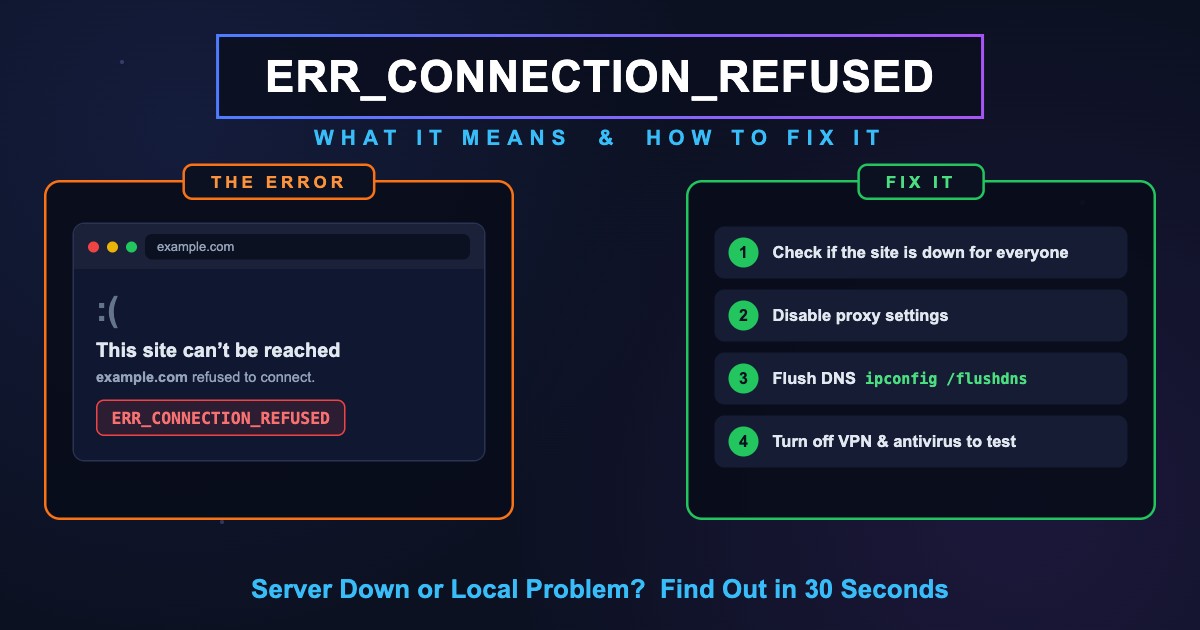
ERR_CONNECTION_REFUSED: Meaning & Fix (Chrome, All Browsers)
ERR_CONNECTION_REFUSED means the site's server was found but refused the connection. Find out if it's you or the site, then fix it on PC, phone or localhost.
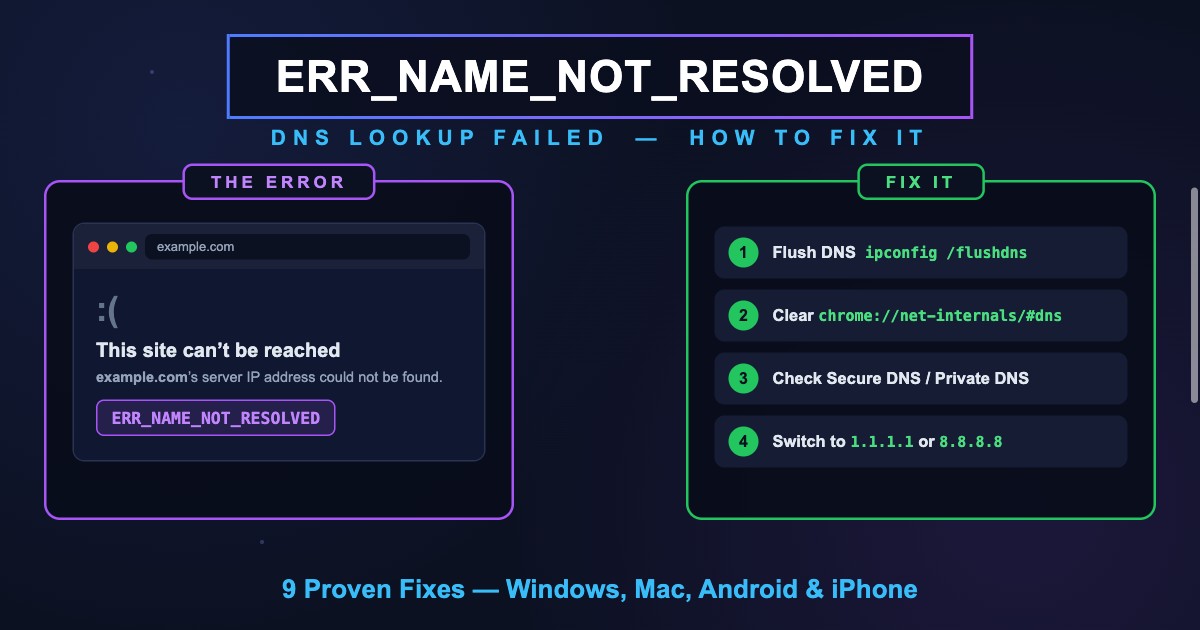
ERR_NAME_NOT_RESOLVED (-105): Meaning & Fix in Chrome
ERR_NAME_NOT_RESOLVED (-105) means Chrome couldn't find the site's IP address in DNS. What it means, why you see it instead of DNS_PROBE codes, and the fixes.
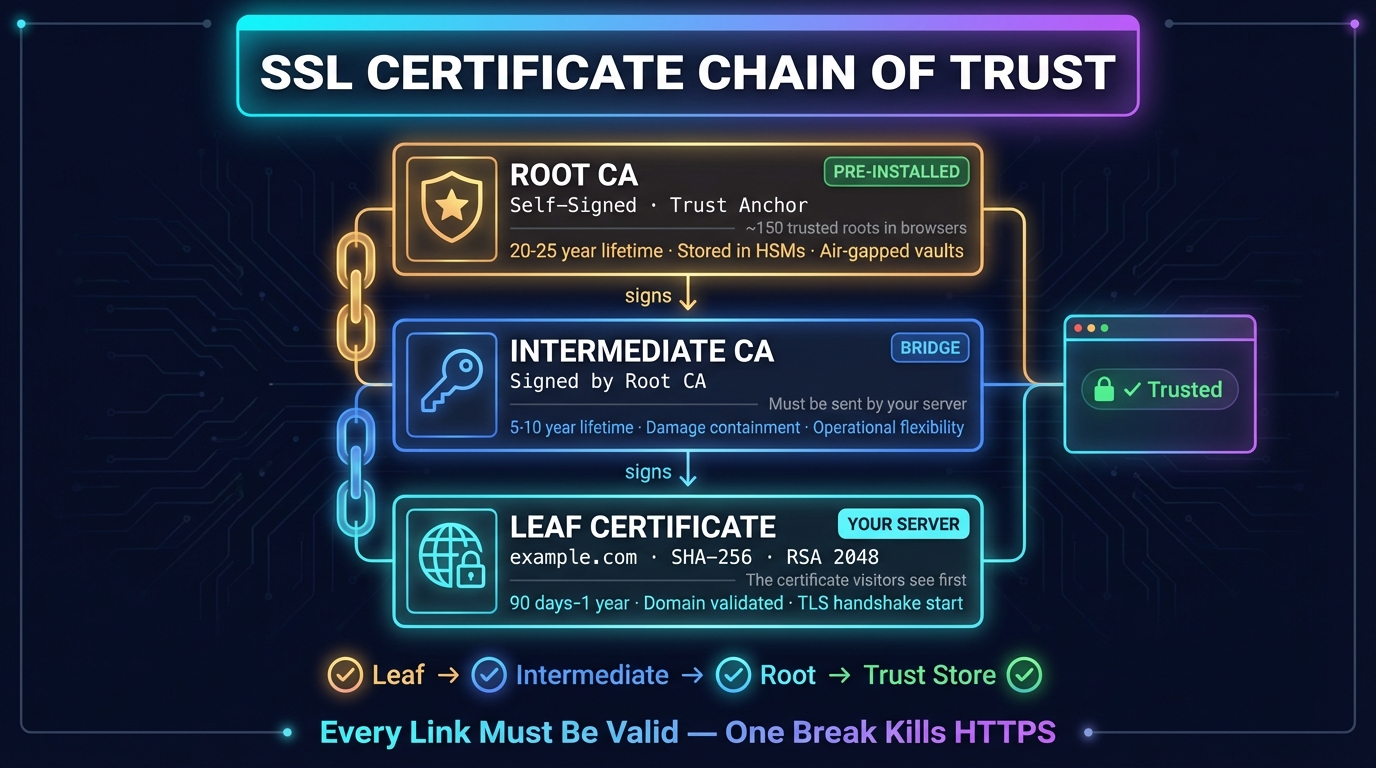
What Is an SSL Certificate Chain? Order, Check & Fix
An SSL certificate chain links a site's certificate to a root your browser trusts. How it works, the right order, how to check it, and how to fix chain errors.


Related Tools
HTTP Header Checker
Response headers exactly as sent, with a Mozilla Observatory security grade
DNS Lookup
Every DNS record from the domain's own nameservers, beside Google's and Cloudflare's cache
Port Checker
Test port connectivity and service availability
SSL Certificate Check
Verify SSL certificate validity and security details
Ping Test
Test your ping, jitter and packet loss, see your ping to 34 cloud regions, and ping any website or IP from 11 cities