











Resume Website Template: Free HTML Layout and How to Publish It
 Shaik Vahid10 min read
Key takeaway
A resume website template is a one-page layout with seven sections in a fixed order: a header with your name, title and contact links; a two-sentence summary; experience in reverse order with one result per role; skills grouped by category; education and certifications; optional selected projects; and a contact block with a downloadable PDF. The HTML and CSS starter on this page gives you all seven, responsive and printable, plus Person structured data that helps search engines match the page to your name and profiles. Publish it free on GitHub Pages, Netlify or Cloudflare Pages, then point a domain with your name at it. The whole thing takes about 30 minutes, and unlike a PDF, it is one link that never goes out of date.
Check it now

Start reading
- What Is a Resume Website Template?
- Resume Website vs PDF Resume: Do You Need Both?
- What to Include: The 7 Sections in Order
- The Free Resume Website Template (HTML and CSS)
- How to Add Person Schema to a Resume Website
- How to Make Your Resume Website Printable and ATS-Friendly
- How to Publish Your Resume Website for Free
- How to Put Your Resume Website on Your Own Domain
- Resume Website Mistakes to Avoid
- Resume Website Template FAQ
What Is a Resume Website Template?
A resume website template is a ready-made one-page layout that presents your CV as a web page instead of a document: name and title at the top, a short summary, experience, skills, education and a way to contact you, with a link to download the PDF version. You fill in the content, publish it at a URL, and put that URL on your LinkedIn, email signature and job applications.
The point is not to replace the PDF. Applicant tracking systems still want a file. The point is that a URL is one link that is always current, renders on every phone, can carry more than two pages without looking bloated, and shows up when someone searches your name. The template on this page is deliberately plain: it is built for the roughly 7.4 seconds recruiters spend on a first scan, according to the Ladders eye-tracking study, and to print cleanly when they hit Ctrl+P.
You get the section order that works, a complete HTML and CSS starter you can copy into one file, the structured data that tells search engines who the page is about, and the steps to publish it free and put it on a domain with your name.
Resume Website vs PDF Resume: Do You Need Both?
You need both. The table shows where each one wins so you know what to put on the page and what to keep in the file.
| Feature | Resume website | PDF resume |
|---|---|---|
| Where it goes | LinkedIn, email signature, bio links, business card QR code | Job applications, applicant tracking systems, recruiter email |
| Length | As long as it needs to be, sections collapse on mobile | One to two pages |
| Always current | Yes, one URL | No, every sent copy freezes |
| Searchable by name | Yes, with your name in the title and Person structured data | No |
| ATS parsing | Not applicable | Must be a clean, single-column text PDF |
| Links and proof | Live links to projects, talks, code, publications | Mostly text; links may not survive ATS parsing |
Generate the PDF from the same content so the two never drift. The template below includes a print stylesheet, so the PDF is simply the page printed to a file.
What to Include: The 7 Sections in Order
Order matters more than design. Recruiters scan from the top, looking first at your current title and company, and stop as soon as they have an answer, so put what answers "is this person relevant" first. Every resume website template worth using follows these seven sections in this order.
- Header. Name, current title or target role, city, and three to five contact links: email, LinkedIn, GitHub or portfolio, phone if you want calls. Add a Download PDF button here.
- Summary. Two sentences. What you do, for whom, with one number that proves it. Not an objective statement.
- Experience. Reverse chronological. Role, company, dates, one line on scope, then two to four bullets that each start with a verb and end with a result.
- Skills. Grouped by category (languages, tools, methods, domains), not one long list. Skip star ratings and progress bars; they convey nothing.
- Education and certifications. Degree, institution, year. Certifications with the issuing body and year. Recent graduates move this above Experience.
- Selected projects (optional). Three at most, each with one line and a link. This is where career changers and juniors prove capability.
- Contact. Repeat the email and LinkedIn, and state your availability or location preferences in one line.
The Free Resume Website Template (HTML and CSS)
Copy this into a file named index.html, replace the bracketed text, and open it in a browser. It is a single file with no dependencies, responsive from 320 pixels up, and it prints to a clean PDF of one or two pages, depending on how much you write. The structure uses semantic elements so screen readers and search engines understand it.
<!DOCTYPE html>
<html lang="en">
<head>
<meta charset="utf-8">
<meta name="viewport" content="width=device-width, initial-scale=1">
<title>[Your Name] – [Your Title]</title>
<meta name="description" content="[Your Name], [Your Title] in [City]. [One-line summary with a result].">
<link rel="canonical" href="https://[yourname].com/">
<style>
:root { --ink:#1a1a1a; --muted:#5a5a5a; --line:#e5e5e5; --accent:#2563eb; }
* { box-sizing:border-box; }
body { margin:0; font:16px/1.55 system-ui, -apple-system, Segoe UI, Roboto, sans-serif; color:var(--ink); }
main { max-width:760px; margin:0 auto; padding:48px 20px; }
header h1 { font-size:2rem; margin:0 0 4px; }
header p { margin:0; color:var(--muted); }
.links { display:flex; flex-wrap:wrap; gap:12px 20px; margin:16px 0 0; padding:0; list-style:none; }
.links a { color:var(--accent); text-decoration:none; }
.btn { display:inline-block; margin-top:16px; padding:10px 16px; border:1px solid var(--accent); border-radius:8px; color:var(--accent); text-decoration:none; }
section { margin-top:40px; border-top:1px solid var(--line); padding-top:24px; }
h2 { font-size:1.1rem; letter-spacing:.04em; text-transform:uppercase; color:var(--muted); margin:0 0 16px; }
article { margin-bottom:24px; }
article h3 { margin:0; font-size:1.05rem; }
.meta { color:var(--muted); font-size:.95rem; margin:2px 0 8px; }
ul { padding-left:20px; margin:8px 0 0; }
.skills { display:grid; grid-template-columns:repeat(auto-fit, minmax(200px, 1fr)); gap:16px; }
.skills h3 { font-size:.95rem; margin:0 0 4px; }
@media print {
body { font-size:12px; }
main { padding:0; max-width:none; }
.btn, nav { display:none; }
section { page-break-inside:avoid; margin-top:20px; padding-top:12px; }
a { color:inherit; text-decoration:none; }
}
</style>
</head>
<body>
<main>
<header>
<h1>[Your Name]</h1>
<p>[Your Title] · [City, Country]</p>
<ul class="links">
<li><a href="mailto:[you@yourname.com]">[you@yourname.com]</a></li>
<li><a href="https://linkedin.com/in/[handle]">LinkedIn</a></li>
<li><a href="https://github.com/[handle]">GitHub</a></li>
</ul>
<a class="btn" href="/[your-name]-resume.pdf" download>Download PDF</a>
</header>
<section id="summary">
<h2>Summary</h2>
<p>[Two sentences: what you do, for whom, and one number that proves it.]</p>
</section>
<section id="experience">
<h2>Experience</h2>
<article>
<h3>[Role] · [Company]</h3>
<p class="meta">[Month Year] – [Present] · [City or Remote]</p>
<p>[One line on scope: team size, product, budget.]</p>
<ul>
<li>[Verb] [what you did], [result with a number].</li>
<li>[Verb] [what you did], [result with a number].</li>
</ul>
</article>
</section>
<section id="skills">
<h2>Skills</h2>
<div class="skills">
<div><h3>[Category]</h3><p>[Skill, Skill, Skill]</p></div>
<div><h3>[Category]</h3><p>[Skill, Skill, Skill]</p></div>
<div><h3>[Category]</h3><p>[Skill, Skill, Skill]</p></div>
</div>
</section>
<section id="education">
<h2>Education & Certifications</h2>
<article>
<h3>[Degree], [Institution]</h3>
<p class="meta">[Year]</p>
</article>
</section>
<section id="projects">
<h2>Selected Projects</h2>
<ul>
<li><a href="[url]">[Project]</a> – [one line on what it is and the result].</li>
</ul>
</section>
<section id="contact">
<h2>Contact</h2>
<p>[Availability or location preference]. Email <a href="mailto:[you@yourname.com]">[you@yourname.com]</a>.</p>
</section>
</main>
</body>
</html>If you would rather not touch HTML at all, paste the section list above into an AI builder and ask for the same page; the can AI make my portfolio guide shows the prompt pattern and the tools that do it well.
How to Add Person Schema to a Resume Website
Google has no dedicated rich result for a plain Person, but it does read ProfilePage structured data, which it supports for pages about a single person, such as an About Me page, with that Person as the main entity. Paste this block inside the <head> of the template and fill in your details. The sameAs links help search engines connect your website to your LinkedIn and GitHub profiles. None of this guarantees a rich result, but it removes any doubt about who the page is about.
<script type="application/ld+json">
{
  "@context": "https://schema.org",
  "@type": "ProfilePage",
  "dateModified": "[YYYY-MM-DD]",
  "mainEntity": {
    "@type": "Person",
    "name": "[Your Name]",
    "jobTitle": "[Your Title]",
    "url": "https://[yourname].com/",
    "email": "mailto:[you@yourname.com]",
    "address": { "@type": "PostalAddress", "addressLocality": "[City]", "addressCountry": "[Country code]" },
    "alumniOf": { "@type": "CollegeOrUniversity", "name": "[Institution]" },
    "worksFor": { "@type": "Organization", "name": "[Company]" },
    "sameAs": [
      "https://linkedin.com/in/[handle]",
      "https://github.com/[handle]"
    ]
  }
}
</script>
After publishing, validate it with Google's Rich Results Test, which recognizes ProfilePage, or the Schema Markup Validator, which checks any schema.org type. Search engines also read the <title> and meta description in the template's head, so write them as a recruiter would want to see them: name, title, city, one result.
How to Make Your Resume Website Printable and ATS-Friendly
The @media print block in the template hides the download button, tightens spacing and prevents sections breaking across pages, so File, Print, Save as PDF produces a clean single-column document. That is the file you upload to applications. Most applicant tracking systems parse single-column, text-based PDFs reliably, and many struggle with two-column layouts, icons, tables and text inside images, which is why the template avoids all four.
Keep the section headings as plain words (Experience, Skills, Education), because parsers look for them. Spell out job titles rather than internal codes, and put dates in a consistent Month Year format.
How to Publish Your Resume Website for Free
A resume website template like this one is a single HTML file, so it needs no server. Three services host it free with HTTPS included, and all three connect to a custom domain.
| Host | How | Custom domain | Notes |
|---|---|---|---|
| GitHub Pages | Push index.html to a repository named [username].github.io | Yes, free | Simplest if you already use GitHub; on a free account the repository must be public |
| Netlify | Drag the folder onto the Netlify dashboard | Yes, free | Instant deploy, form handling available if you add a contact form |
| Cloudflare Pages | Connect a repository or upload the folder | Yes, free | Fast global delivery; easy if your domain's DNS is already on Cloudflare |
# Publish a user site on GitHub Pages
git init && git add index.html your-name-resume.pdf
git commit -m "Resume website"
git branch -M main
git remote add origin git@github.com:USERNAME/USERNAME.github.io.git && git push -u origin main
# Then check Settings > Pages; the site goes live at https://USERNAME.github.io within a few minutesHow to Put Your Resume Website on Your Own Domain
A resume at yourname.com reads better on a business card and in an email signature than a hosting subdomain, and it stays yours if you change hosts. Check which extensions are free for your name with the Domain Availability Checker; if the .com is gone, .me, .dev and your country's extension all work for a personal site. Then add the domain in your host's settings and create the DNS records it gives you. For GitHub Pages they are four A records for the bare domain and a CNAME for www, as listed in GitHub's custom domain documentation:
; GitHub Pages custom domain records
yourname.com.        A      185.199.108.153
yourname.com.        A      185.199.109.153
yourname.com.        A      185.199.110.153
yourname.com.        A      185.199.111.153
www.yourname.com.    CNAME  USERNAME.github.io.

; Verify
dig +short yourname.com A
dig +short www.yourname.com CNAMERecords take from minutes to 48 hours to propagate worldwide; check with the DNS Propagation Checker instead of refreshing. Once the domain resolves, turn on the host's HTTPS option and confirm the certificate with the SSL Checker. A resume link that shows a browser privacy warning is worse than no link; if you see one, the connection is not private fix explains the causes.
Resume Website Mistakes to Avoid
These six mistakes show up on many resume sites, and each takes minutes to fix.
- Skill bars and star ratings. They tell a recruiter nothing and look dated. Group skills by category in plain text.
- A photo above the fold in markets where it is discouraged. In the US, UK and Canada, recruiters generally prefer no photo; in parts of Europe and Asia it is expected. Know your market.
- Full postal address. City and country are enough. A street address is a privacy risk on a public page.
- Broken PDF link. Test the download button after every deploy.
- Two-column layout in the PDF. Print from the template's single column; ATS parsers scramble columns.
- No date on the page. A small "Updated September 2026" in the footer tells a recruiter the page is maintained.
Check if yourname.com is available
DNS Robot's free Domain Availability Checker tests your name across 100+ domain extensions in one query and suggests alternatives when the .com is taken. Register the domain, point it at GitHub Pages or Netlify with the records above, and your resume has a permanent address.
Resume Website Template FAQ
What should a resume website include?
Is a resume website better than a PDF?
How do I make a resume website for free?
Should my resume website be one page?
Do recruiters actually look at resume websites?
Can I use a resume website template with an ATS?
What domain should I use for a resume website?
How do I add a resume website to LinkedIn?
Should I include a photo on my resume website?
How do I make my resume website show up in Google?
About the author
Shaik VahidFounder of DNS Robot. Vahid spent years in web hosting support fixing domains, DNS records, SSL certificates and email delivery for customers. He builds DNS Robot's tools and writes these guides from the errors people actually hit.
Related Articles
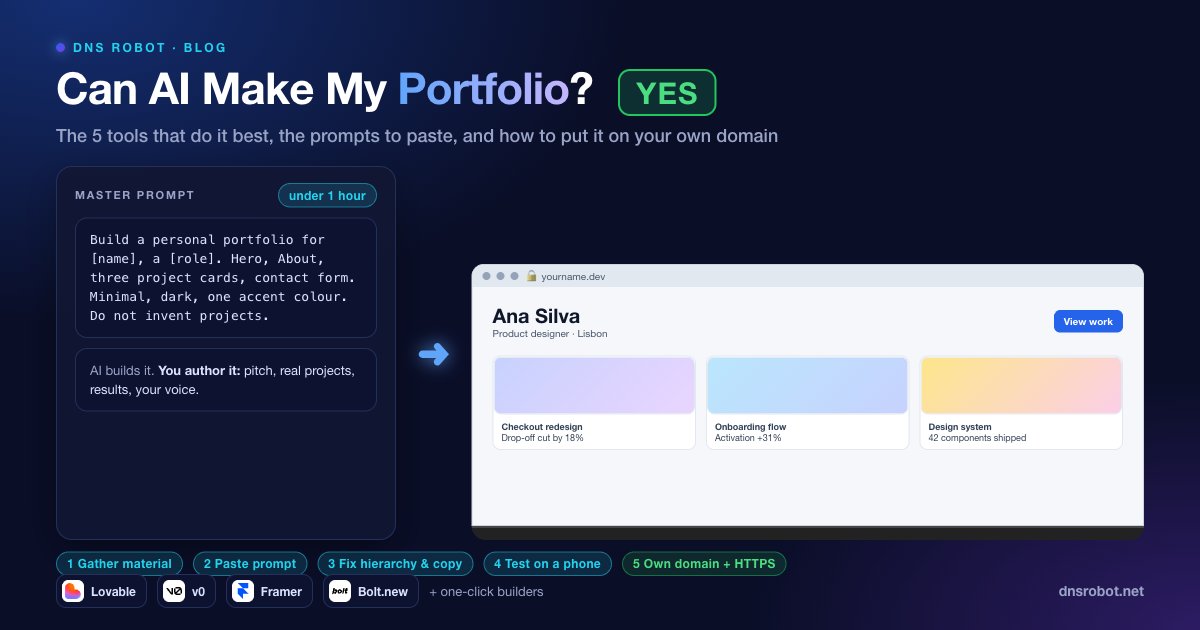
Can AI Make My Portfolio? Yes: How to Build One in an Hour (With Prompts)
Can AI make my portfolio? Yes. The 5 tools that build portfolio sites best, the prompts to paste, what you must write yourself, and how to use your own domain.
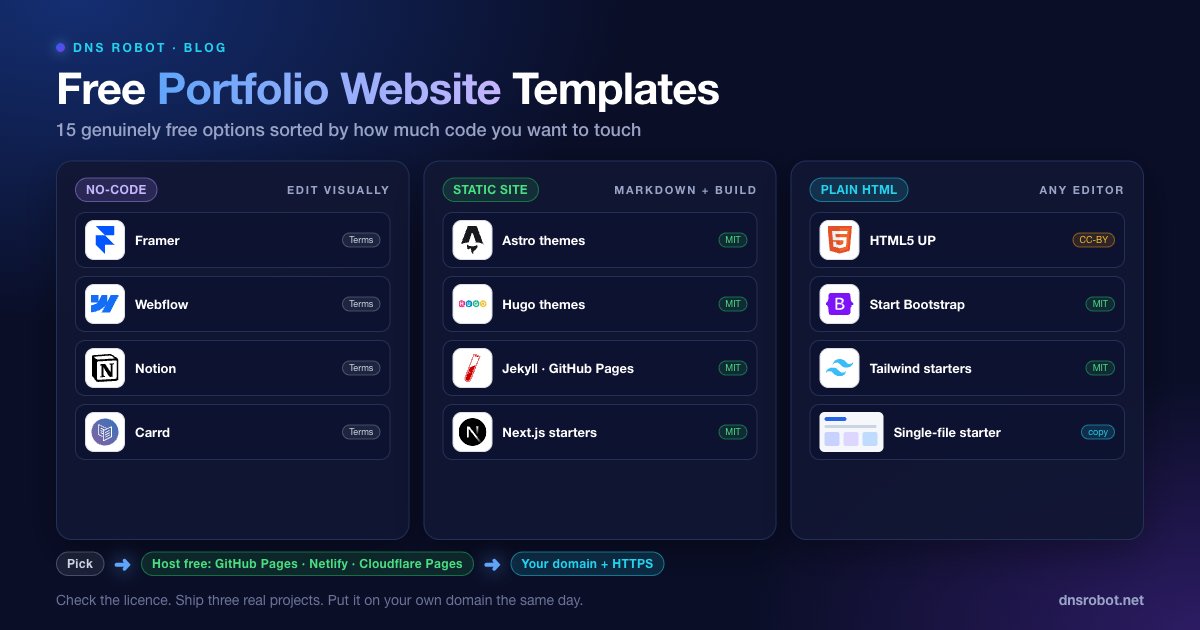
Free Portfolio Website Templates: 15 Genuinely Free Options (2026)
15 free portfolio website templates you can use commercially: no-code, Astro, Hugo, Jekyll and HTML options, with licences, free hosting and domain setup.
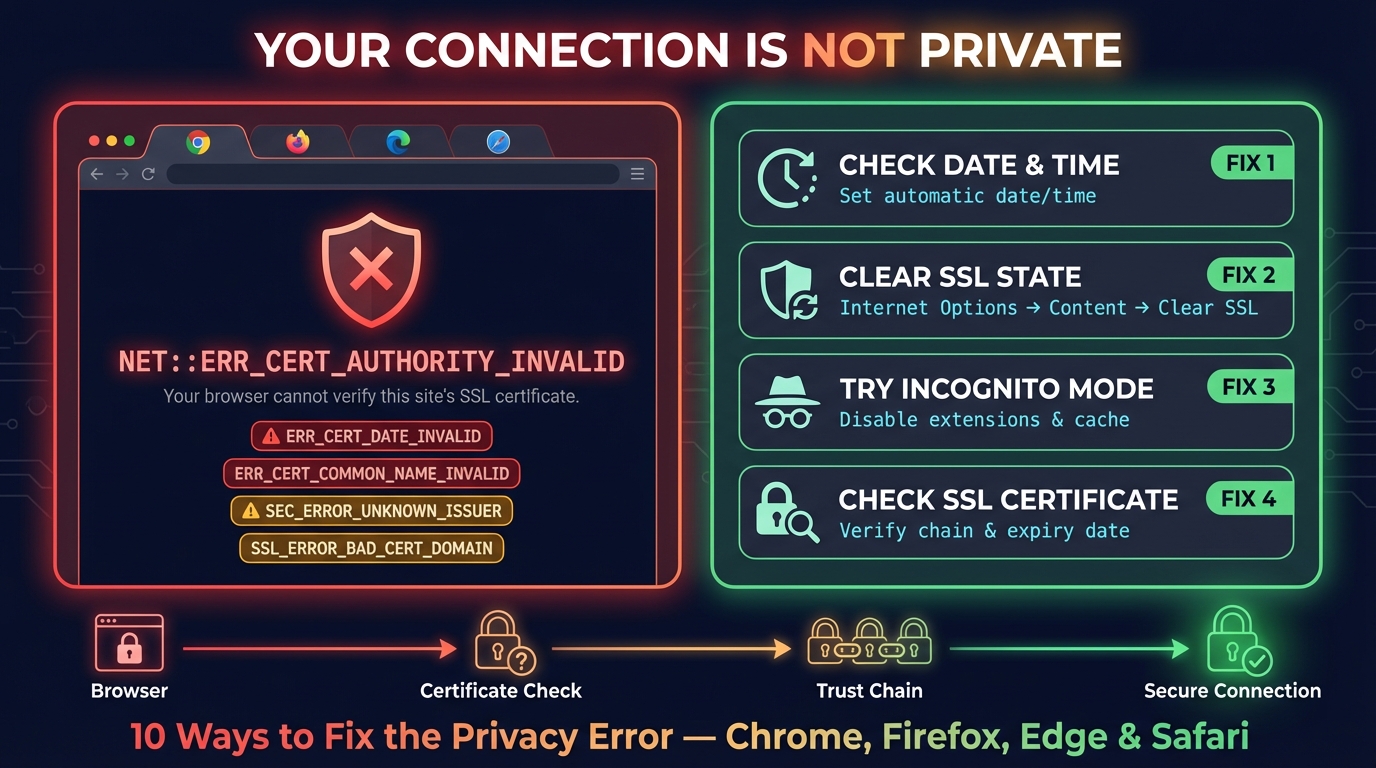
Connection Is Not Private: Fix It on iPhone, iPad & Chrome
Fix "Your connection is not private" in Chrome and "This Connection Is Not Private" on iPhone and iPad: what the warning means and the fix for each cause.


Related Tools
Domain Checker
Check domain availability and the true 3-year price
Username Checker
Check a username on 50+ platforms at once, with the reason for every answer
SSL Certificate Check
Verify SSL certificate validity and security details
DNS Lookup
Every DNS record from the domain's own nameservers, beside Google's and Cloudflare's cache
QR Code Generator
Make QR codes for links, Wi-Fi, contacts, WhatsApp and UPI or Pix payments, with your logo and colours, read back before you download SVG, PNG or PDF