











Spamhaus Blacklist Removal: Check & Delist an IP or Domain
 Shaik Vahid12 min read
Key takeaway
To check a Spamhaus listing, look up the IP address or domain at check.spamhaus.org: it names the list, the reason and the removal option. XBL, CSS and DBL listings are self-service once you fix the cause; an SBL listing has to be removed at the request of your ISP or host; a PBL listing only means the address is a home or end-user one that shouldn't send mail directly. Removal is always free. Don't check through 8.8.8.8 or 1.1.1.1: in our test, Google answered "not listed" for Spamhaus's own test address 9 times out of 10, and Cloudflare got the error code 127.255.255.254 every time.
Check it now

Start reading
How to Check a Spamhaus Listing
To check whether Spamhaus lists your IP address or domain, look it up on Spamhaus's own IP and Domain Reputation Checker at check.spamhaus.org. It tells you which list has the address, why, and the removal option for that list. The checker replaced the old Blocklist Removal Center in March 2021, so a guide that still sends you to a "removal center" means this page.
Spamhaus matters more than most blocklists because so many receivers use it. SpamAssassin's and Rspamd's default rules both query its ZEN list, Outlook.com's 550 OU-001 rejection points you to Spamhaus for removal, and Yahoo's 553/554 errors can read "Your IP is listed by Spamhaus". If a bounce mentions Spamhaus, the IP address in that bounce is the one to look up.
Other blacklist checkers either link to it or ask Spamhaus's DNS zones themselves, and that only works from the right resolver (see our resolver test).
Check the other 28 blocklists now
Spamhaus Lists Explained: SBL, CSS, XBL, PBL, DBL and ZEN
Spamhaus runs several lists, and how you get off depends entirely on which one has you. Four of them list IP addresses and are combined into ZEN (zen.spamhaus.org), the one zone a mail server needs to query. The fifth, the DBL, lists domain names instead.
| List | What it lists | Answer code | Who removes it |
|---|---|---|---|
| SBL (Spamhaus Blocklist) | Addresses tied to spam operations, snowshoe spam or malicious hosting | 127.0.0.2 (plus 127.0.0.9 for DROP) | Your ISP or host, not you |
| CSS (Combined Spam Sources) | Servers sending low-reputation mail, including compromised or misconfigured ones | 127.0.0.3 | You, after the fix; expires about 3 days after the last detection |
| XBL (Exploits Blocklist) | Compromised addresses: malware, proxy apps, brute force, relaying with stolen logins | 127.0.0.4 | You, after cleaning the device; also expires on its own |
| PBL (Policy Blocklist) | Home and other end-user ranges that shouldn't send mail directly | 127.0.0.10 (ISP), 127.0.0.11 (Spamhaus) | An exclusion, only if you run a mail server there |
| DBL (Domain Blocklist) | Domains seen in spam, phishing, malware or botnet control | 127.0.1.2 to 127.0.1.106 (its own zone) | You, through the checker |
ZEN is simply SBL + CSS + XBL + PBL in one query, so one lookup can return several codes at once. Spamhaus's test address 127.0.0.2 is deliberately on three lists, which is why it answers 127.0.0.2, 127.0.0.4 and 127.0.0.10 together. Spamhaus asks applications to parse the return codes, so read every code in the answer, not just the first.
Why Is Spamhaus Blocking My IP?
Spamhaus doesn't publish its exact triggers, but each list's page says what kind of behaviour gets an address on it:
- XBL: a device behind the address is infected or abused. Malware on a PC, a "free VPN" app that uses your connection as someone else's proxy, a device taking part in brute-force attacks, or something trying to relay mail with stolen passwords.
- CSS: the mail server itself sends bad mail. Unsolicited mail, poor list hygiene, a hacked mailbox or CMS sending spam, or a server whose HELO name and reverse DNS don't add up.
- SBL: Spamhaus has tied the address to a spam or abuse operation. On shared hosting or a cheap VPS that can be a previous tenant or a neighbour, and Spamhaus can escalate listings to a provider's own infrastructure or wider ranges when the provider hosts abuse.
- PBL: the address is a residential or other end-user one. Your ISP (or Spamhaus) marked it as space that shouldn't deliver mail directly. Outlook.com's
550 DY-001rejection is the same policy: it generally doesn't accept mail straight from dynamic IP addresses. - DBL: a domain in your mail is listed. Your own domain, or a link in the message, appeared in spam or hosted phishing or malware. Hacked legitimate domains get listed too, with their own codes (127.0.1.102 to 127.0.1.106).
Read the checker's reason before you change anything: fixing an infected laptop has nothing in common with fixing a home connection on the PBL.
How to Get Delisted From Spamhaus
Fix first, then ask. Spamhaus relists an address as soon as it detects the problem again, and self-removals are limited, so a removal requested before the fix is a removal wasted.
- Find the listed addressTake the IP address from the bounce or your mail server's log: the public address the mail left from, not a 192.168.x.x one.
- Look it up at check.spamhaus.orgNote the list (SBL, CSS, XBL, PBL or DBL), the listing reason and any reference number.
- Fix the causeClean the infected device, close the relay, fix reverse DNS and HELO, or stop the mailing that caused it.
- Request removal, or ask your providerUse the checker's removal option for XBL, CSS, PBL and DBL listings. For an SBL listing, open a ticket with your ISP's or host's abuse team.
- Check againSpamhaus's zones reload within minutes, though some networks lag by up to a day. If a removal can't be handled at once, the checker opens a ticket for you.
SBL: Your ISP or Host Must Request Removal
You can't remove an SBL listing yourself. Spamhaus's SBL page says removal requests must be sent by the ISP in charge of the address, once the abuse has been dealt with. Open a ticket with your provider's abuse team, include the SBL reference from the checker, and say what you've fixed.
Spamhaus won't process removals from its other lists for that address until the SBL listing is gone. On shared hosting, when the listing isn't about you, asking the host for a clean IP address is often faster than waiting for a range-wide listing to be lifted.
XBL: Clean the Infected Device, Then Self-Delist
An XBL listing is self-service at check.spamhaus.org, and it also expires on its own some time after the malicious traffic stops. The list is busy: Spamhaus says it holds about 2 million listings on average, with around 650,000 new detections every 24 hours.
Removing it before you find the cause doesn't last: the address is relisted the next time the infected device connects. Spamhaus's XBL page suggests:
- Update every device behind the address and run a full anti-malware scan on each.
- Remove browser extensions and "free VPN" apps you don't recognise.
- Update the router's firmware, turn off outside access you don't need and open only the ports you need.
- To stop the abuse at once, block outbound port 25 on the router or firewall for everything except your real mail server. That stops the spam, not the infection;
netstator TCPView shows which machine keeps trying.
Not every network picks up removals at the same speed, so Spamhaus asks you to allow 24 hours before opening a ticket about one that hasn't shown up.
CSS: Fix the Mail Server, Then Request Removal
CSS listings are automatic and short. They normally expire three days after the last detection, longer in some cases of chronic abuse. You can request removal at the checker once the cause is fixed, but self-removals are limited and the address is relisted immediately if the problem continues.
Configuration alone can earn a CSS listing. Spamhaus's CSS page singles out HELO and reverse DNS: the PTR record should exist and name the hostname the server uses, the forward lookup should match the HELO name, and HELO/EHLO should be a fully qualified domain name, not localhost.localdomain or mail. A load balancer in front of mail servers can also make the public address look infected.
PBL: Not a Punishment, So Fix How You Send
The PBL lists end-user address ranges, dynamic and static, "from which email should never be sent directly to the final destination". ISPs add many of these ranges themselves, and Spamhaus says the addresses "are not necessarily bad". A home broadband address on the PBL is normal.
If a PBL listing bounces your mail, the fix is usually to change how you send, not to delist:
- Send through your ISP's or email provider's outgoing server (a smarthost) instead of delivering straight to recipients' servers.
- Turn on SMTP authentication and use the submission ports 587 or 465, not 25.
- Only if you really run a mail server on that address, and your ISP's policy allows it, request an exclusion at check.spamhaus.org. A single-IP exclusion lasts one year (ISPs can set a shorter period) and is reversed if spam is seen from the address.
DBL: Delisting a Domain
The DBL lists domains, never IP addresses. Look the domain up at the checker and follow its instructions; Spamhaus's DBL page calls it the only place DBL removals are handled. Approved requests usually take a few minutes to show, some systems take up to 24 hours, and a listing that's still there after a day is worth a message to Spamhaus. Listings also expire once the activity stops.
If the site was hacked (a WordPress install serving phishing pages, say), clean it and change every password first: a domain still serving the content gets relisted. The form doesn't guarantee removal, and Spamhaus may block excessive removers.
Fix These First So the Listing Doesn't Come Back
Delisting treats the symptom. These are the causes that put an address back on the list, roughly in the order to check them:
| Check | What good looks like | Test it with |
|---|---|---|
| Infected device or hijacked app | Only your mail server connects out on port 25; no unknown proxy or VPN apps | netstat or TCPView, an anti-malware scan |
| Open relay or stolen SMTP login | The server relays only for authenticated users; passwords changed after any breach; 2FA on admin accounts | Your mail server's relay settings and logs |
| Reverse DNS (PTR) and FCrDNS | The IP's PTR names a host that resolves back to the same IP and matches the HELO name | Reverse DNS Lookup |
| SPF, DKIM and DMARC | SPF or DKIM on every sending domain; all three if you send 5,000+ messages a day to Gmail | SPF Checker, DMARC Checker |
| MX hosts and HELO name | The HELO name is a real hostname that resolves; your MX hosts aren't listed anywhere | MX Lookup |
| Volume and list hygiene | Opt-in lists only, bounces removed, spam complaints under 0.3% (Google's limit) | Google Postmaster Tools, your sending provider's reports |
None of Spamhaus's listing reasons above is a missing SPF or DMARC record, so publishing one won't lift a listing. Receivers check them on every message, though: Google's sender guidelines require SPF or DKIM and valid forward and reverse DNS from every sender, and SPF, DKIM and DMARC from anyone sending 5,000 or more messages a day to Gmail; they also tell senders on a shared IP to make sure it isn't on any blocklist.
Setting up a new mail provider? Our Titan Email guide walks through its MX, SPF and DKIM records step by step.
Why 8.8.8.8 and 1.1.1.1 Can't Check Spamhaus (Our Test)
Plenty of blacklist checkers, scripts and even mail servers ask Spamhaus through a big public resolver. Spamhaus blocks that, because public resolvers hide who is asking. In a 2018 post it said a single public resolver, arguably the most popular one, sent it about two billion queries a day, roughly 20% of all its queries. So public resolvers get an error code or an empty "not listed" answer instead of the data.
DNS Robot's test on 26 October 2026 (from India): we asked seven resolver addresses for Spamhaus's documented test entries, five times each. 2.0.0.127.zen.spamhaus.org is the test address 127.0.0.2 written backwards, and must answer 127.0.0.2, 127.0.0.4 and 127.0.0.10. dbltest.com.dbl.spamhaus.org must answer 127.0.1.2. Both are Spamhaus's published test entries, not anyone's real address or domain.
| Resolver | 2.0.0.127.zen (want 127.0.0.2, .4, .10) | dbltest.com.dbl (want 127.0.1.2) | What it means |
|---|---|---|---|
| Google 8.8.8.8 / 8.8.4.4 | NXDOMAIN 9 of 10 times, correct once | NXDOMAIN 9 of 10 times, correct once | A false "not listed" |
| Cloudflare 1.1.1.1 / 1.0.0.1 | 127.255.255.254, 10 of 10 | 127.255.255.254, 10 of 10 | Refused: query via public/open resolver |
| Quad9 9.9.9.9 | Correct, 5 of 5 | Correct, 5 of 5 | Answered from our connection |
| OpenDNS 208.67.222.222 | Correct, 5 of 5 | Correct, 5 of 5 | Answered from our connection |
| Our ISP's resolver (Jio home router) | Correct, 5 of 5 | Correct, 5 of 5 | Answered: an ISP's resolver, not a public one |
# Cloudflare: refused, and the TXT record says why
$ dig @1.1.1.1 2.0.0.127.zen.spamhaus.org +short
127.255.255.254
$ dig @1.1.1.1 2.0.0.127.zen.spamhaus.org TXT +short
"Error: open resolver; https://check.spamhaus.org/returnc/pub/2400:cb00:222:1024::a29e:c644/"

# Google: NXDOMAIN, which looks exactly like "not listed"
$ dig @8.8.8.8 2.0.0.127.zen.spamhaus.org
;; ->>HEADER<<- opcode: QUERY, status: NXDOMAIN
zen.spamhaus.org. 10 IN SOA need.to.know.only. hostmaster.spamhaus.org. ...

# Our ISP's resolver, through the home router: the real answer
$ dig 2.0.0.127.zen.spamhaus.org TXT +short
"Listed by PBL, see https://check.spamhaus.org/query/ip/127.0.0.2"
"Listed by XBL, see https://check.spamhaus.org/query/ip/127.0.0.2"
"Listed by SBL, see https://check.spamhaus.org/sbl/query/SBL2"
Google's answer is the dangerous one. NXDOMAIN is exactly what a clean address returns, so a checker or spam filter that asks through 8.8.8.8 reports "not listed" for addresses Spamhaus does list. Spamhaus warns about this itself: through Google Public DNS, "in most cases" you get a not-listed reply. The answer even carries a hint: the SOA record that comes with it names its server need.to.know.only.
Cloudflare's answer is at least honest. 127.255.255.254 sits in Spamhaus's error range, and through 1.1.1.1 even the not-listed test address 1.0.0.127 got it. The risk runs the other way: Spamhaus notes that some mail servers mistakenly reject all mail when they see a 127.255.255.x code. Quad9 and OpenDNS gave correct answers from our connection, but that can change without notice: Spamhaus names both, alongside Google and Cloudflare, when it warns against querying through public DNS services. Its fair-use terms ask for queries from a resolver on your own network or a public resolver that supports EDNS Client Subnet.
Spamhaus Return Codes: What Each Answer Means
Spamhaus documents every code its zones return. Anything in 127.255.255.0/24 is an error, never a listing, and an answer outside 127.0.0.0/8 means something is tampering with your DNS (an ISP that redirects unknown names to a search page, for example): Spamhaus says to ignore it.
| Answer | List | Meaning | Seen in our test |
|---|---|---|---|
| 127.0.0.2 | SBL | Spamhaus SBL data | Yes (2.0.0.127) |
| 127.0.0.3 | SBL | CSS data | Yes (3.0.0.127) |
| 127.0.0.4 | XBL | Exploits data (the former CBL) | Yes (2.0.0.127) |
| 127.0.0.9 | SBL | DROP data, returned alongside 127.0.0.2 | Not tested |
| 127.0.0.10 | PBL | Listed by the ISP | Yes (2.0.0.127) |
| 127.0.0.11 | PBL | Listed by Spamhaus | Not tested |
| 127.0.1.2 | DBL | Spam domain | Yes (dbltest.com) |
| 127.0.1.4, .5, .6 | DBL | Phishing, malware, botnet C&C domain | Not tested |
| 127.0.1.102 to .106 | DBL | Hacked or abused legitimate domain | Not tested |
| 127.0.1.255 | DBL | IP queries prohibited (an IP sent to the domain list) | Yes |
| 127.255.255.252 | Any | Typing error in the DNSBL name | Yes (2.0.0.127.spamhaus.org) |
| 127.255.255.254 | Any | Query via public/open resolver | Yes (Cloudflare) |
| 127.255.255.255 | Any | Excessive number of queries | Not tested |
| NXDOMAIN | Any | Not listed, if your resolver is allowed to ask | Yes (1.0.0.127, and Google) |
How to Query Spamhaus Correctly: Your Own Resolver or DQS
Spamhaus recommends querying from your own DNS servers: a recursive resolver on your network, such as Unbound, BIND or Knot Resolver on or next to the mail server, with a correct hostname that identifies you. Its DNSBL fair-use policy limits the free public servers to non-commercial use by small and medium organisations and doesn't accept queries from large shared hosting environments.
Where that isn't possible, register for a free Data Query Service (DQS) key. Spamhaus gives it to non-commercial users and individuals with low query volumes; commercial users, ISPs, commercial spam filters and anyone with more traffic need a paid subscription. With a key, queries move to Spamhaus's .net zones, and Spamhaus's migration guide says this is the route if you still want to use a public resolver:
# Free public mirror: ask from your own resolver
2.0.0.127.zen.spamhaus.org

# DQS: your key goes in front of the zone, and .org becomes .net
2.0.0.127.<your-query-key>.zen.dq.spamhaus.net
Check the rest of the blocklists
Spamhaus is one list. DNS Robot's free IP Blacklist Checker asks 28 other live blocklists about your mail server's IP address or domain, flags any list that refused to answer, and links to Spamhaus's own checker for the Spamhaus row.
Sources
Frequently Asked Questions
How do I check if my IP is blacklisted by Spamhaus?
Why is Spamhaus blocking my IP?
How do I remove my IP from Spamhaus?
How long does Spamhaus removal take?
Does Spamhaus charge for delisting?
What is the Spamhaus PBL, and should I remove my IP from it?
What is Spamhaus ZEN?
What does 127.255.255.254 mean in a Spamhaus lookup?
Why does a blacklist checker say I'm not on Spamhaus when my mail bounces?
How do I get my domain off the Spamhaus DBL?
About the author
Shaik VahidFounder of DNS Robot. Vahid spent years in web hosting support fixing domains, DNS records, SSL certificates and email delivery for customers. He builds DNS Robot's tools and writes these guides from the errors people actually hit.
Related Articles
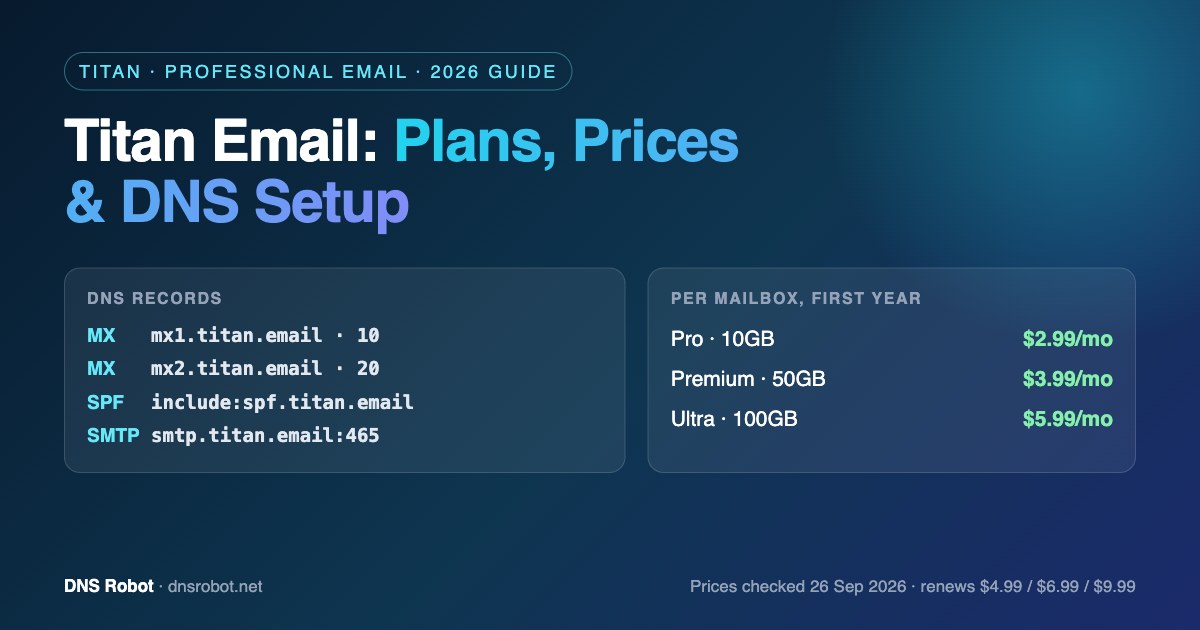
Titan Email: Plans, Prices & DNS Setup (MX, SPF, DKIM)
Titan email explained: Pro vs Premium vs Ultra, real prices per mailbox, and the exact MX, SPF, DKIM and IMAP/SMTP settings to get Titan mail working on your domain.
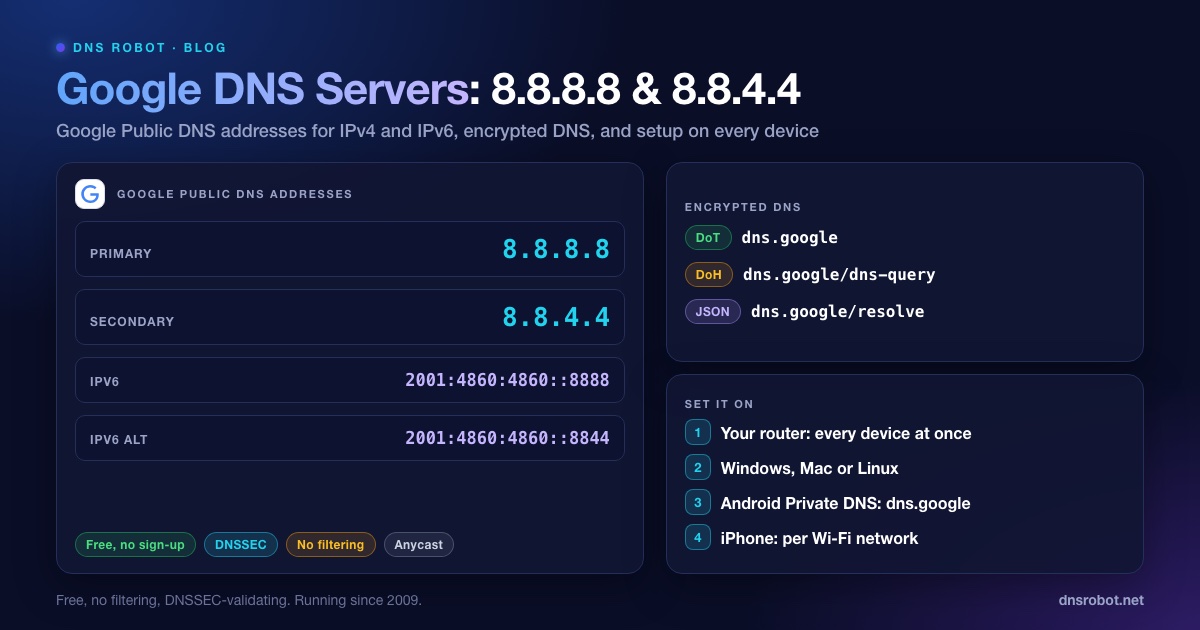
Google DNS: 8.8.8.8, 8.8.4.4, IPv6 Addresses & Setup
Google DNS is 8.8.8.8 and 8.8.4.4, or 2001:4860:4860::8888 and 2001:4860:4860::8844 over IPv6. Every address, other resolvers' IPv6, DoH, DoT, logs and setup.
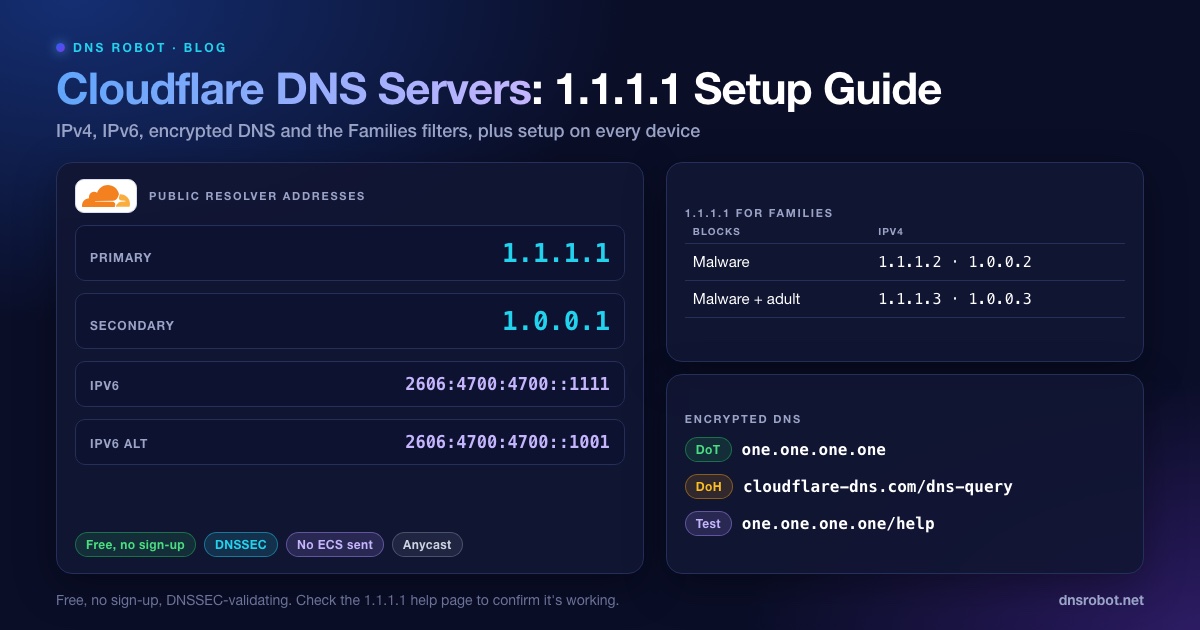
Cloudflare DNS Servers: 1.1.1.1, 1.0.0.1 & IPv6 Setup
Cloudflare DNS servers are 1.1.1.1 and 1.0.0.1 (IPv6 2606:4700:4700::1111). Get every address, the Families filters, DoH/DoT and setup steps for each device.


Related Tools
IP Blacklist Check
Check if an IP address is listed on spam or malware blacklists
Reverse DNS Lookup
Find hostnames associated with any IP address via PTR records
SPF Record Checker
Validate SPF records and check DNS lookup count per RFC 7208
DMARC Checker
Check any domain's DMARC policy the way receivers read it, with reports, SPF and DKIM
MX Lookup
Find mail exchange records and mail server details