











AdGuard DNS Servers: 94.140.14.14, Private DNS & Setup
 Shaik Vahid12 min read
Key takeaway
AdGuard DNS's default servers are 94.140.14.14 and 94.140.15.15 (IPv6 2a10:50c0::ad1:ff and 2a10:50c0::ad2:ff). They're free, need no account and block ads, trackers and malware. On Android, enter dns.adguard-dns.com as the Private DNS hostname. Use 94.140.14.15 / 94.140.15.16 (family.adguard-dns.com) to also block adult sites and force Safe Search, or 94.140.14.140 / 94.140.14.141 (unfiltered.adguard-dns.com) for DNS that blocks nothing. In our test, the default server blocked 24 of 30 well-known ad and tracker domains.
Check it now
Open DNS Speed Test
Start reading
- What Is AdGuard DNS?
- AdGuard DNS Server Addresses (IPv4 and IPv6)
- DNS over HTTPS, TLS and QUIC Endpoints
- What AdGuard DNS Blocks: Our Test of 60 Domains
- Is AdGuard DNS Fast? Our Speed Test
- Is AdGuard DNS Safe? Privacy, Logs and DNSSEC
- Private AdGuard DNS: Free and Paid Plans
- How to Set Up AdGuard DNS
- How to Check AdGuard DNS Is Working
- AdGuard DNS vs Cloudflare 1.1.1.1 vs Google 8.8.8.8
- AdGuard DNS Not Working or Not Blocking Ads?
- Frequently Asked Questions
What Is AdGuard DNS?
AdGuard DNS is a free public DNS resolver that blocks ads, trackers, malware and phishing for every app on a device. Its default servers are 94.140.14.14 and 94.140.15.15; on Android, type dns.adguard-dns.com into the Private DNS setting. It needs no app or account, and is run by Adguard Software Ltd of Cyprus.
It answers blocklisted names with a dead address: ask for doubleclick.net and it returns 0.0.0.0, which leads nowhere, so the ad never loads. AdGuard says it has more than 120 million users.
See which DNS servers you're using right now
- Public AdGuard DNS: the three free servers in this guide. Nothing to install.
- Private AdGuard DNS: the same resolver with an account: your own blocklists, a query log and per-device settings, with a free plan.
- AdGuard Home: open-source software you run yourself, for example on a Raspberry Pi.
- AdGuard Ad Blocker: AdGuard's apps and browser extensions, which also filter page content, so they remove ads DNS can't.
AdGuard DNS Server Addresses (IPv4 and IPv6)
AdGuard runs three public servers. Pick one and enter both of its addresses: the second is the fallback if the first doesn't answer.
| Server | What it blocks | IPv4 | IPv6 |
|---|---|---|---|
| Default | Ads, trackers, malware and phishing | 94.140.14.14, 94.140.15.15 | 2a10:50c0::ad1:ff, 2a10:50c0::ad2:ff |
| Family protection | Everything Default blocks, plus adult sites; forces Safe Search | 94.140.14.15, 94.140.15.16 | 2a10:50c0::bad1:ff, 2a10:50c0::bad2:ff |
| Non-filtering | Nothing | 94.140.14.140, 94.140.14.141 | 2a10:50c0::1:ff, 2a10:50c0::2:ff |
The addresses are from AdGuard's public DNS page (checked 26 October 2026), and all 12 answered our test machine in India, IPv6 included. They're anycast, so each query goes to AdGuard's nearest site: for us, Singapore (nodes such as sg-26).
Non-filtering doubles as a quick test: if a site works on 94.140.14.140 but not on 94.140.14.14, AdGuard's blocklist is the cause.
DNS over HTTPS, TLS and QUIC Endpoints
AdGuard answers the same three servers over encrypted protocols. It was the first public resolver to support DNS over QUIC (DoQ), according to its knowledge base. The DoT hostname is also what Android's Private DNS setting takes.
| Server | DNS over HTTPS (DoH) | DNS over TLS (DoT) / Private DNS | DNS over QUIC (DoQ) |
|---|---|---|---|
| Default | https://dns.adguard-dns.com/dns-query | dns.adguard-dns.com | quic://dns.adguard-dns.com |
| Family protection | https://family.adguard-dns.com/dns-query | family.adguard-dns.com | quic://family.adguard-dns.com |
| Non-filtering | https://unfiltered.adguard-dns.com/dns-query | unfiltered.adguard-dns.com | quic://unfiltered.adguard-dns.com |
- All nine endpoints worked in our tests on 26 October 2026 (TLS 1.3, valid certificate) and filtered like the plain addresses:
doubleclick.netreturned0.0.0.0from Default and Family over DoH, DoT and DoQ alike. - DoQ sets it apart from Cloudflare and Google: 1.1.1.1 and 8.8.8.8 didn't answer DNS over QUIC in the same test (Quad9 did).
- DNSCrypt stamps are on AdGuard's page too, but AdGuard calls DNSCrypt "an obsolete protocol with restricted support".
- Old hostnames (
dns.adguard.com,dns-family.adguard.com,dns-unfiltered.adguard.com) still reached the same servers, but AdGuard now lists only the adguard-dns.com names.
# AdGuard's JSON API is at /resolve (/dns-query only takes standard DoH requests)
curl -s 'https://dns.adguard-dns.com/resolve?name=doubleclick.net&type=A'
# {"Question":[...],"Answer":[{"name":"doubleclick.net.","data":"0.0.0.0","TTL":3600,...}],...,"Status":0}

# Family protection rewrites YouTube to Restricted Mode
curl -s 'https://family.adguard-dns.com/resolve?name=www.youtube.com&type=A'
# ..."data":"restrictmoderate.youtube.com." ... "data":"216.239.38.119"...What AdGuard DNS Blocks: Our Test of 60 Domains
To see what each server actually blocks, we asked them. On 26 October 2026 we sent 60 well-known names (ad hosts, trackers, malware tests, adult sites, search engines) to all three servers, and to Cloudflare 1.1.1.1 and Google 8.8.8.8 for comparison. AdGuard's debug query showed the rule behind each answer.
| Domain (what it is) | Default | Family protection | Non-filtering, 1.1.1.1 and 8.8.8.8 |
|---|---|---|---|
| doubleclick.net (Google ads) | 0.0.0.0 | 0.0.0.0 | Real address |
| pagead2.googlesyndication.com (AdSense) | 0.0.0.0 | 0.0.0.0 | Real address |
| google-analytics.com (analytics) | 0.0.0.0 | 0.0.0.0 | Real address |
| samsungads.com (smart-TV ads) | 0.0.0.0 | 0.0.0.0 | Real address |
| metrics.icloud.com (Apple telemetry) | 0.0.0.0 | 0.0.0.0 | Real address |
| connect.facebook.net (Facebook pixel) | Not blocked | Not blocked | Real address |
| malware.wicar.org (malware test site) | Block page 94.140.14.33 | Block page 94.140.14.33 | Real address |
| Three well-known adult sites | Real address | Block page 94.140.14.35 | Real address |
| www.google.com | Normal | forcesafesearch.google.com | Normal |
| www.youtube.com | Normal | restrictmoderate.youtube.com | Normal |
| mask.icloud.com (iCloud Private Relay) | Normal | NXDOMAIN | Normal |
- Ads and trackers: Default blocked 24 of the 30 we tried (13 of 15 ad hosts, 11 of 15 trackers) with
0.0.0.0(::for IPv6) and a one-hour TTL, all from the AdGuard DNS filter, a public list you can also load into AdGuard Home. - Gaps:
ads.tiktok.com,connect.facebook.net,bat.bing.com,sb.scorecardresearch.comand Windows'settings-win.data.microsoft.comresolved normally, and an exception rule (@@|cdn.taboola.com^|) deliberately letscdn.taboola.comthrough. - Malware goes to a block page at
94.140.14.33, from AdGuard'ssafe_browsinglist. Other vendors' test names (Cloudflare'smalware.testcategory.com, Cisco'sinternetbadguys.com) resolved; they only trigger their own vendor's filter. - Family protection sent the adult sites to a block page at
94.140.14.35, rewrote seven sites to their safe versions (Google, YouTube's moderate Restricted Mode, Bing, DuckDuckGo, Yandex, Ecosia, Pixabay) and answered NXDOMAIN for iCloud Private Relay, as Apple tells networks to do to turn Private Relay off. - Firefox: all three servers refused
use-application-dns.net, the "canary" name Firefox checks before switching to its own DNS over HTTPS. AdGuard blocks it so Firefox keeps using AdGuard.
# AdGuard's debug query (CHAOS class): the answer, plus why and where
dig CH A doubleclick.net @94.140.14.14
# doubleclick.net.                  3600 IN A   0.0.0.0
# node-name.adguard-dns.com.        3600 CH TXT "sg-29"
# req.res-type.adguard-dns.com.     3600 CH TXT "blocked"
# req.rule.adguard-dns.com.         3600 CH TXT "||doubleclick.net^"
# req.rule-list-id.adguard-dns.com. 3600 CH TXT "adguard_dns_filter"Is AdGuard DNS Fast? Our Speed Test
We timed every AdGuard address against Cloudflare and Google on 26 October 2026 from a Jio home connection in India: 5 lookups of a cached name (example.com) and 5 of brand-new random names per address, spread across five DNS hosts (Cloudflare, NS1, Wikimedia, Route 53, Azure DNS) so no single host decides the result. The table shows each group's median.
| Resolver | Cached name (median) | New name (median) |
|---|---|---|
| AdGuard Default (94.140.14.14, 94.140.15.15) | 77 ms | 210 ms |
| AdGuard Family (94.140.14.15, 94.140.15.16) | 79 ms | 207 ms |
| AdGuard Non-filtering (94.140.14.140, 94.140.14.141) | 64 ms | 133 ms |
| AdGuard, all six IPv6 addresses | 67 ms | 136 ms |
| Cloudflare (1.1.1.1, 1.0.0.1) | 28 ms | 85 ms |
| Google (8.8.8.8, 8.8.4.4) | 59 ms | 82 ms |
From India, AdGuard was the slowest of the three: 36–51 ms behind Cloudflare on cached names and 48–125 ms on new ones, where single lookups ranged from about 60 ms to 2 seconds. The cause is distance: AdGuard answered from Singapore, Cloudflare from Nagpur (nag01). Two earlier runs that evening also put AdGuard behind Cloudflare, but new-name medians swung widely between runs (210 to 409 ms for AdGuard Default), so treat them as a rough guide.
Encryption didn't change it: over one reused connection, AdGuard's DoH, DoT and DoQ medians all fell between 60 and 90 ms, against 33 ms for Cloudflare's DoH and 62 ms for Google's. Near an AdGuard node, the gap may vanish.
Is AdGuard DNS Safe? Privacy, Logs and DNSSEC
Yes, for most people. Here is what AdGuard's privacy policy (dated 6 August 2024) says about the public servers, and what we measured:
- No personal data: AdGuard says it processes none on the public servers. It keeps aggregate statistics and an anonymous list of domains requested in the last 24 hours, linked to no user, and says it never shares or sells personal information.
- DNSSEC: all 12 addresses validate.
dnssec-failed.org, a deliberately broken domain, returned SERVFAIL from each, and signed answers carried theadflag. - EDNS Client Subnet: AdGuard forwards a stand-in subnet, not yours. Google's subnet-echo name saw a /24 belonging to our ISP, Jio, but not the one we connected from. AdGuard describes the method: it sends a random subnet announced by your ISP's network, matched to your country and region, so CDNs can still pick a nearby server. Google passed our real /24; Cloudflare passed none.
- Jurisdiction: Adguard Software Limited is registered in Cyprus and keeps account data in its own Frankfurt data centre.
Private AdGuard DNS keeps a query log by design, for your dashboard. You can turn it off or shorten it, and it records devices' IP addresses (cut to the subnet) only if you switch that on.
Private AdGuard DNS: Free and Paid Plans
The public servers apply AdGuard's lists to everyone. Private AdGuard DNS gives you your own server in a dashboard at adguard-dns.io: pick blocklists, add block and allow rules, read a per-device query log, schedule parental controls, and choose how blocked names are answered (zero IP, NXDOMAIN, REFUSED or your own IP).
| Plan | Requests a month | Devices | Servers | Custom rules |
|---|---|---|---|---|
| Starter (free) | 300,000 | 5 | 2 | 100 |
| Personal (paid; free with a paid AdGuard VPN plan) | 10 million | 20 | 5 | 1,000 |
| Team (paid) | From 100 million | From 200 | From 50 | From 5,000 |
| Enterprise (on request) | Unlimited | Unlimited | Unlimited | Unlimited |
Limits are from AdGuard's pricing page on 26 October 2026; prices vary by country and sale. 300,000 requests a month is about 10,000 lookups a day across all five devices.
Each device gets its own address: Android's Private DNS takes {device-ID}.d.adguard-dns.com. Consoles, TVs and routers that only speak plain DNS use 94.140.14.49 and 94.140.14.59 once you link your home IP to the account.
How to Set Up AdGuard DNS
Set it on the router to cover every device on your Wi-Fi at once, or on each phone and laptop that leaves home. The steps use the Default server; swap in the Family or Non-filtering addresses if you want those.
On Android (Private DNS)
- Open Settings → Network & internet (on Samsung: Connections → More connection settings).
- Tap Private DNS (under Advanced on some phones).
- Choose Private DNS provider hostname and enter dns.adguard-dns.com, or family.adguard-dns.com or unfiltered.adguard-dns.com.
- Tap Save. Private DNS is encrypted (DNS over TLS), works on Wi-Fi and mobile data, and needs Android 9 or later.
On iPhone and iPad (Configuration Profile)
- In Safari, open AdGuard's public DNS page, choose iOS, pick a server and tap Download configuration profile.
- Open Settings, tap Profile Downloaded, then Install, and follow the prompts.
- The profile encrypts DNS on Wi-Fi and mobile data. AdGuard notes it's ignored while a VPN is on.
- To remove it: Settings → General → VPN & Device Management (it reads VPN, DNS & Device Management once a DNS profile is installed), select the profile, Remove Profile.
- Without a profile, Settings → Wi-Fi → (i) → Configure DNS → Manual takes 94.140.14.14 and 94.140.15.15, unencrypted and for that network only.
On Windows 11 and 10
- Windows 11: open Settings → Network & internet, choose Wi-Fi or Ethernet, then your connection. Next to DNS server assignment, click Edit and choose Manual.
- Turn on IPv4 and enter 94.140.14.14 (preferred) and 94.140.15.15 (alternate). To encrypt, set DNS over HTTPS to On (manual template) and enter
https://dns.adguard-dns.com/dns-query. - Turn on IPv6, add 2a10:50c0::ad1:ff and 2a10:50c0::ad2:ff, and save.
- Windows 10: press Win + R, run
ncpa.cpl, right-click your adapter and open Properties → Internet Protocol Version 4 (TCP/IPv4) → Properties → Use the following DNS server addresses. Repeat under Version 6, or use the PowerShell below on either version.
# PowerShell (run as administrator): AdGuard Default on the active adapter
$if = (Get-NetAdapter | Where-Object Status -eq 'Up' | Select-Object -First 1).Name
Set-DnsClientServerAddress -InterfaceAlias $if -ServerAddresses 94.140.14.14,94.140.15.15,2a10:50c0::ad1:ff,2a10:50c0::ad2:ff

# Clear old cached answers
ipconfig /flushdns
On macOS
- Encrypted: download the macOS configuration profile from AdGuard's public DNS page (macOS 11 Big Sur or later). Then open System Settings: on macOS 15 Sequoia and later, go to General → Device Management (recent versions also show Profile Downloaded at the top of the sidebar); on Ventura and Sonoma, Privacy & Security → Profiles; on Big Sur and Monterey, System Preferences → Profiles. Double-click the profile and enter your password.
- Plain DNS: open System Settings → Network, click Details next to your Wi-Fi network, open DNS, click + and add 94.140.14.14, 94.140.15.15, 2a10:50c0::ad1:ff and 2a10:50c0::ad2:ff.
# Terminal alternative (use "Ethernet" if wired)
networksetup -setdnsservers Wi-Fi 94.140.14.14 94.140.15.15 2a10:50c0::ad1:ff 2a10:50c0::ad2:ff

# Flush the macOS DNS cache
sudo dscacheutil -flushcache; sudo killall -HUP mDNSResponder
On Your Router
- Open the router's admin page, usually at 192.168.1.1 or 192.168.0.1, and sign in.
- Find the DNS fields under Internet, WAN or DHCP, switch from automatic to manual, and enter 94.140.14.14 and 94.140.15.15. Add 2a10:50c0::ad1:ff and 2a10:50c0::ad2:ff if there's an IPv6 section.
- Save and reconnect your devices. Every phone, TV and console on the Wi-Fi now uses AdGuard, with nothing installed.
How to Check AdGuard DNS Is Working
Open AdGuard's test page, or look up a blocked name yourself. Without @server, the query goes to whichever resolver your device really uses:
# 0.0.0.0 means AdGuard (Default or Family) is answering
nslookup doubleclick.net      # Windows, macOS and Linux
dig doubleclick.net +short    # macOS and Linux

# Which AdGuard node answered? (prints e.g. "sg-26")
dig CH A example.com @94.140.14.14 | grep node-name
If doubleclick.net returns a real address, something is bypassing AdGuard. DNS Robot's DNS Leak Test shows which resolvers your lookups actually reach. To see the unfiltered answer for comparison, run the name through DNS Lookup: it shows the records from the domain's own nameservers.
See doubleclick.net's real records
AdGuard DNS vs Cloudflare 1.1.1.1 vs Google 8.8.8.8
All three are free, validate DNSSEC and support DoH and DoT. They differ in what they block, what they pass on to websites and how close their servers are to you:
| AdGuard DNS | Cloudflare 1.1.1.1 | Google 8.8.8.8 | |
|---|---|---|---|
| Blocks ads and trackers | Yes | No | No |
| Blocks malware | Yes | On 1.1.1.2 and 1.1.1.3 | No |
| Blocks adult sites | Family server | On 1.1.1.3 | No |
| Forces Safe Search | Google, YouTube, Bing and 4 more | Google, Bing and DuckDuckGo, not YouTube (1.1.1.3) | No |
| DNS over QUIC | Yes | No | No |
| Validates DNSSEC | Yes | Yes | Yes |
| Subnet passed on (ECS) | A stand-in /24 from your ISP | None | Your own /24 |
| Your own blocklists and query log | Private AdGuard DNS (free plan) | Not on 1.1.1.1 | No |
| Cached lookup from India (median) | 64–79 ms | 28 ms | 59 ms |
Choose AdGuard to block ads and trackers on every device without installing anything, above all on phones and smart TVs. Choose Cloudflare if speed comes first (1.1.1.1 guide), or Google for the most precise CDN routing, since it passes your real subnet (8.8.8.8 guide). Any of them works as a phone's Private DNS hostname.
AdGuard DNS Not Working or Not Blocking Ads?
When ads still show, or a site breaks after the switch, the cause is usually one of these:
- Something bypasses it: Chrome's Use secure DNS, Firefox's DNS over HTTPS, a VPN, iCloud Private Relay or Safari's Advanced Tracking and Fingerprinting Protection. Turn them off, or enter AdGuard's DoH URL as the browser's custom provider.
- Cached answers: blocked answers carry a one-hour TTL, so a change can take an hour to show. Flush the cache (
ipconfig /flushdnson Windows) and restart the browser. - DNS can't block that ad: YouTube video ads and in-app ads served from the app's own domain load regardless.
- A site or app breaks: some logins and cashback links need tracking domains. Use Non-filtering on that device, or allow the domain in Private AdGuard DNS.
- Your network interferes: some ISPs, offices and hotels redirect port 53 or block encrypted DNS. If 94.140.14.14 fails but DoH works, that's why.
How fast is AdGuard DNS on your network?
Run DNS Robot's DNS Speed Test in your browser. It times AdGuard DNS against Cloudflare, Google, Quad9 and other public resolvers with cached and brand-new lookups, then ranks them for your connection.
Sources
- Connect to public AdGuard DNS servers (all addresses and setup steps), AdGuard
- AdGuard DNS Privacy Policy (6 August 2024), AdGuard
- Private AdGuard DNS: overview and public vs private features, AdGuard DNS Knowledge Base
Frequently Asked Questions
What is the AdGuard DNS server address?
What is the AdGuard Private DNS hostname for Android?
Is AdGuard DNS safe to use?
Is AdGuard DNS free?
Does AdGuard DNS actually block ads?
Does AdGuard DNS block YouTube ads?
Which AdGuard DNS server should I use?
How do I use AdGuard DNS on iPhone?
What is the difference between AdGuard DNS and AdGuard Home?
Is AdGuard DNS faster than Cloudflare?
About the author
Shaik VahidFounder of DNS Robot. Vahid spent years in web hosting support fixing domains, DNS records, SSL certificates and email delivery for customers. He builds DNS Robot's tools and writes these guides from the errors people actually hit.
Related Articles
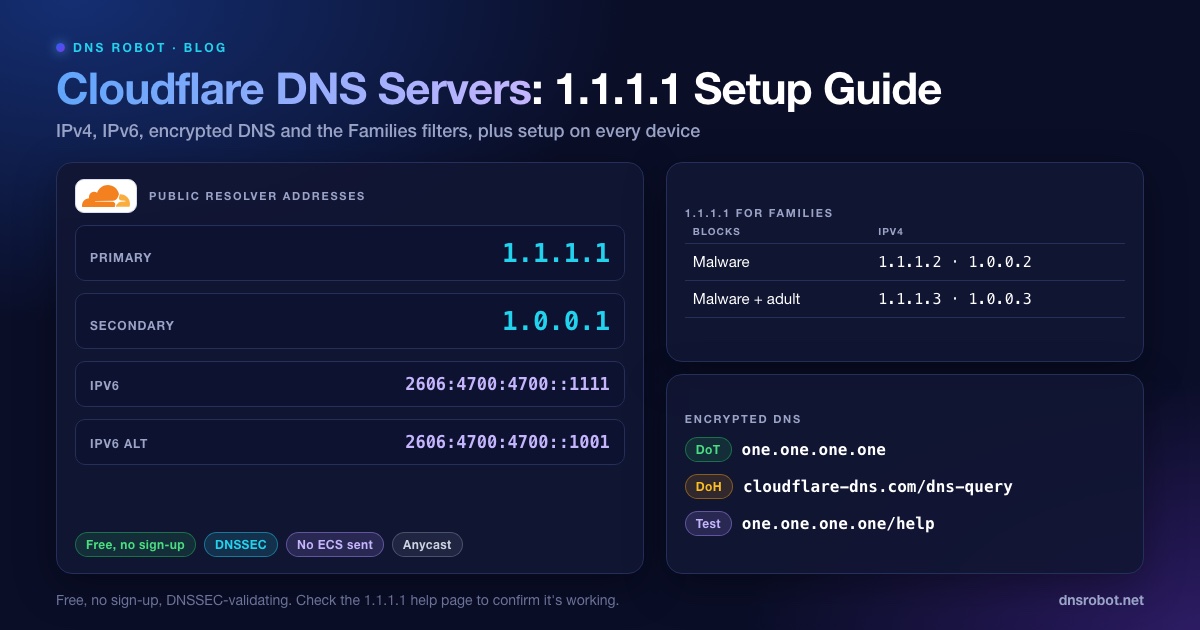
Cloudflare DNS Servers: 1.1.1.1, 1.0.0.1 & IPv6 Setup
Cloudflare DNS servers are 1.1.1.1 and 1.0.0.1 (IPv6 2606:4700:4700::1111). Get every address, the Families filters, DoH/DoT and setup steps for each device.
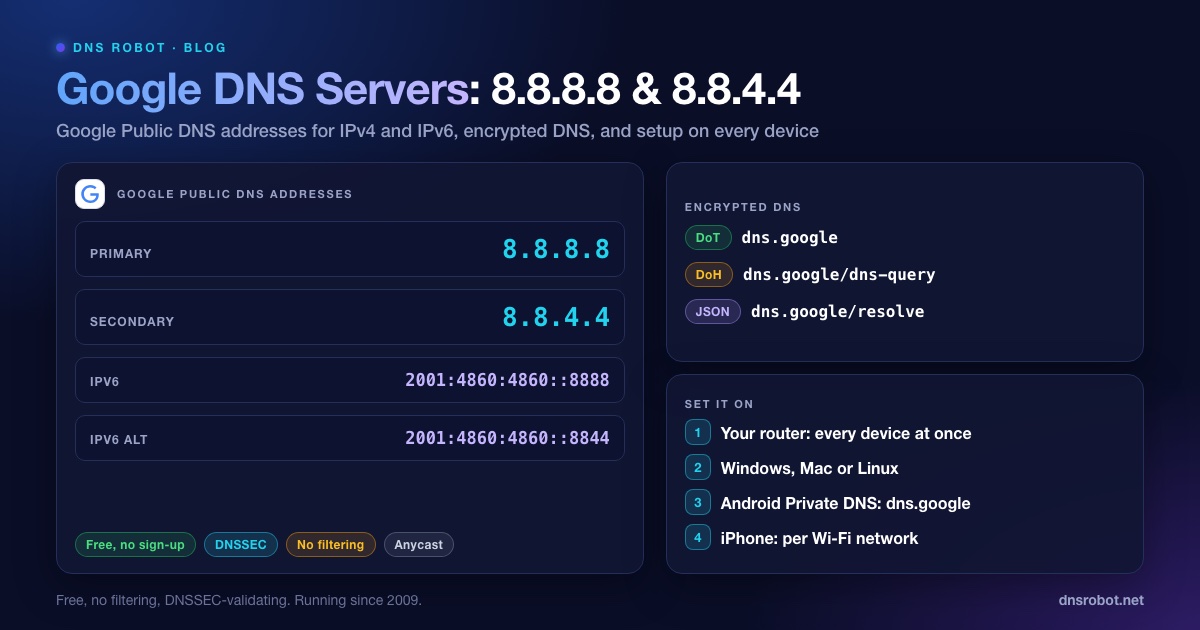
Google DNS: 8.8.8.8, 8.8.4.4, IPv6 Addresses & Setup
Google DNS is 8.8.8.8 and 8.8.4.4, or 2001:4860:4860::8888 and 2001:4860:4860::8844 over IPv6. Every address, other resolvers' IPv6, DoH, DoT, logs and setup.
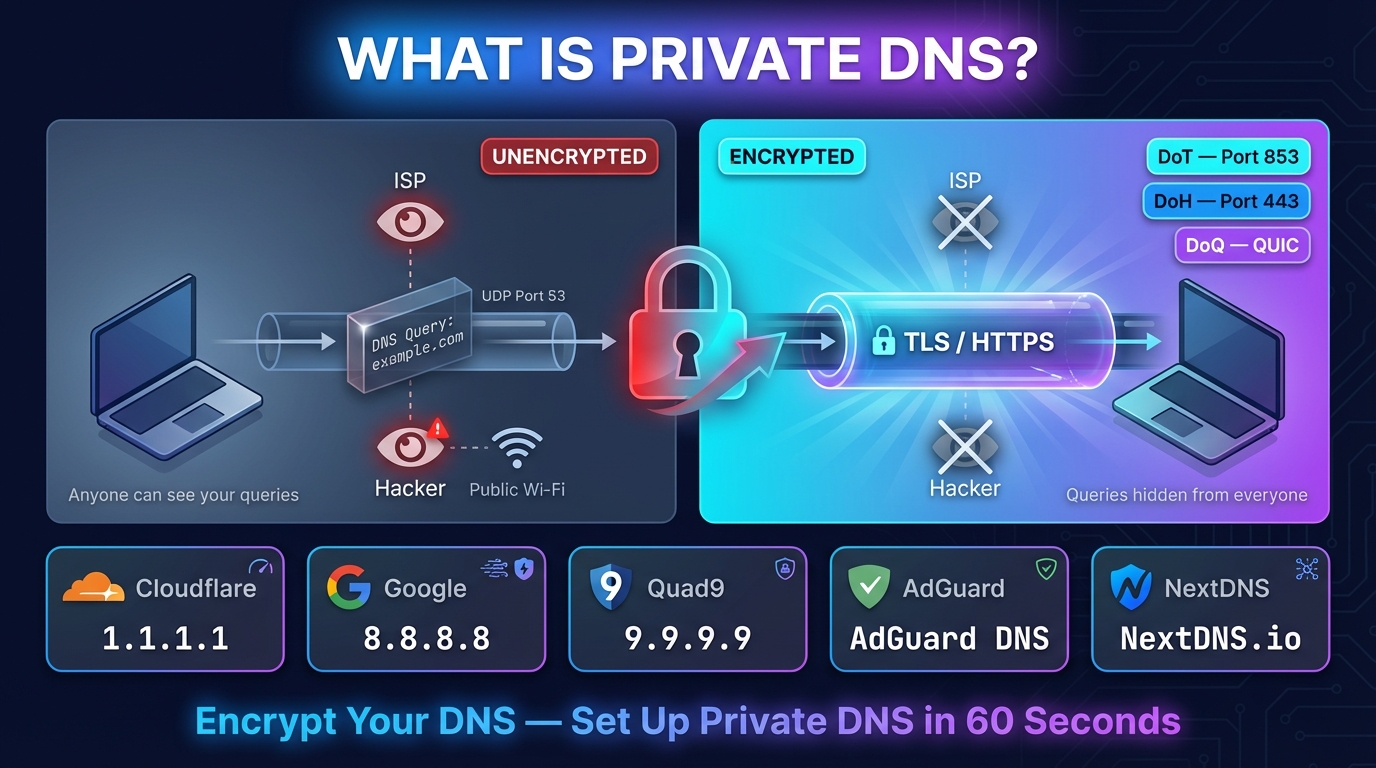
What Is Private DNS? Meaning, Hostname List & Setup
Private DNS encrypts the site names your phone looks up, so your network and ISP can't read them. What it means, the hostname to type, and setup on any device.


Related Tools
DNS Speed Test
Time Cloudflare 1.1.1.1, Google 8.8.8.8 and more public DNS servers from your own browser, against your current DNS, and find the fastest for you
DNS Leak Test
See which DNS servers really resolve your lookups and whether your VPN leaks DNS requests to your internet provider
DNS Lookup
Every DNS record from the domain's own nameservers, beside Google's and Cloudflare's cache