











NET::ERR_CERT_COMMON_NAME_INVALID: Meaning & How to Fix It
 Shaik Vahid7 min read
Key takeaway
NET::ERR_CERT_COMMON_NAME_INVALID (Chromium error -200) means the site's certificate doesn't list the name in your address bar. Often it's www vs no www, a Wi-Fi login page, or a server sending another site's certificate. As a visitor, check the address and sign in to the Wi-Fi; as the owner, put every name (example.com and www.example.com) on the certificate.
Check it now

Start reading
What Does NET::ERR_CERT_COMMON_NAME_INVALID Mean?
An HTTPS certificate lists the names it is valid for, such as example.com and www.example.com. When you open a site, your browser checks that the name in the address bar is on that list. If it isn't, Chrome, Edge and other Chromium browsers stop with NET::ERR_CERT_COMMON_NAME_INVALID.
Chromium's source code defines it as error -200: "The server responded with a certificate whose common name did not match the host name." (Chromium)
The name is older than the check. Chrome now looks only at the certificate's Subject Alternative Names (SANs): it removed the fallback to the certificate's common name in Chrome 58, noting that RFC 2818 had deprecated it back in 2000. (Chrome Platform Status) The current standard, RFC 9525, says the same: the server identity "can only be expressed in the subjectAltNames extension".
How It Looks in Each Browser
Both browsers tell you which names the certificate does cover, which is the fastest clue to the cause.
| Browser and case | What you see |
|---|---|
| Chrome and Edge | Your connection is not private · NET::ERR_CERT_COMMON_NAME_INVALID |
| Chrome: the details | This server could not prove that it is site.example; its security certificate is from other.example. |
| Chrome: no names at all | …its security certificate does not specify Subject Alternative Names. |
| Firefox | SSL_ERROR_BAD_CERT_DOMAIN · requested domain name does not match the server's certificate |
| Firefox: the details | …it uses a certificate that is not valid for site.example. The certificate is only valid for other.example. |
Why It Happens: Chromium's Four Reasons
Chromium's source lists four ways this error comes about. (Chromium) In plain words:
- An attacker redirected your traffic to their own server, with a certificate for a name they control. This is why the warning exists.
- The server is misconfigured and sends the wrong certificate. A server that hosts many sites picks the certificate by the name your browser asks for (Server Name Indication, made for "servers that host multiple 'virtual' servers at a single underlying network address", RFC 6066). A site that has no certificate set up there gets another site's, or the server's default one.
- You're on Wi-Fi that wants you to sign in first. The network sends you to its login page, whose certificate can't match the site you asked for.
- Your device added a DNS search suffix. You typed a short name like intranet, the system tried intranet.corp.example, and the server's certificate doesn't cover the short name in your address bar.
A fifth cause is close to the second: a DNS service that blocks the site (an ISP block, parental controls, an ad-blocking DNS) can send you to a block page with its own certificate. Our guide to "Your connection is not private" covers that case.
Check Which Names the Certificate Covers
To see the certificate the site really sends, check it from outside your device and network. Enter the address below: the check lists every name on the certificate and says whether the one you typed matches.
See the names on the site's certificate
Whether a name matches follows fixed rules. Every name has to be listed on its own, and a wildcard is allowed only as "the complete content of the left-most label" and "can only match one label". (RFC 9525)
| Name on the certificate | Address you opened | Match? |
|---|---|---|
| example.com | example.com | Yes |
| example.com | www.example.com | No: www has to be listed too |
*.example.com | www.example.com | Yes: one label |
*.example.com | example.com | No: the wildcard needs a label |
*.example.com | a.b.example.com | No: only one label |
| example.com | https://192.0.2.10 | No: an IP address has to be listed as an IP |
How to Fix It as a Visitor
Try these in order, and reload the page after each one.
- Check the addressLook for a typo, and try the site with and without www. Open it from a search result or a link you trust rather than an old bookmark.
- Sign in to the Wi-FiOn hotel, airport or café Wi-Fi, open a plain http:// page such as
http://neverssl.com. The network's login page appears; after you sign in, reload the site. - Type the full name on a work networkInstead of a short name like intranet, type the full one, such as intranet.corp.example, so the name in the address bar is the one on the certificate.
- Turn off a filtering DNS, VPN or proxy to testIf the certificate turns out to belong to a filter or a network appliance, the block is on your side, not the site's.
- If only this site fails everywhere, tell its ownerWhen the SSL Checker above shows the same mismatch, nothing on your device can fix it: the site has to put the right name on its certificate.
If You Run the Website
Visitors see this error when your certificate doesn't list the name they used. To fix it:
- Put every name on the certificate, both example.com and www.example.com, plus each subdomain you serve. A wildcard (
*.example.com) covers one level of subdomains and never the bare domain, so list example.com next to it. - Make sure each name gets its own certificate from the server. On shared hosting, a load balancer or a CDN, add the name to the site's configuration there, not only to DNS: otherwise it gets the default certificate.
- Don't rely on the Common Name. Browsers check only the Subject Alternative Names; a name that appears only in the CN doesn't count.
- Reissue after adding a name. A certificate can't be edited: request a new one with the full list. Our CSR Generator builds the request with every name in it.
Then check the live site with the SSL Checker, or paste the certificate into the Certificate Decoder to read its names. The other two common certificate errors have their own guides: ERR_CERT_DATE_INVALID for dates and ERR_CERT_AUTHORITY_INVALID for trust.
Which names does the site's certificate cover?
DNS Robot's free SSL Checker reads the certificate a site really sends, lists every name on it and tells you whether the address you typed matches, along with the chain, dates and grade.
Sources
- net_error_list.h: CERT_COMMON_NAME_INVALID (-200), Chromium
- ssl_errors_strings.grdp, Chromium
- Support for commonName matching in Certificates (removed in Chrome 58), Chrome Platform Status
- nsserrors.ftl, Mozilla
- certError.ftl, Mozilla
- RFC 9525: Service Identity in TLS, IETF
- RFC 6066: TLS Extensions (Server Name Indication), IETF
Frequently Asked Questions
What does NET::ERR_CERT_COMMON_NAME_INVALID mean?
Why does it say "common name" if Chrome checks other fields?
Does a certificate for example.com cover www.example.com?
Does a wildcard certificate cover the main domain?
*.example.com matches exactly one label, such as www.example.com or shop.example.com. It doesn't match example.com itself or a deeper name like a.b.example.com, so those must be listed separately.Is it safe to click Proceed?
Why do I only see it on public Wi-Fi?
Why does it appear when I type a short name like intranet?
How do I fix it on my own website?
About the author
Shaik VahidFounder of DNS Robot. Vahid spent years in web hosting support fixing domains, DNS records, SSL certificates and email delivery for customers. He builds DNS Robot's tools and writes these guides from the errors people actually hit.
Related Articles
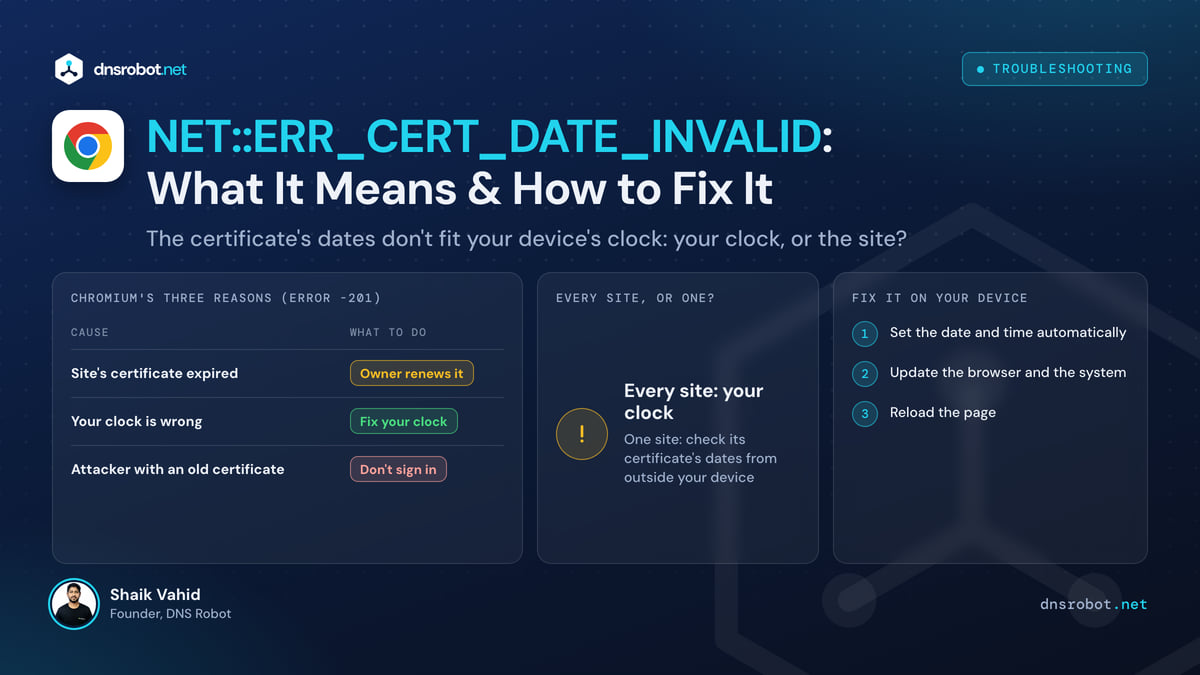
NET::ERR_CERT_DATE_INVALID: What It Means & How to Fix It
NET::ERR_CERT_DATE_INVALID means the site's certificate is expired, not yet valid, or your clock is wrong. Find out which in a minute and fix it on any device.
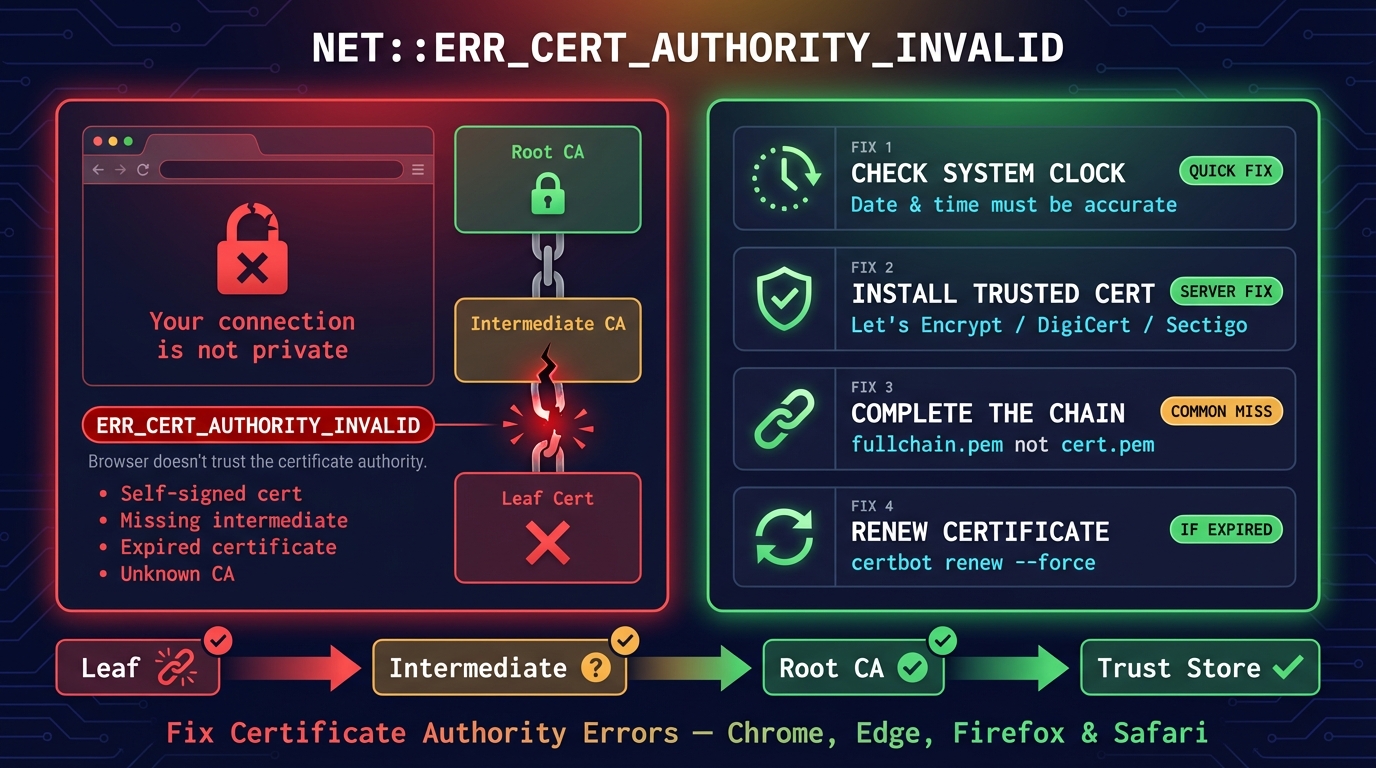
ERR_CERT_AUTHORITY_INVALID: Fix in Chrome, Edge & Android
NET::ERR_CERT_AUTHORITY_INVALID means your browser doesn't trust whoever issued the site's certificate. What causes it, and fixes for visitors and site owners.
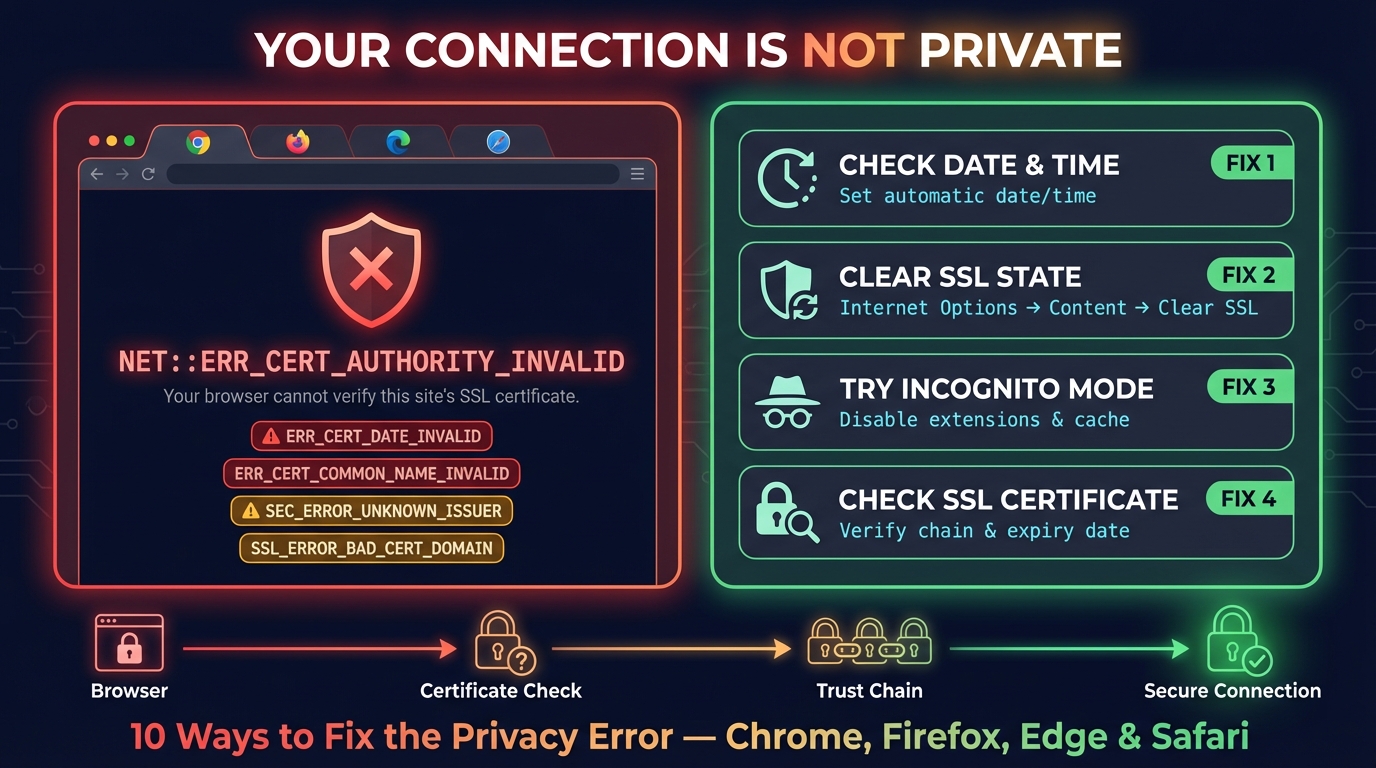
Connection Is Not Private: Fix It on iPhone, iPad & Chrome
Fix "Your connection is not private" in Chrome and "This Connection Is Not Private" on iPhone and iPad: what the warning means and the fix for each cause.


Related Tools
SSL Certificate Check
Verify SSL certificate validity and security details
Certificate Decoder
Decode an SSL certificate or a whole chain: every field, each link checked, trust in the 4 browser root stores, PEM and DER
CSR Generator
Create a certificate signing request and private key in your browser: RSA or ECDSA, with SANs and the matching OpenSSL command
DNS Lookup
Every DNS record from the domain's own nameservers, beside Google's and Cloudflare's cache