











NET::ERR_CERT_DATE_INVALID: What It Means & How to Fix It
 Shaik Vahid6 min read
Key takeaway
NET::ERR_CERT_DATE_INVALID (Chromium error -201) means the website's certificate looks expired or not yet valid by your device's clock. Either the site really let its certificate expire, or your clock is wrong: if every HTTPS site fails, fix your date and time (turn on "Set time automatically"); if only one site fails, check its certificate with an SSL checker, and if it has expired, only the site owner can fix it by renewing.
Check it now

Start reading
What Is NET::ERR_CERT_DATE_INVALID?
Every HTTPS certificate is valid between two dates: valid from and valid until. When you open a site, your browser compares those dates with your device's clock. If the clock says today is outside that window, Chrome, Edge and other Chromium browsers stop with NET::ERR_CERT_DATE_INVALID.
Chromium's source code defines it as error -201: "The server responded with a certificate that, by our clock, appears to either not yet be valid or to have expired." It lists three possible reasons: an attacker "presenting an old certificate for which they have managed to obtain the private key", a server that "is misconfigured and is not presenting a valid cert", or "Our clock is wrong." (Chromium)
In practice it is almost always the second or the third: an expired certificate on the site, or a wrong date on your device.
How It Looks in Each Browser
The words change between browsers, but they report the same date check failing.
| Browser and case | What you see |
|---|---|
| Chrome: the certificate is outside its dates by your clock | Your connection is not private · NET::ERR_CERT_DATE_INVALID |
| Edge and other Chromium browsers | The same NET::ERR_CERT_DATE_INVALID code, worded their own way |
| Chrome: your device's date is wrong | Your clock is behind / Your clock is ahead |
| Firefox: the certificate has expired | SEC_ERROR_EXPIRED_CERTIFICATE · Peer's Certificate has expired. |
| Firefox: the start date is still in the future | MOZILLA_PKIX_ERROR_NOT_YET_VALID_CERTIFICATE |
| Firefox: a certificate higher up the chain expired | SEC_ERROR_EXPIRED_ISSUER_CERTIFICATE |
When Chrome can tell your clock is the problem, it says so instead: "A private connection to … can't be established because your computer's date and time … are incorrect." (Chromium) Our guide to "Your connection is not private" covers the same page's other causes.
Is It Your Clock or the Site?
One question decides it: does every HTTPS site fail, or just this one?
If every site fails, your device's date or time is wrong. Chrome explains why that breaks everything: "the certificates that websites use to identify themselves are only valid for specific periods of time. Since your device's clock is incorrect, Chrome cannot verify these certificates."
If only one site fails, look at its certificate from outside your device. Enter the site below: the check shows the certificate's valid-from and valid-until dates as the server sends them, and how many days are left.
Check the site's certificate dates
How to Fix It on Your Device
Work through these when the error shows on every site, or when the checker says the site's certificate is fine.
- Windows: set the time automaticallySelect Start > Settings > Time & language > Date & time and make sure Set time automatically is turned On (Microsoft's own steps). Check the time zone on the same page.
- iPhone and iPad: fix the date in SettingsChrome's own message on iOS says to "adjust the date and time from the General section of the Settings app". Turning on automatic date and time there keeps it right.
- Other devicesOpen the system's date and time settings and let it set the time automatically from the network.
- Update the browser and the systemAn old device can fail on certificates that are fine elsewhere, because a certificate higher up the chain expired and the device doesn't know the newer one (below).
- Reload the pageAfter fixing the clock, reload. If only one site still fails, check it again with the SSL Checker.
If You Run the Website
If visitors see this error on your site, your certificate (or one in its chain) has expired. Renew it, install it, and make sure every server that answers for your name sends the new one: check from outside with the SSL Checker or paste the certificate into the Certificate Decoder to read its exact dates.
Certificates are getting shorter, so a missed renewal shows up faster than it used to. The CA/Browser Forum's Baseline Requirements cap a publicly trusted certificate's validity by its issue date:
| Issued | Longest allowed validity |
|---|---|
| Before 15 March 2026 | 398 days |
| From 15 March 2026 | 200 days |
| From 15 March 2027 | 100 days |
| From 15 March 2029 | 47 days |
Let's Encrypt's default certificates last 90 days, and it recommends "renewing 90 day certificates every 60 days". (Let's Encrypt) From 10 February 2027 its default lifetime drops to 64 days. (Let's Encrypt) At these lengths, renewal has to be automatic: an ACME client renews on its own, and ACME Renewal Information (RFC 9773) lets the certificate authority tell it when.
An expired intermediate certificate causes the same error, which Firefox names SEC_ERROR_EXPIRED_ISSUER_CERTIFICATE. Send the current chain your certificate authority gives you; what an SSL certificate chain is explains how it fits together.
Has the site's certificate really expired?
DNS Robot's free SSL Checker reads the certificate the server sends, with its valid-from and valid-until dates, the days left and the full chain, so you know whether the fix is yours or the site's.
Sources
- net_error_list.h (CERT_DATE_INVALID -201), Chromium
- security_interstitials_strings.grdp ("Your clock is behind", "Your connection is not private"), Chromium
- nsserrors.ftl (SEC_ERROR_EXPIRED_CERTIFICATE and related messages), Mozilla
- Set time, date, and time zone settings in Windows, Microsoft
- DST Root CA X3 Expiration (September 2021), Let's Encrypt
- Baseline Requirements §6.3.2 (validity periods), CA/Browser Forum
- FAQ (90-day certificates, renewing every 60 days), Let's Encrypt
- 64-Day Certificate Lifetimes Coming Feb 2027, Let's Encrypt
- RFC 9773: ACME Renewal Information (ARI), IETF
Frequently Asked Questions
What does NET::ERR_CERT_DATE_INVALID mean?
Is NET::ERR_CERT_DATE_INVALID dangerous?
Why does it happen on every website?
Why does it happen on only one website?
How do I fix it on Windows?
How do I fix it on iPhone?
What does "Your clock is behind" mean in Chrome?
How long is an SSL certificate valid?
About the author
Shaik VahidFounder of DNS Robot. Vahid spent years in web hosting support fixing domains, DNS records, SSL certificates and email delivery for customers. He builds DNS Robot's tools and writes these guides from the errors people actually hit.
Related Articles
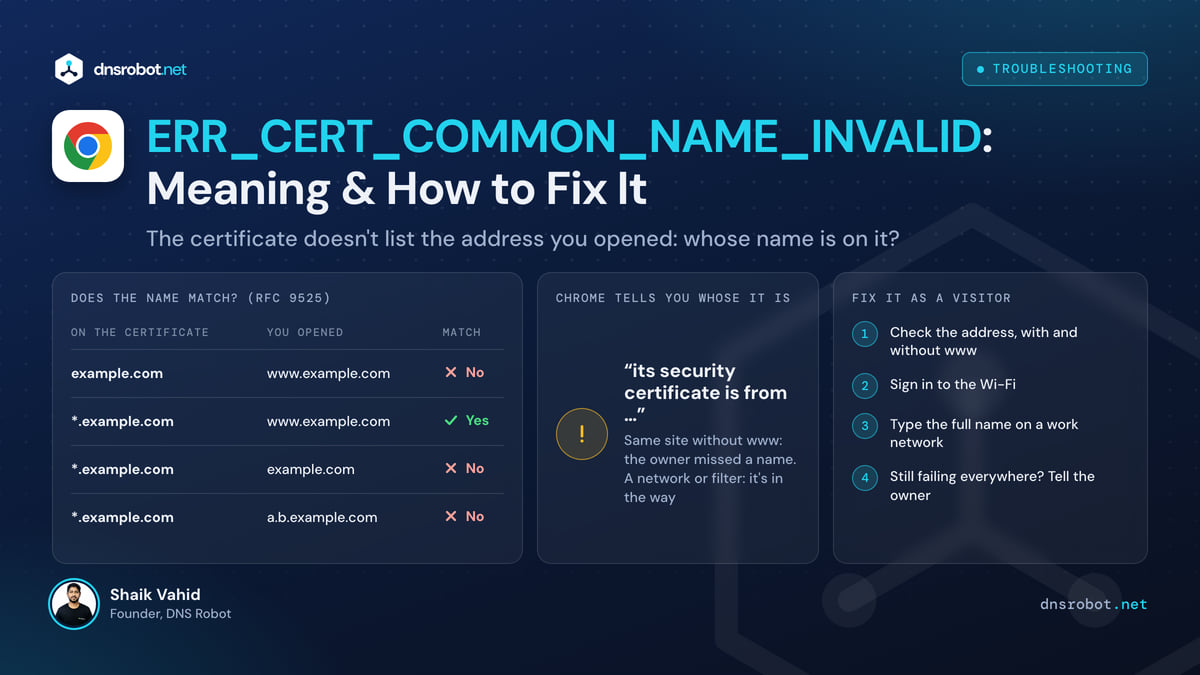
NET::ERR_CERT_COMMON_NAME_INVALID: Meaning & How to Fix It
NET::ERR_CERT_COMMON_NAME_INVALID means the site's certificate doesn't list the address you opened. See which name it's for and fix it, as visitor or owner.
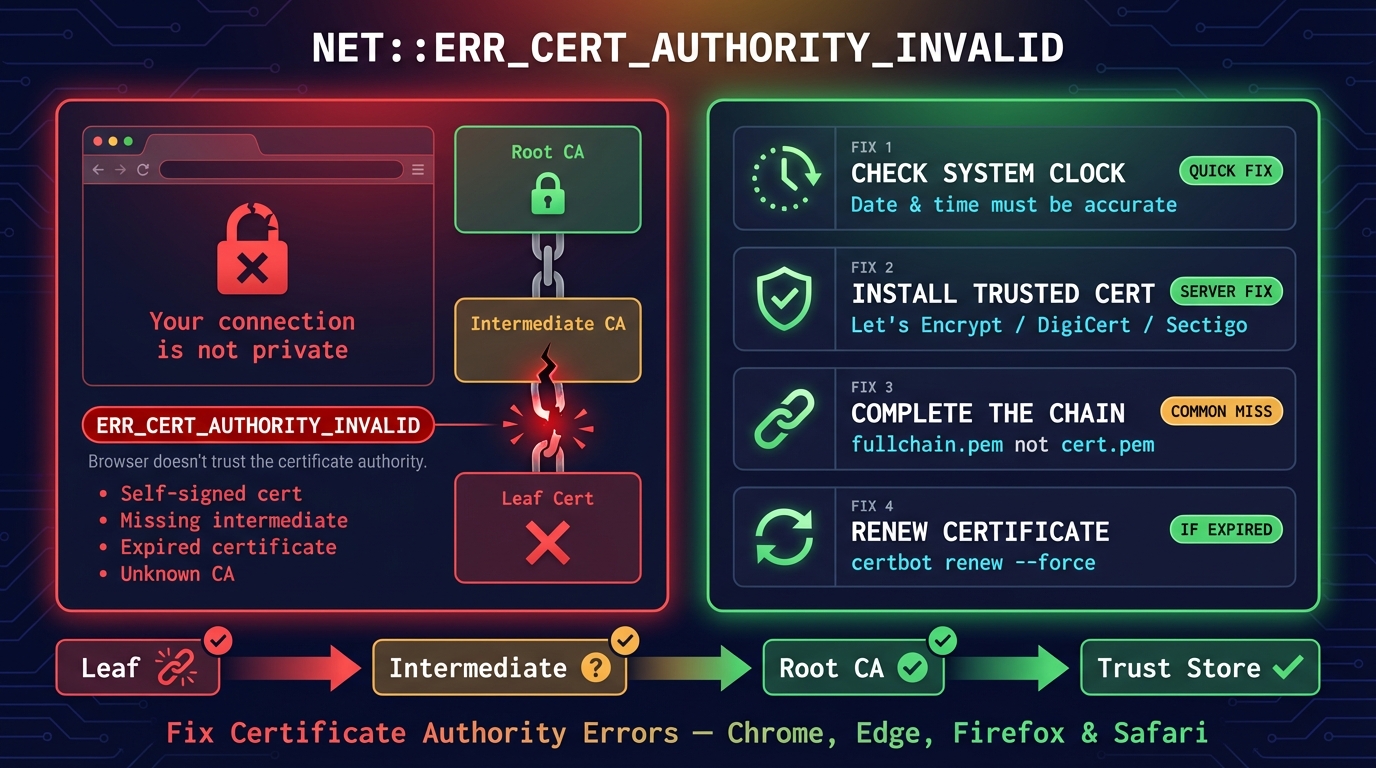
ERR_CERT_AUTHORITY_INVALID: Fix in Chrome, Edge & Android
NET::ERR_CERT_AUTHORITY_INVALID means your browser doesn't trust whoever issued the site's certificate. What causes it, and fixes for visitors and site owners.
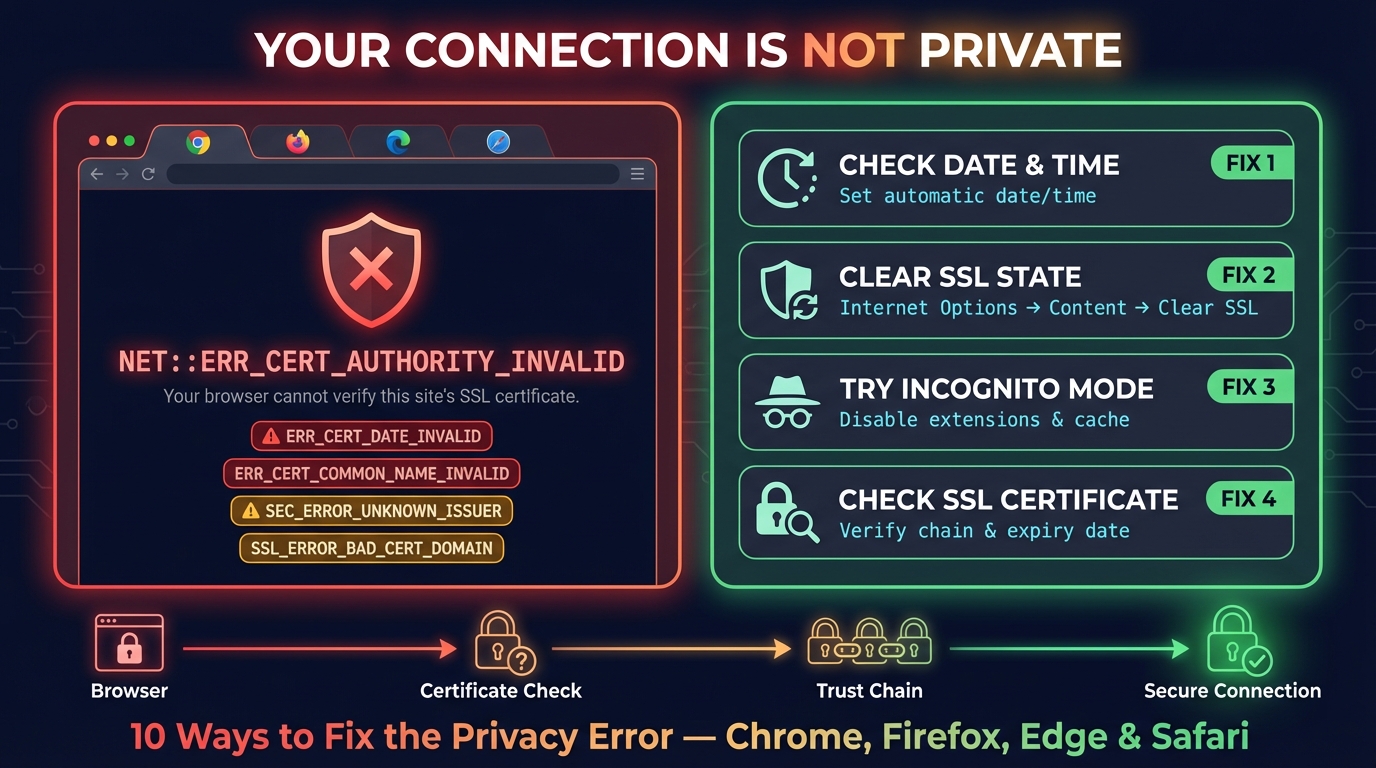
Connection Is Not Private: Fix It on iPhone, iPad & Chrome
Fix "Your connection is not private" in Chrome and "This Connection Is Not Private" on iPhone and iPad: what the warning means and the fix for each cause.


Related Tools
SSL Certificate Check
Verify SSL certificate validity and security details
Certificate Decoder
Decode an SSL certificate or a whole chain: every field, each link checked, trust in the 4 browser root stores, PEM and DER
Website Down Checker
Is it down for everyone or just you? Check any site from 11 places and your own connection, with a live screenshot
DNS Lookup
Every DNS record from the domain's own nameservers, beside Google's and Cloudflare's cache