











Wi-Fi Doesn't Have a Valid IP Configuration: How to Fix It
 Shaik Vahid7 min read
Key takeaway
"Wi-Fi doesn't have a valid IP configuration" (or "Ethernet…") means Windows couldn't get a working IP address from your network, usually because the router's DHCP didn't answer. Run ipconfig: an address starting with 169.254 is one Windows gave itself (APIPA). Restart the router, forget and rejoin the network, then run Microsoft's reset commands; a network reset is the last step.
Check it now
Open Router Login
Start reading
What Does "Doesn't Have a Valid IP Configuration" Mean?
Windows shows this when its network troubleshooter finds that your Wi-Fi or Ethernet adapter has no usable IP address. Without one, nothing on the internet can reach your PC, so you are connected to the network but can't get online.
On a home network your router hands out addresses using DHCP. When the router doesn't answer, Windows doesn't wait forever. Microsoft explains that "a Windows computer can assign itself an Internet Protocol (IP) address in the event that a DHCP server is not available or does not exist on the network". That feature is Automatic Private IP Addressing (APIPA), and the address it picks is always in 169.254.0.0 to 169.254.255.255. (Microsoft)
A 169.254 address is a sign, not the fault: it tells you the router never gave your PC an address.
Check Your Address in 10 Seconds
Open Command Prompt (search for cmd) and run:
ipconfig| Your adapter's IPv4 Address | What it means |
|---|---|
| 169.254.x.x | Windows gave itself an address: the router's DHCP didn't answer |
| None, or the adapter shows "Media disconnected" | The adapter isn't connected: check Wi-Fi, the cable or the adapter |
| A normal private address (192.168.x.x, 10.x.x.x) with a Default Gateway | Windows has an address, so the problem is elsewhere: see our Wi-Fi connected but no internet guide |
Our Subnet Calculator explains any address you see, including which special range it belongs to.
Is It the Router or This PC?
Microsoft's own troubleshooting includes this test: "try to connect to the same network on a different device".
If other devices also can't get online, the router (or the internet connection behind it) is the problem: restart it first. To look at its DHCP settings, log in to it: our Router Login finds its address and the default login for your model.
If only this PC fails, the problem is on the PC: its adapter, driver or network settings. Work through the fixes below.
How to Fix It, in Microsoft's Order
These follow Microsoft's own steps for Wi-Fi problems in Windows 11 and 10. Check after each one.
- Restart your modem and routerUnplug them, wait, and plug them back in. Microsoft: "This helps create a new connection to your Internet service provider (ISP)." Everyone on the network is disconnected for a moment.
- Forget and reconnect to the Wi-Fi networkSelect Settings > Network & internet > Wi-Fi > Manage known networks, select your network and Forget, then reconnect with the password.
- Run the network reset commandsOpen Command Prompt as administrator and run Microsoft's commands in this order (below). They reset the network stack and ask the router for a fresh address.
- Turn off power saving for the Wi-Fi adapterIn Device Manager, expand Network adapters, right-click your Wi-Fi adapter, choose Properties, open the Power Management tab and uncheck Allow the computer to turn off this device to save power.
- Reinstall the network adapter driverKeep a copy of the driver from the PC maker's site first. Then uninstall the adapter in Device Manager and restart: Microsoft says "Windows will automatically install the latest driver."
- Use Network reset, lastSettings > Network & internet > Advanced network settings > Network reset (Windows 11). Microsoft: "Using network reset should be the last step you try".
netsh winsock reset
netsh int ip reset
ipconfig /release
ipconfig /renew
ipconfig /flushdns"Ethernet Doesn't Have a Valid IP Configuration"
The Ethernet version means exactly the same thing: the wired adapter got no address from the router. The same ipconfig check and fixes apply, with Wi-Fi's "forget the network" step replaced by the cable:
Try another cable and another port on the router. If the adapter shows "Media disconnected" in ipconfig, Windows doesn't see a working link at all, which points at the cable, the port or the adapter rather than DHCP.
Older versions of Windows call the wired adapter Local Area Connection, so "Local Area Connection doesn't have a valid IP configuration" is the same error.
Why It Keeps Coming Back
If the fixes work but the error returns, look at what changes over time:
- The router's DHCP stalls again: update its firmware, and if it keeps happening, the router may need replacing.
- Power saving turns the Wi-Fi adapter off and it doesn't come back cleanly: keep it switched off for that adapter (step 4).
- A fixed (static) IP address set on the PC that doesn't match the network: set the adapter's IP assignment back to automatic (DHCP).
- VPN or security software that adds its own network adapter: update or reinstall it after a network reset.
Can't find your router's login page?
DNS Robot's free Router Login finds your router's address, opens its admin page and lists the default login for your model, so you can check its DHCP settings.
Sources
Frequently Asked Questions
What does "Wi-Fi doesn't have a valid IP configuration" mean?
What does a 169.254 IP address mean?
How do I fix it on Windows 11?
How do I fix "Ethernet doesn't have a valid IP configuration"?
Is the problem my router or my PC?
Will Network reset delete my settings?
Can a static IP address cause this error?
Why does it keep coming back?
About the author
Shaik VahidFounder of DNS Robot. Vahid spent years in web hosting support fixing domains, DNS records, SSL certificates and email delivery for customers. He builds DNS Robot's tools and writes these guides from the errors people actually hit.
Related Articles
WiFi Connected But No Internet? 10 Fixes That Work
Fix 'WiFi connected but no internet' on Windows, Mac, Android and iPhone: find out if it's one device or the network, then fix DNS, the IP lease or the router.
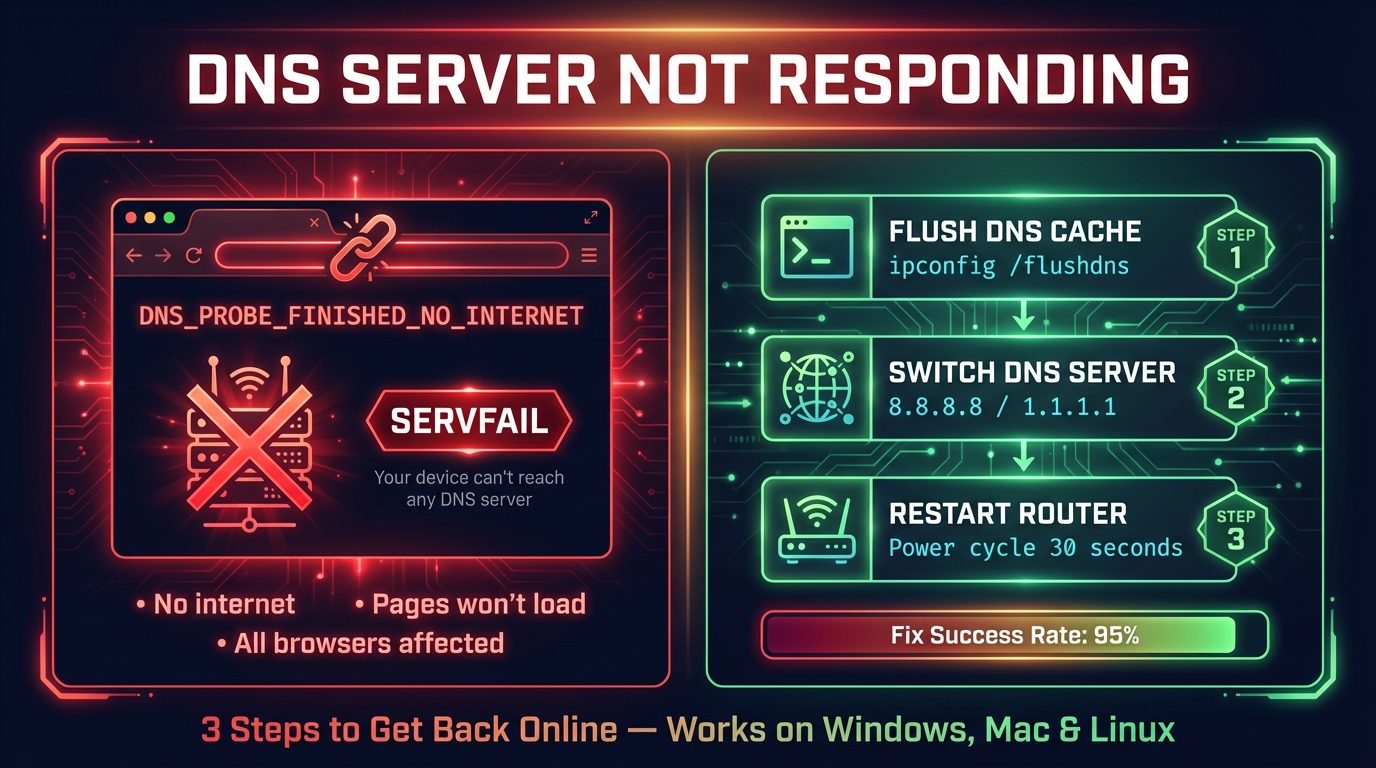
How to Fix DNS Server Not Responding (Step-by-Step)
Fix "DNS server not responding" on Windows, Mac, phones and consoles: what the message means, the quick fixes that work, and how to check DNS is back.
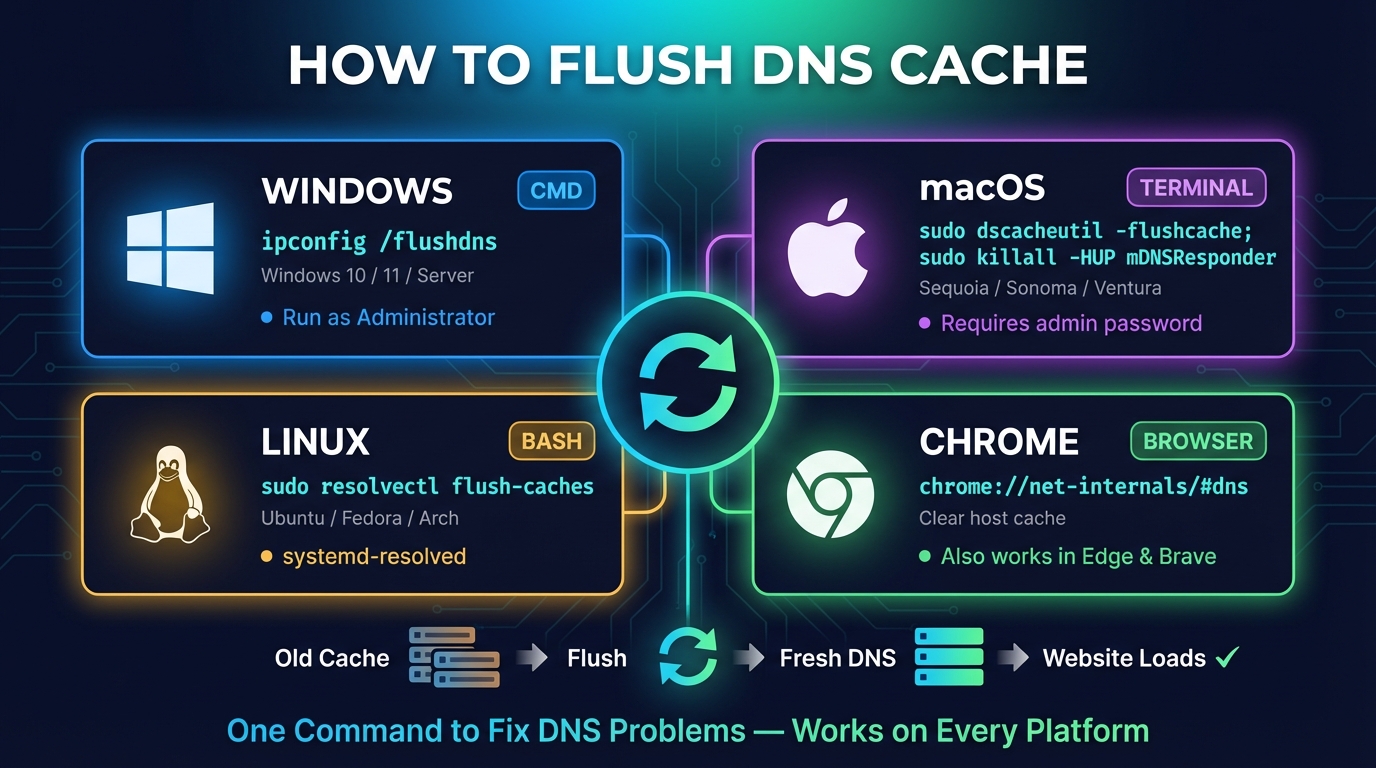
How to Flush DNS: Windows, Mac, Linux, Fedora & Chrome
How to flush DNS cache on Windows (ipconfig /flushdns), macOS, Linux and Fedora, Chrome, Firefox, phones and your router, and how to check that it worked.


Related Tools
Router Login
Open your router's admin page, fix address typos and find default logins by brand
What Is My IP
Your public IPv4 and IPv6 at once, with the network, location and a VPN check
Subnet Calculator
Network, broadcast, usable hosts and masks for any IPv4 or IPv6 block, plus VLSM, splits and cloud subnets
What Is My ISP
Discover your ISP, ASN, and connection details