











Your IP Has Been Banned: What It Means & How to Fix It
 Shaik Vahid6 min read
Key takeaway
"Your IP has been banned" means the website, or a security service in front of it such as Cloudflare or a host's firewall, refused requests from your IP address. The ban is on the address, not necessarily on you: mobile, CGNAT, VPN and data-centre addresses are shared, so other people's traffic can get them blocked. Many automatic bans expire on their own (fail2ban's default is 10 minutes). For one that stays, send the site the reference shown on the page, such as Cloudflare's Ray ID, and ask them to check it: only the site owner can lift it.
Check it now

Start reading
What Does "Your IP Has Been Banned" Mean?
It means the website refused requests coming from your IP address, the number every site sees when you connect. The decision was made by the site, or by a security service the site sits behind, not by your internet provider or your browser.
Cloudflare puts it plainly for its error 1006: "A Cloudflare customer blocked traffic from your client or browser." (Cloudflare) OVHcloud's shared web hosting shows the same words when "the IP address from which you are trying to access your website has been temporarily blocked by our security systems". (OVHcloud)
The ban is on the address, not on your account or your device. That matters, because many addresses are shared, and the person the site meant to stop may not be you.
Where You See It: The Common Versions
The wording changes with whoever blocked you. Each version shows something you can quote when you ask to be let back in.
| What you see | Who blocked you | What to note from the page |
|---|---|---|
| Access denied · Error 1006, 1007, 1008 or 1106 · Your IP address has been banned | The site's owner, through its Cloudflare security settings | The Cloudflare Ray ID (it appears at the bottom of Cloudflare's error pages) and your IP address |
| Your IP has been banned (OVHcloud web hosting) | OVHcloud's security systems on its shared hosting, temporarily | The IP address, the date and the Request ID shown on the page |
| A forum, game or app saying your IP address is banned | The service itself: a moderator or an automatic rule | Any reference or ban ID it shows, and the time |
Why Websites Ban IP Addresses
A ban is usually a rule doing its job, not a person reading your messages. These are the common rules:
- Too many requests or failed logins in a short time. fail2ban, a common server tool, ships with a default that bans an address after 5 failures within 10 minutes. OVHcloud's first cause is when "a very large number of requests, similar or not, are made in an extremely short time from the same IP address".
- Requests that look suspicious, such as scanning for admin pages or known exploits (OVHcloud names suspicious requests as a cause).
- A range, network or country the site blocks. Cloudflare's IP Access rules let a site block by single address, address range, network (ASN) or country.
- A VPN, proxy or data-centre address. Detection services describe hosting and data-centre addresses, VPN services included, as "likely to be used as anonymizers", and some sites block them all.
- Someone else on the same address: on a shared mobile or carrier-grade NAT address, one user's behaviour gets everyone on it blocked (below).
- An address on a public blocklist, which mostly matters to mail servers, though some sites use the same lists. The IP Blacklist Checker asks 28 of them; our Spamhaus removal guide walks through the best-known one.
Is It You, or Everyone on Your Address?
Phone networks and many home providers put lots of customers behind one public address, using carrier-grade NAT (CGNAT). The address space reserved for it is 100.64.0.0/10 (RFC 6598): if your router reports a WAN address starting with 100.64 to 100.127, you are sharing your public address.
The IETF wrote down the consequence in 2011. A server that sees too many requests from one address "may decide to put that address in a penalty box", and on a shared address "one user who fails a number of login attempts may block out other users who have not made any previous attempts". (RFC 6269)
So a ban you did nothing to earn is common, and it is not a judgement of you. Check what the site sees with What Is My IP, which network the address belongs to with IP Lookup, and whether it is on a public blocklist:
Check your IP address on 28 blocklists
How Long Does an IP Ban Last?
It depends entirely on who set it and how:
Automatic bans are often short. fail2ban's shipped default is bantime = 10m, ten minutes, though sites change it, and its own bad-bot rule bans for 48 hours. OVHcloud calls its hosting bans temporary.
A rule the owner set by hand lasts until the owner removes it. Cloudflare is clear that its support "cannot override a customer's security settings": only the site owner can lift a block they made.
If the page still shows the ban after an hour or so, assume it is a lasting one and move on to asking the site.
How to Get Unbanned
Go through these in order. Each one is something a site can act on.
- Wait, then try onceIf you were refreshing hard or mistyped a password several times, an automatic ban may be over in minutes. Hammering the page meanwhile is exactly what these rules look for.
- Turn off your VPN or proxyIf you are on one, the ban may be on its shared address, not on yours. Load the site again on your own connection. The VPN Test shows which address sites see.
- Note the reference and your addressCopy the Cloudflare Ray ID, or OVHcloud's IP, date and Request ID, plus your address from What Is My IP and the time it happened.
- Ask the site to check itUse the site's contact or support page and include the reference. Cloudflare's own resolution for this error reads: "Request the website owner to investigate their Cloudflare security settings or allow your client IP address."
- Check the address for problemsIf your address is on a blocklist, a device on your network may be sending spam or malware traffic: clean it up first, then follow each list's own removal steps.
If You Run the Website
When a visitor sends you a reference, you can find the exact request. Every request through Cloudflare gets a Ray ID, and Security Events list each one with its "IP address, user agent, ASN". (Cloudflare) Search them for the visitor's Ray ID or IP address: in Cloudflare's words, "The event shows which security feature and rule blocked the request." (Cloudflare)
On a server running fail2ban, lift a ban from one jail or from all of them:
# from one jail
sudo fail2ban-client set sshd unbanip 203.0.113.7
# from every jail
sudo fail2ban-client unban 203.0.113.7If your site is on OVHcloud web hosting and you are the one seeing the page, OVHcloud asks you to open a support ticket with the IP address, date and Request ID from the page, the URL and your browser.
Is your IP address on a blocklist?
DNS Robot's free IP Blacklist Checker asks 28 live blocklists about your address, shows who the address block is registered to, and links reputation services such as Cisco Talos and Spamhaus.
Sources
- Error 1006, 1007, 1008 or 1106, Cloudflare
- Cloudflare Ray ID, Cloudflare
- Gathering information for troubleshooting sites (the Ray ID on error pages), Cloudflare
- Error 1020 (finding the rule that blocked a request), Cloudflare
- IP Access rules, Cloudflare
- What should I do if the page "Your IP has been banned" appears?, OVHcloud
- jail.conf (default bantime, findtime, maxretry), fail2ban
- fail2ban-client(1), fail2ban
- RFC 6269: Issues with IP Address Sharing, IETF
- RFC 6598: IANA-Reserved IPv4 Prefix for Shared Address Space, IETF
- GeoIP Anonymous IP database, MaxMind
Frequently Asked Questions
What does it mean if your IP is banned?
How do I get my IP unbanned?
How long does an IP ban last?
Can an IP ban be removed?
What does "Your IP has been temporarily blocked" mean?
Is an IP ban the same as an account ban?
Can my internet provider remove an IP ban?
Why is my IP banned if I did nothing wrong?
What is Cloudflare error 1006?
About the author
Shaik VahidFounder of DNS Robot. Vahid spent years in web hosting support fixing domains, DNS records, SSL certificates and email delivery for customers. He builds DNS Robot's tools and writes these guides from the errors people actually hit.
Related Articles
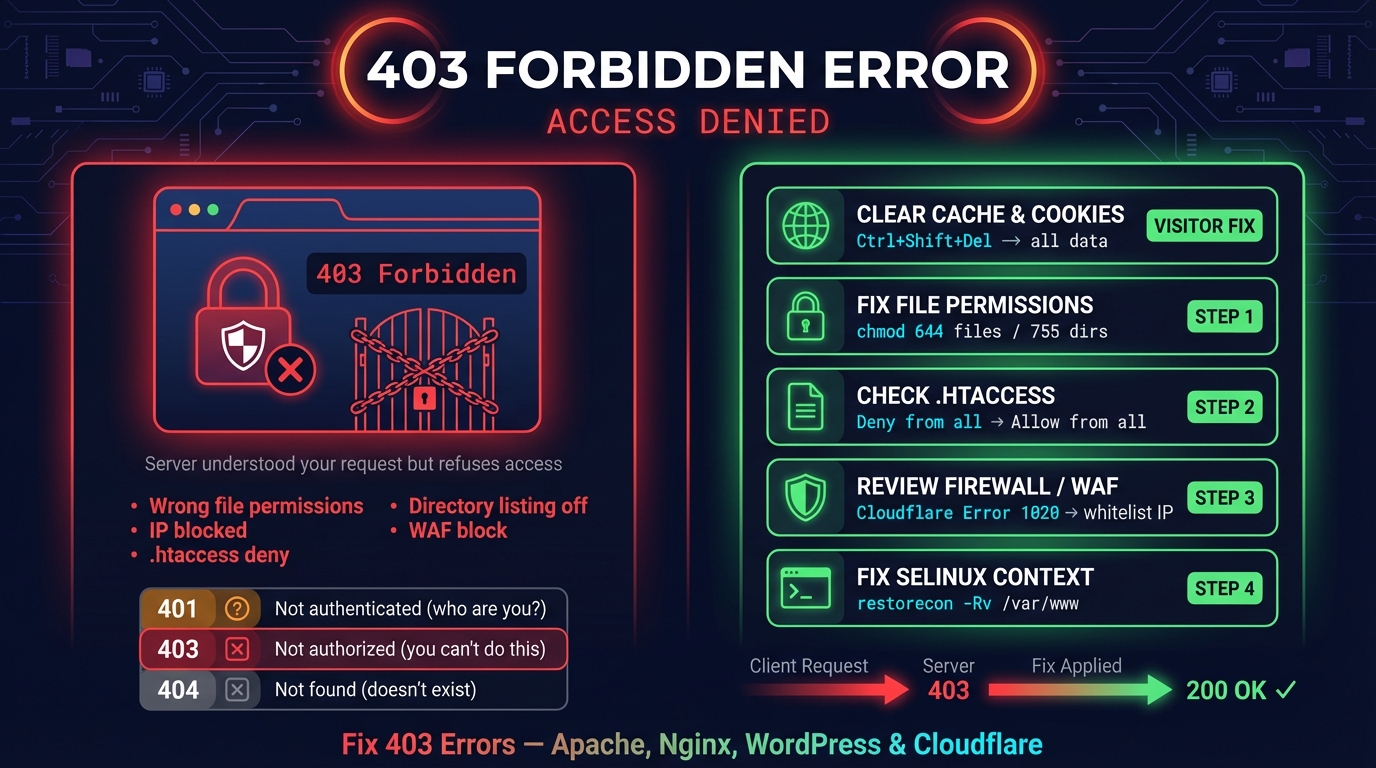
403 Forbidden Error: What It Means & How to Fix It
403 Forbidden means the server understood the request and refuses it. What the nginx, Apache or Cloudflare page tells you, and the fix for visitors and owners.
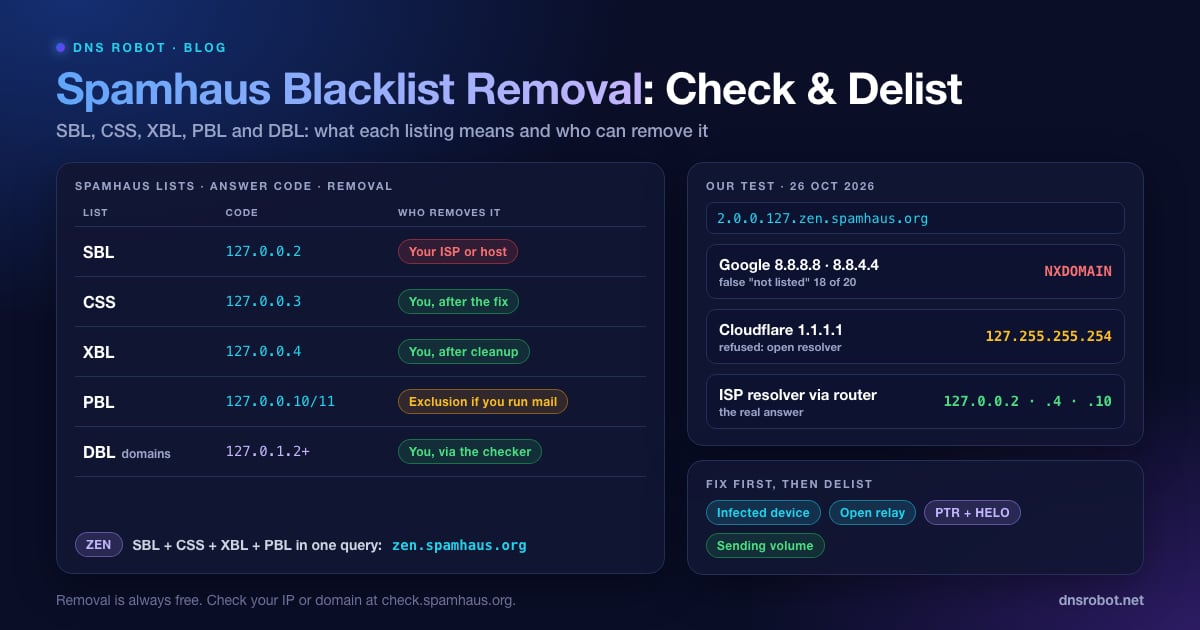
Spamhaus Blacklist Removal: Check & Delist an IP or Domain
Check if Spamhaus lists your IP or domain, what SBL, XBL, CSS, PBL and DBL listings mean, how to get delisted for free, and why 1.1.1.1 can't check it.
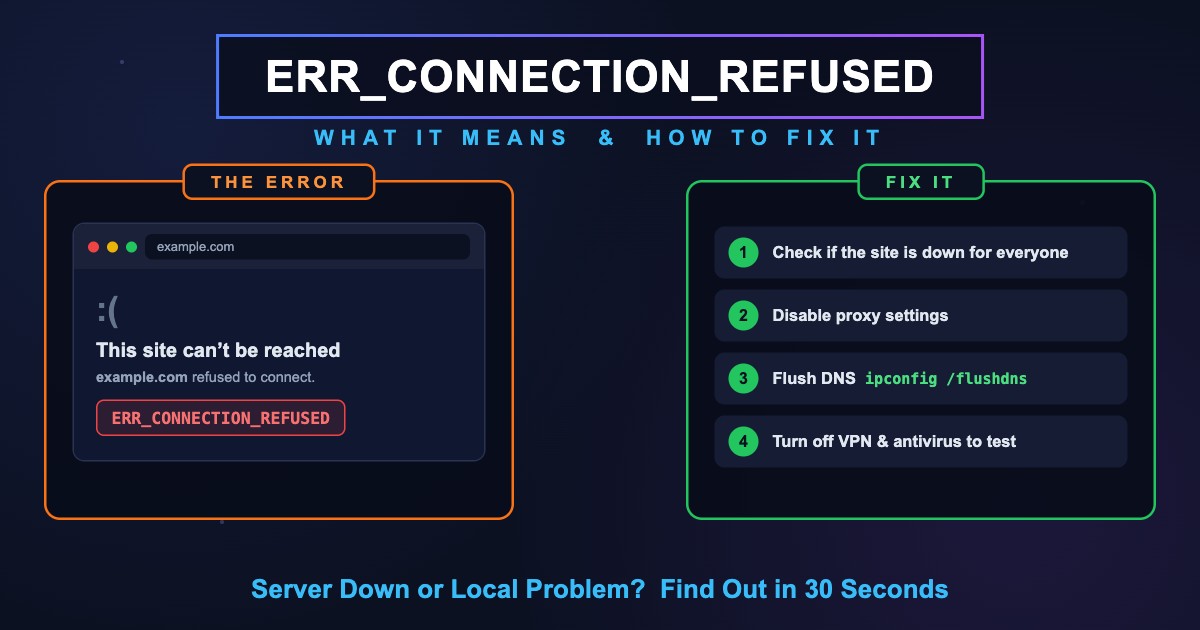
ERR_CONNECTION_REFUSED: Meaning & Fix (Chrome, All Browsers)
ERR_CONNECTION_REFUSED means the site's server was found but refused the connection. Find out if it's you or the site, then fix it on PC, phone or localhost.


Related Tools
IP Blacklist Check
Check if an IP address is listed on spam or malware blacklists
What Is My IP
Your public IPv4 and IPv6 at once, with the network, location and a VPN check
VPN Test
Check whether your VPN is on and whether DNS, WebRTC or your other address family leaks around it, in one run
IP Lookup
Look up IP address geolocation, ISP, and network details instantly
Website Down Checker
Is it down for everyone or just you? Check any site from 11 places and your own connection, with a live screenshot