











192.168.10.1 Login: PTCL Modem, NEC Aterm, TRENDnet and Cudy Admin
192.168.10.1 login: open your PTCL modem, NEC Aterm, TRENDnet, Cudy or Wavlink router's admin page and find its password.

A common router address
Or an admin hostname:28 more
Page didn't open? Try these fixes
- 1
Connect to the router's Wi-Fi or cable, and turn off mobile data. The admin page only works inside that network.
- 2
Use http://, not https://. Most routers have no certificate, so https:// fails or shows a warning.
- 3
Try the other common addresses above. Your router may use 192.168.0.1, 10.0.0.1 or 192.168.100.1 instead.
- 4
Look up your router's real address (the default gateway) with the steps at the bottom of this tool.
- 5
Turn off VPN, proxy and private DNS apps, or try another browser.
- 6
Still nothing? Restart the router, wait two minutes and try again. As a last resort, hold the reset button for 10 seconds (this erases your settings).
What Is 192.168.10.1?
192.168.10.1 is the default admin address of PTCL's Kasda KW58283 DSL modem in Pakistan and of NEC Aterm routers in Japan. Routers from TRENDnet, Cudy and Wavlink use it too, and Wavlink's range extenders as well.
Several of them also answer to a name: aterm.me on NEC Aterm, cudy.net on Cudy, wavlogin.link on Wavlink and the model name on TRENDnet (such as http://tew-827dru). The login differs by device: PTCL, NEC and newer TRENDnet models print the password on a label, while Cudy and Wavlink start with the password admin.
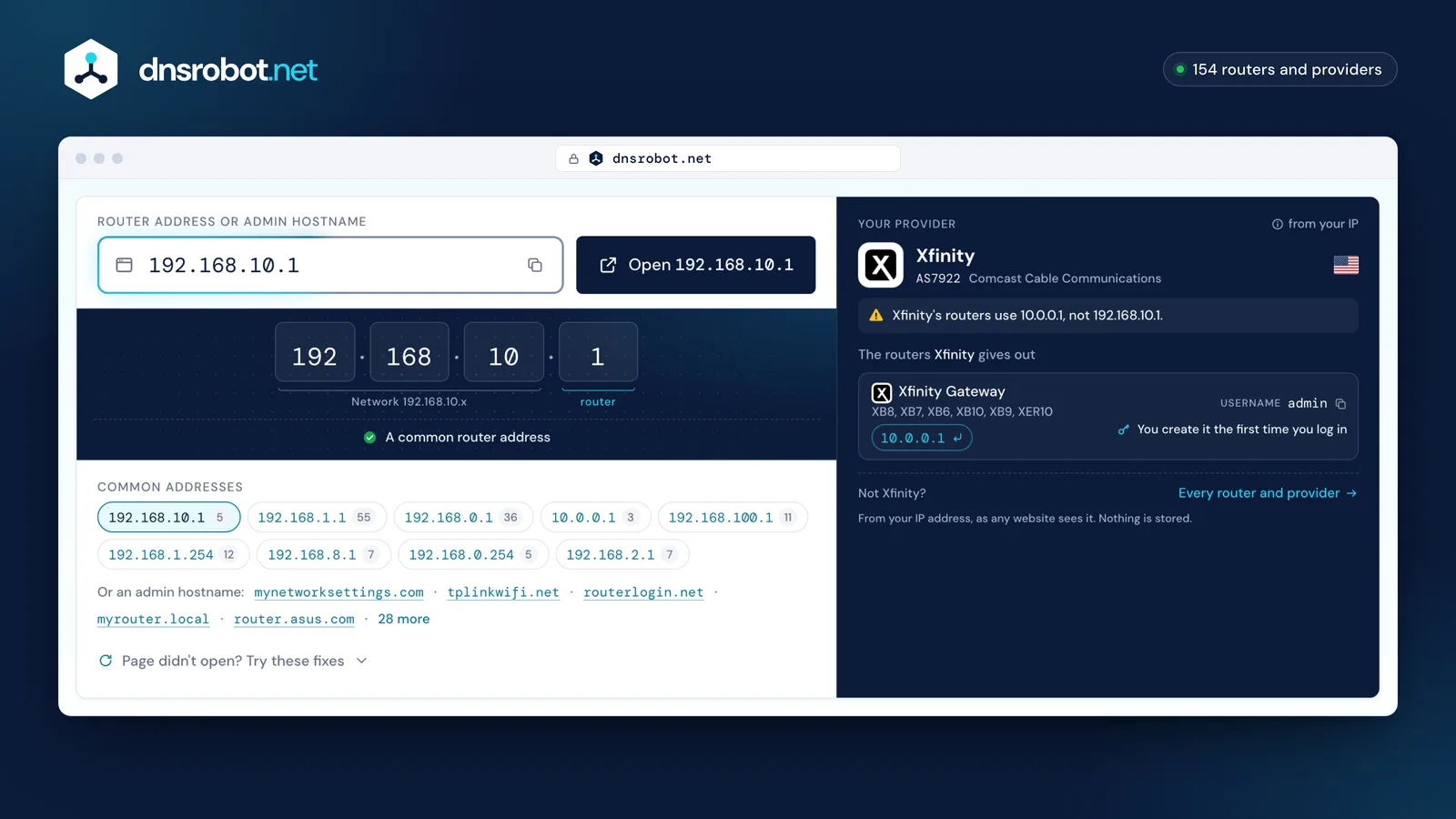
 Router addressType the address from your router's label, or pick a common one. Typos are fixed for you, and admin names like tplinkwifi.net work too.Open 192.168.10.1The most common router addressDid you mean 192.168.1.1? The button opens the corrected address.The most common router addressYour providerFrom your IP address, as any website sees it. Nothing is stored.
How does router login work?
Your router has two addresses. The local (private) address, such as 192.168.1.1, is used only inside your home and is the one you log in to. Private addresses come from three reserved ranges: 10.0.0.0/8, 172.16.0.0/12 and 192.168.0.0/16. Millions of homes use the same ones, and they cannot be reached from the internet.
- Your phone or laptop
- Reaches the admin page only through the router's own Wi-Fi or a cable
- Your router
- Serves the admin page on its private address; the internet sees only its public one
- The internet
- Has no route to 192.168.x.x or 10.x.x.x: those addresses exist inside each home
Who uses 192.168.10.1?
Default usernames and passwords from each maker's documentation. Click a value to copy it, and change the password after you log in.
5 logins: what they look like
- Public default2
- On the label3
Sold worldwide3
- Wi-Fi password is under
- Basic›Wireless›WPA Pre-Shared Key Change the Wi-Fi password
- Source
- downloads.trendnet.com

- Password
- Newer models: set at first login
- Wi-Fi password is under
- General Settings›Wireless Change the Wi-Fi password
- Source
- cudy.com

- Wi-Fi password is under
- Wireless Change the Wi-Fi password
- Source
- wavlink.com
Other countries' providers2

- Note
- The password is the 8-character Web PW on the label.
- Source
- aterm.jp

- Wi-Fi password is under
- Wireless›Security Change the Wi-Fi password
- Source
- web.archive.org
No brand matches that search.
How to Log In to 192.168.10.1
- 1
Connect to the router
Join its Wi-Fi or plug in a network cable, and turn off mobile data on a phone. A PTCL modem's network is called PTCL-BB unless it was renamed.
- 2
Open the address
Type
http://192.168.10.1in the browser's address bar, or tap the button above. NEC Aterm also opens athttp://aterm.me, Cudy athttp://cudy.net. - 3
Sign in
On a PTCL modem, use admin and the password on the sticker underneath; on NEC Aterm, admin and the Web PW from the label. Cudy and Wavlink take the password admin.
- 4
Open the Wi-Fi settings
Look for Wireless (PTCL, Wavlink), Basic → Wireless (TRENDnet) or General Settings → Wireless (Cudy). Save before you leave the page.
192.168.10.1 Default Username and Password
Each device on this address has its own login. Check the label first:
- PTCL Kasda KW58283 modem: username admin; the password is printed on the sticker on the bottom of the modem. By default it is the last 5 digits of the modem's MAC address.
- NEC Aterm (Japan): username admin; the password is the 8-character Web PW on the router's label. On older models without a Web PW, it is the admin password the owner set. After 10 wrong tries, Aterm blocks access to its admin page.
- TRENDnet: username admin. Newer models such as the TEW-827DRU have a unique password on a sticker on the router and on the bottom label; older models such as the TEW-718BRM use admin / admin.
- Cudy: password only, admin. Some Cudy routers ask you to create a password the first time instead.
- Wavlink routers and range extenders: the password is admin when you set the device up for the first time.
- Forgotten password: a factory reset brings back the label or default password, but erases your Wi-Fi name, password and internet settings. On a PTCL modem, have your broadband username and password from PTCL ready to set it up again.
Change Your Wi-Fi Password on 192.168.10.1
On a PTCL modem, click Wireless, then Security, enter the new password and press Save. On TRENDnet, open Basic → Wireless and type the new passphrase in WPA Pre-Shared Key; on Cudy, open General Settings → Wireless; on Wavlink, click Wireless. With Cudy's Smart Connect on, the 2.4 GHz and 5 GHz networks share one name and password.
On NEC Aterm (such as the WX1800HP and WX5400HP), open Wi-Fi詳細設定(5GHz), change 暗号化キー (the encryption key) of the primary SSID and click 設定. With band steering on, the 2.4 GHz network follows. Reconnect every device with the new password afterwards.
Change the router's admin password as well, so nobody on your Wi-Fi can open its settings.
- 1
Log in to the admin page
- 2
Open the Wi-Fi settings
Open this menu: Basic›Wireless - 3
Type a new password
Type the new password in the WPA Pre-Shared Key field. Use 12 or more characters and WPA2 or WPA3 security.The Wi-Fi name (SSID) is on the same page if you want to change it too.
- 4
Save and reconnect
Click Save or Apply. Every device disconnects and has to join again with the new password.
PTCL Modem: 192.168.10.1 or 192.168.1.1?
PTCL's setup guide for the Kasda KW58283 DSL modem uses 192.168.10.1, with the username admin and the password printed on the sticker on the bottom panel. By default that password is the last 5 digits of the modem's MAC address, and the Wi-Fi network is called PTCL-BB.
PTCL's older Huawei EchoLife HG-510 ADSL modem is at 192.168.1.1 with admin / admin, so if 192.168.10.1 doesn't open, read the model name on your modem's label. PTCL's installation guides also cover Shiro, ZTE, Zyxel and Tenda D301 modems.
During setup the modem asks for a username and password provided by PTCL. That is your broadband account, which connects the modem to PTCL; it is not the login for the admin page.
192.168.10.1 Not Opening?
If the page doesn't load, check these in order:
What do you see?
You're not on the router's network
What to do
Join its Wi-Fi or plug in a cable, and turn off mobile data on your phone.
The address went into a search box or was mistyped
What to do
Type http://192.168.10.1 in the address bar: the third number is ten, not a letter l and a zero (192.168.l0.1).
Your PTCL modem is an older model
What to do
The Huawei HG-510 uses 192.168.1.1. Your device's default gateway shows the address to open (steps in the tool above).
Your NEC Aterm is in bridge mode
What to do
Under a provider's router it isn't on 192.168.10.1: switch it on while holding the らくらくスタート button, let go when the CONVERTER lamp blinks green, then open http://192.168.1.210.
It's a Cudy range extender
What to do
Extenders start at http://192.168.10.254 or http://cudyre.net and get a new address after setup: open cudyre.net or find the extender in your router's client list.
Find your router's IP address
Your router's address is your device's default gateway. Here is where each system shows it.
Press Windows + R, type cmd and press Enter. Run ipconfig and read the Default Gateway line under your Wi-Fi or Ethernet adapter.
Common Router IP Addresses and Who Uses Them
192.168.10.1 FAQ
How do I log in to 192.168.10.1?
What is the PTCL modem password for 192.168.10.1?
Which routers use 192.168.10.1?
What is the default password for 192.168.10.1?
Why is 192.168.10.1 not opening?
How do I change the Wi-Fi password on a PTCL modem?
What is the NEC Aterm Web PW?
What is the Cudy router login?
What is the TRENDnet router's default password?
What is the Wavlink login address?
Missing something?Suggest a feature or a new tool
More Router and Network Tools
What Is My IP
Your public IPv4 and IPv6 at once, with the network, location and a VPN check
MAC Address Lookup
Identify device vendor from MAC address using IEEE database
DNS Speed Test
Time Cloudflare 1.1.1.1, Google 8.8.8.8 and more public DNS servers from your own browser, against your current DNS, and find the fastest for you
Port Checker
Test port connectivity and service availability
What Is My ISP
Discover your ISP, ASN, and connection details
Subnet Calculator
Network, broadcast, usable hosts and masks for any IPv4 or IPv6 block, plus VLSM, splits and cloud subnets