











NextDNS Setup: Free Limit, Every Device & Best Settings
 Shaik Vahid12 min read
Key takeaway
NextDNS is a cloud DNS resolver that blocks only what you tell it to: ads and trackers, malware, adult sites or individual apps, set per configuration. It's free for 300,000 queries a month, then keeps resolving without filtering or logs until the month resets; Pro costs $1.99 a month in the US. Set it up with your configuration ID: abc123.dns.nextdns.io in Android's Private DNS, NextDNS's app or a profile from apple.nextdns.io on iPhone and Mac, DNS over HTTPS or the app on Windows, and the CLI on routers. Then open test.nextdns.io: "status": "ok" means it's working.
Check it now
Open DNS Leak Test
Start reading
- What Is NextDNS?
- Is NextDNS Free? The 300,000-Query Limit and Pricing
- How a NextDNS Configuration ID Works
- How to Set Up NextDNS on Every Device
- The Best NextDNS Settings to Change
- NextDNS Speed and Privacy: DNS Robot's Test
- How to Check NextDNS Is Working (test.nextdns.io)
- NextDNS vs AdGuard DNS vs Cloudflare for Families
- NextDNS Not Working? Common Causes
- NextDNS FAQ
What Is NextDNS?
NextDNS is a DNS resolver that works as a firewall you configure yourself. You create a configuration at my.nextdns.io, choose what it blocks (ads and trackers, malware and phishing, adult sites, apps such as TikTok or Fortnite), then point each device at it with your configuration ID. It's free for 300,000 queries a month; the Pro plan, with no limit, costs $1.99 a month in the US.
Because it works at the DNS level, blocking covers every app, not just the browser, and runs on NextDNS's servers rather than your device: a blocked name gets 0.0.0.0 (or an optional block page) instead of its real address. NextDNS Inc. was founded in May 2019 in Delaware by Romain Cointepas and Olivier Poitrey and runs its own anycast network, with servers from two different providers in each location.
See which DNS servers your device uses right now
Is NextDNS Free? The 300,000-Query Limit and Pricing
Yes, with a monthly cap. The free plan includes 300,000 queries a month, unlimited devices, unlimited configurations and every feature. NextDNS emails you at 250,000 queries and again at 300,000. Past the cap it doesn't cut you off: in its own words it "becomes a standard DNS resolver, with no filtering, no logging" until the next month.
That's about 10,000 queries a day. Whether it's enough depends on how many devices share the account, so watch the count in the Analytics tab for a week before paying.
| Plan | Price (US) | Queries | Meant for |
|---|---|---|---|
| Free | $0 | 300,000 a month | Anyone, community support |
| Pro | $1.99 a month or $19.90 a year | Unlimited | Personal and close family use |
| Business | $19.90 a month or $199 a year, per 50 employees | Unlimited | Small and medium businesses, email support |
| Education | $19.90 a month or $199 a year, per 250 students | Unlimited | Schools and universities, email support |
How a NextDNS Configuration ID Works
Every configuration has a short ID, shown on the Setup tab of my.nextdns.io (NextDNS's API, CLI and Mac app call it the profile ID). NextDNS needs that ID on every query to know which settings to apply, and each protocol carries it differently:
| Protocol | Your endpoint | Where the ID goes |
|---|---|---|
| DNS over TLS / QUIC (Android Private DNS) | abc123.dns.nextdns.io | In the hostname |
| DNS over HTTPS | https://dns.nextdns.io/abc123 | In the URL path |
| Plain DNS over IPv6 | Two addresses unique to your configuration | In the last bits of the address |
| Plain DNS over IPv4 | Two addresses from a shared pool, shown on your Setup tab | Nowhere: you link your public IP instead |
Linked IP is the weak spot. Plain IPv4 DNS has no room for an ID, so NextDNS matches queries by your public IP, which breaks whenever that IP changes, as it often does on dynamic home lines and behind carrier-grade NAT. A DDNS hostname or an update URL helps; encrypted DNS avoids the problem.
To name a device in the logs, put the name before the ID in DoT, with -- for a space (John--Router-abc123.dns.nextdns.io), or after it in DoH (https://dns.nextdns.io/abc123/Office%20PC).
How to Set Up NextDNS on Every Device
Sign up at my.nextdns.io, open the Setup tab and copy your ID: the tab shows your exact endpoints and detects the device you're on. Below are the methods it lists for each platform (checked 26 October 2026). Replace abc123 with your ID.
Android: Private DNS
Android 9 and later have Private DNS (DNS over TLS) built in, and it's the only Android method NextDNS lists. It covers Wi-Fi and mobile data for every app that uses the system's DNS.
- Open Settings > Network & internetOn Samsung phones it's Settings > Connections.
- Tap Private DNSSome phones put it under Advanced or More connection settings.
- Choose Private DNS provider hostname
- Enter abc123.dns.nextdns.io and tap SaveUse your own ID, then open a website: if pages stop loading, the hostname is wrong or the network blocks port 853.
iPhone, iPad and Mac: the App or apple.nextdns.io
On iPhone and iPad, NextDNS recommends its App Store app. The alternative is a configuration profile, which uses Apple's built-in encrypted DNS (iOS 14 and macOS 11 or later) with no app running:
- Open apple.nextdns.io on the deviceEnter your configuration ID. Optionally add a device name, Wi-Fi networks where NextDNS should be off, and domains that should bypass it.
- Tap Download
- Install the profileiPhone and iPad: Settings > Profile Downloaded > Install. Mac: open the .mobileconfig file, then System Settings > General > Device Management, double-click the NextDNS profile and click Install.
On a Mac you can also install NextDNS's app from nextdns.io/download/macos/stable, its recommended Mac method, and enter your profile ID when it asks.
Windows 11: DNS over HTTPS or the App
Windows 11 can send DNS over HTTPS natively, and NextDNS lists this as a recommended method:
- Open Settings > Network & internet > Wi-Fi (or Ethernet)For Wi-Fi, click Hardware properties.
- Click Edit next to DNS server assignment and choose Manual
- Turn on IPv4 and set the preferred serverPreferred DNS: 45.90.28.0. DNS over HTTPS: On (manual template), with the template https://dns.nextdns.io/abc123.
- Set the alternate server and saveAlternate DNS: 45.90.30.0, with the same template. Click Save.
Windows 10 has no DNS over HTTPS setting, so use the app from nextdns.io/download/windows/stable: right-click its tray icon, open Settings…, paste your Configuration ID, then choose Enable from the same menu.
Chrome, Edge, Brave and Firefox
To cover one browser only, set its secure DNS to a custom provider: https://dns.nextdns.io/abc123. In Chrome that's Settings > Privacy and security > Security > Use secure DNS > Add custom DNS service provider.
In Firefox, choose Max Protection under DNS over HTTPS. NextDNS asks for this strict mode because Firefox's other modes fall back to system DNS when a lookup fails, which lets blocked domains through.
Routers, Linux and the NextDNS CLI
For a router, NextDNS recommends its open-source CLI: a small proxy that turns every device's plain DNS into DNS over HTTPS and can send each device's name and model to your logs. It runs on OpenWrt, AsusWRT-Merlin, pfSense, OPNsense, UniFi, EdgeOS, Firewalla, Synology, DD-WRT and most Linux distributions. Have your configuration ID ready, then run:
sh -c 'sh -c "$(curl -sL https://nextdns.io/install)"'

# Afterwards
nextdns restart   # restart the service
nextdns log       # show its log

# Run the install command again to upgrade or uninstall
If your router can't run it, enter the two IPv6 addresses from the Setup tab as its DNS servers, or the IPv4 pair with a linked IP. With dnsmasq, add-cpe-id=abc123 attaches your ID to each query so no IP linking is needed.
The Best NextDNS Settings to Change
A new account's first configuration isn't empty. The dashboard's own code (read on 26 October 2026) turns on threat intelligence feeds, Google Safe Browsing, cryptojacking, IDN homograph, typosquatting, DGA and CSAM protection, one ads-and-trackers blocklist, disguised-tracker blocking, logging and Anonymized EDNS Client Subnet. Left off, among others, are DNS Rebinding Protection, which NextDNS suggests turning on unless you rely on domains that resolve to private IPs, and the blocks for newly registered and parked domains. From there, these settings matter most.
Blocklists: Add One, Not Five
NextDNS's blocklist catalog, which feeds the Privacy tab, held 83 lists on 26 October 2026. Bigger isn't better: every extra list adds false positives, and some lists in the catalog haven't been updated in years.
| Blocklist | Domains | Last updated |
|---|---|---|
NextDNS's own list (nextdns-recommended, on by default) | 75,728 | 26 Oct 2026 |
| HaGeZi Multi PRO | 208,556 | 26 Oct 2026 |
| OISD | 233,868 | 26 Oct 2026 |
| AdGuard DNS filter | 179,657 | 26 Oct 2026 |
| 1Hosts (Xtra) | 786,169 | 3 Sep 2026 |
| notracking | 419,961 | 26 Jun 2023 |
| Energized Basic, Blu and Ultimate | 0 | 9 Jan 2026 |
A sensible start is the default list plus one maintained list such as HaGeZi Multi PRO or OISD. When something breaks, each blocked entry in the Logs tab says "Blocked by" and names the list, and you can allow the domain from there.
Native Tracking Protection
This blocks the telemetry that operating systems and devices send home on their own. On 26 October 2026 it covered eight vendors: Windows, Apple, Samsung, Xiaomi, Huawei, Alexa, Roku and Sonos. Add only the vendors whose devices you own, one at a time, and check the logs if a feature on that device stops working.
Parental Control
Block whole categories (porn, gambling, dating, piracy, gaming, social networks, video streaming) or any of 43 named services, from TikTok and Roblox to Discord and ChatGPT. You can also enforce SafeSearch and YouTube Restricted Mode, and use Recreation Time to allow some sites, apps or games only at set times each day.
Logs, Retention and Where They're Stored
Logs are on in a new configuration. In Settings you can switch them off or keep them for 1 hour, 6 hours, 1 day, 1 week, 1, 3 or 6 months, 1 year or 2 years, stored in the United States, the European Union or Switzerland (NextDNS's homepage also lists the United Kingdom). With logs off, NextDNS's privacy policy says each query and its answer are discarded right after the reply goes back, and it never sells or shares user data.
NextDNS Speed and Privacy: DNS Robot's Test
We timed NextDNS's public endpoints without an account from a home connection in India on 26 October 2026: one warm-up query, then the median of 5 lookups of example.com, run twice a minute apart. test.nextdns.io told us which NextDNS server answered.
| Endpoint | Protocol | Server that answered | Median, run 1 / run 2 |
|---|---|---|---|
dns.nextdns.io | DoH (open connection) | Mumbai | 34 / 34 ms |
dns.nextdns.io | DoT (open connection) | Mumbai | 34 / 35 ms |
45.90.28.0 | Plain DNS, IPv4 | Mumbai | 30 / 30 ms |
45.90.30.0 | Plain DNS, IPv4 | Amsterdam | 203 / 158 ms |
2a07:a8c0:: | Plain DNS, IPv6 | Mumbai | 30 / 29 ms |
2a07:a8c1:: | Plain DNS, IPv6 | Vienna | 153 / 152 ms |
AdGuard DNS dns.adguard-dns.com | DoH (open connection) | Not checked | 63 / 64 ms |
Cloudflare family.cloudflare-dns.com | DoH (open connection) | Not checked | 31 / 33 ms |
First, the encrypted hostname is the fast path. dns.nextdns.io uses NextDNS's "ultralow" DNS steering to pick a nearby server, while the anycast addresses go wherever routing sends them: from our network, the second pair (45.90.30.0, 2a07:a8c1::) landed in Europe at about five times the latency. Prefer DoH or DoT; with plain IPs, test both, or time them from your own browser with our DNS Speed Test.
Second, NextDNS validates DNSSEC: it returned SERVFAIL for dnssec-failed.org. Without an ID it also passed no client subnet to Google's test name o-o.myaddr.l.google.com, which saw only NextDNS's Mumbai server; Google Public DNS passed our real /24 subnet, AdGuard a different /24, Cloudflare none. A configuration differs: its Anonymized EDNS Client Subnet setting, on by default, sends a subnet that NextDNS designed to keep CDN speed without revealing your own address. You can switch it off in Settings.
Time NextDNS against other resolvers from your browser
How to Check NextDNS Is Working (test.nextdns.io)
Open test.nextdns.io in a browser on the device. It returns a few lines of JSON about the resolver that looked the page up. Here's what it showed on our Mac with the ISP's DNS, then through NextDNS over DoH (addresses removed):
Not using NextDNS:
{
  "status": "unconfigured",
  "resolver": "<your ISP's resolver>",
  "srcIP": "<your public IP>",
  "server": "vultr-blr-1"
}

Using NextDNS (DoH, no configuration ID):
{
  "status": "ok",
  "protocol": "DOH",
  "client": "<your public IP>",
  "srcIP": "<your public IP>",
  "anycast": false,
  "server": "ls-bom-1",
  "clientName": "unknown-doh"
}- unconfigured: this device isn't using NextDNS.
resolveris who asked instead; the dashboard names it (for us, our ISP, Reliance Jio). - ok: NextDNS answered.
protocolshows how the query arrived (DOH, DOT, UDP and so on), andservernames the NextDNS location (bom is Mumbai). - mismatch: shown by the Setup tab, which runs the test with your ID: NextDNS answered without that configuration (an unlinked IPv4 address, an endpoint without your ID, or another ID).
If a site won't load, compare its real public answer in DNS Lookup with what your device gets: 0.0.0.0 means NextDNS blocked it, and the Logs tab says which list did. DNS Leak Test shows every resolver your device actually uses, so it catches a VPN or browser that skips NextDNS.
Look up a domain's real public answer
NextDNS vs AdGuard DNS vs Cloudflare for Families
All three filter at the DNS level, but they suit different people. We sent the same names to each public endpoint on 26 October 2026:
| Test | NextDNS (no ID) | AdGuard Default | AdGuard Family | Cloudflare 1.1.1.3 |
|---|---|---|---|---|
doubleclick.net (ads) | Real address | 0.0.0.0 | 0.0.0.0 | Real address |
| A well-known adult site | Real address | Real address | AdGuard block page | 0.0.0.0 |
dnssec-failed.org | SERVFAIL | SERVFAIL | SERVFAIL | SERVFAIL |
| NextDNS | AdGuard DNS | Cloudflare for Families | |
|---|---|---|---|
| Free use | 300,000 queries a month, unlimited devices | Public servers free with no account; free account: 300,000 requests a month, 5 devices | Free, no account |
| Blocks ads and trackers | Yes | Yes | No |
| Your own blocklists and allow rules | Yes | Partly | No |
| Blocks adult sites | Yes | Yes | Yes |
| Filters without an account | No | Yes | Yes |
| Our median DoH lookup | 34 ms | 63 ms | 31 ms |
Choose NextDNS if you want to decide what's blocked for each person or device and see the logs. Choose AdGuard DNS's free public servers (94.140.14.14) if you want ad blocking with no account at all. Choose Cloudflare for Families if malware and adult filtering is all you need: 1.1.1.3 is free, needs no account and blocks no ads. Our Cloudflare DNS guide lists every Families address.
NextDNS Not Working? Common Causes
- A VPN is connected: on iPhone and Mac its DNS replaces the NextDNS profile.
- You passed 300,000 queries: free accounts stop filtering until the month resets.
- Your public IP changed: linked-IP setups stop matching. Relink, use DDNS, or switch to DoH or DoT.
- The network blocks port 853: DoT (Android Private DNS) uses it and firewalls block it easily; DoH uses port 443, like web traffic.
- Safari does nothing on a blocked link: NextDNS reports that iOS Safari silently ignores links to domains blocked with
0.0.0.0. Turn on the Block Page. - YouTube ads still play: NextDNS says DNS can't block them. Use a browser ad blocker.
- Firefox bypasses it: when its own DNS over HTTPS is on, it skips system DNS. Point it at your NextDNS URL with Max Protection.
Is NextDNS really answering your lookups?
Run DNS Robot's free DNS Leak Test on the device you just set up. Tell it you're checking NextDNS and the verdict says whether NextDNS really answers, or which resolver does instead.
Sources
- NextDNS pricing (Free: 300,000 queries/month; Pro, Business, Education), NextDNS
- What happens after 300k queries?, NextDNS Help Center
- NextDNS CLI wiki: installation, commands and supported routers, NextDNS on GitHub
NextDNS FAQ
Is NextDNS free?
How much does NextDNS Pro cost?
What happens after 300,000 queries on NextDNS?
Is NextDNS safe to use?
Where do I find my NextDNS configuration ID?
How do I know if NextDNS is working?
Is NextDNS better than AdGuard DNS?
Does NextDNS block YouTube ads?
Does NextDNS slow down your internet?
Should I use NextDNS or Pi-hole?
About the author
Shaik VahidFounder of DNS Robot. Vahid spent years in web hosting support fixing domains, DNS records, SSL certificates and email delivery for customers. He builds DNS Robot's tools and writes these guides from the errors people actually hit.
Related Articles
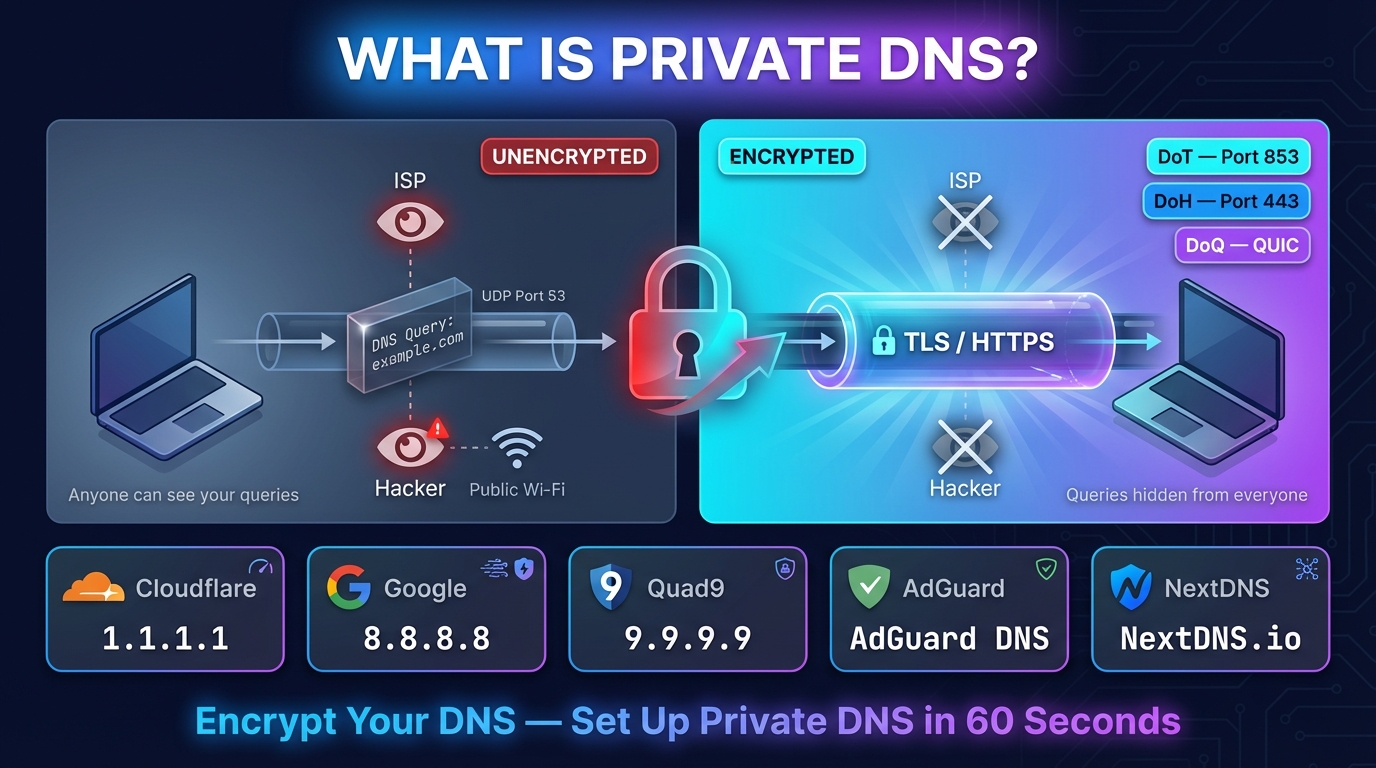
What Is Private DNS? Meaning, Hostname List & Setup
Private DNS encrypts the site names your phone looks up, so your network and ISP can't read them. What it means, the hostname to type, and setup on any device.
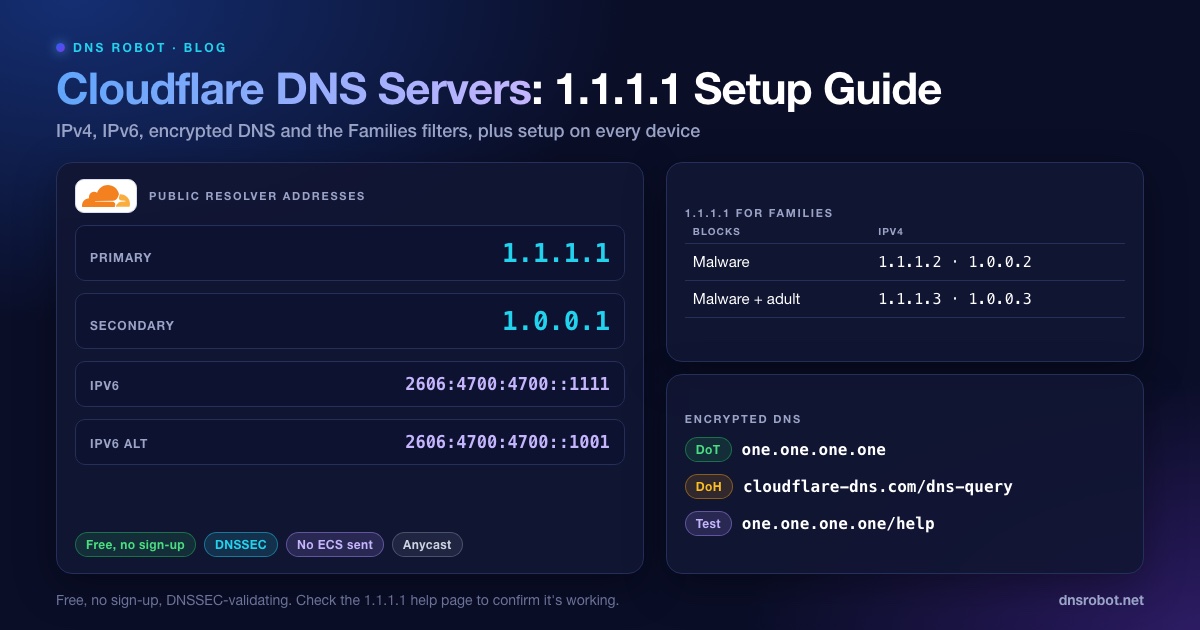
Cloudflare DNS Servers: 1.1.1.1, 1.0.0.1 & IPv6 Setup
Cloudflare DNS servers are 1.1.1.1 and 1.0.0.1 (IPv6 2606:4700:4700::1111). Get every address, the Families filters, DoH/DoT and setup steps for each device.
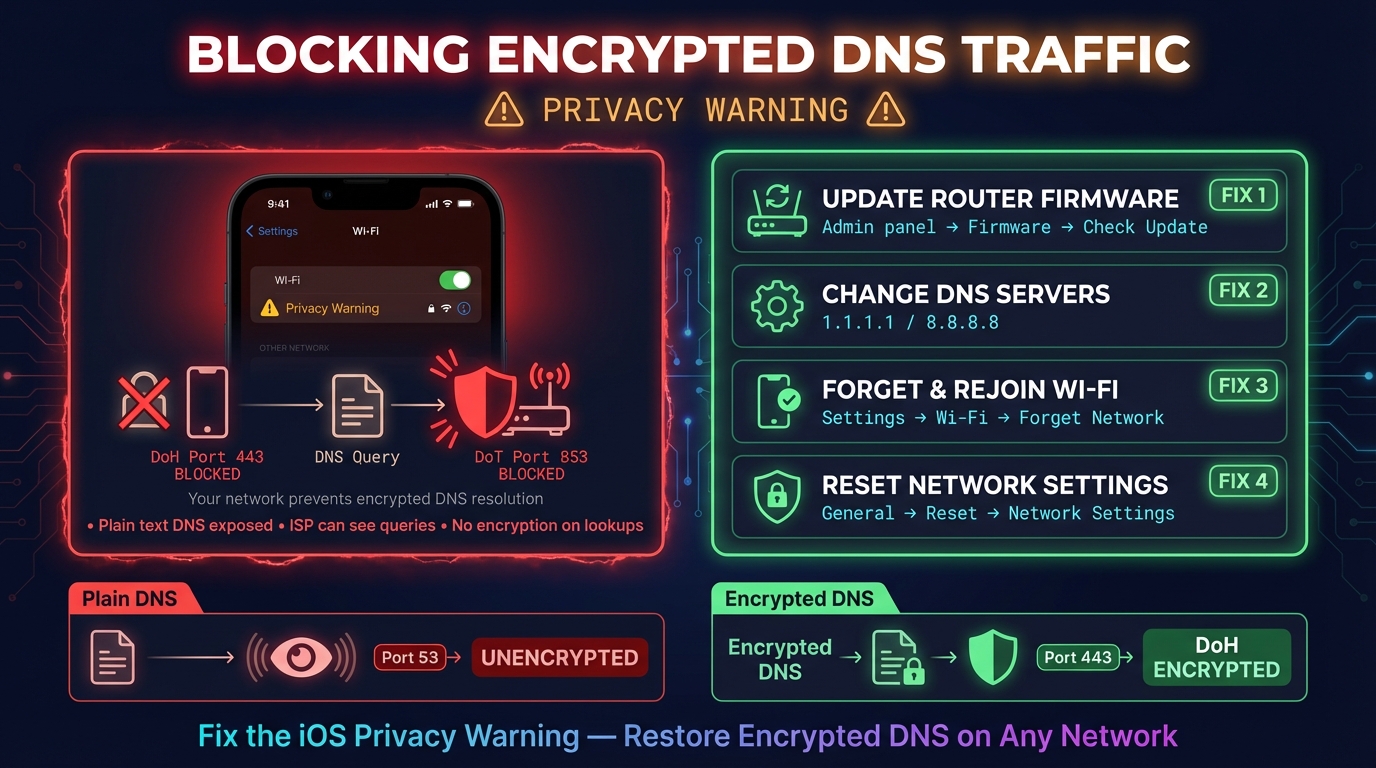
"This Network Is Blocking Encrypted DNS Traffic": Fix
"This network is blocking encrypted DNS traffic" means your iPhone or Mac tried encrypted DNS and this Wi-Fi blocked it. What turned it on and how to fix it.


Related Tools
DNS Leak Test
See which DNS servers really resolve your lookups and whether your VPN leaks DNS requests to your internet provider
DNS Speed Test
Time Cloudflare 1.1.1.1, Google 8.8.8.8 and more public DNS servers from your own browser, against your current DNS, and find the fastest for you
DNS Lookup
Every DNS record from the domain's own nameservers, beside Google's and Cloudflare's cache