











CleanBrowsing DNS: Family Filter IPs, Setup & Test Results
 Shaik Vahid12 min read
Key takeaway
CleanBrowsing's free Family filter is 185.228.168.168 and 185.228.169.168 (IPv6 2a0d:2a00:1:: and 2a0d:2a00:2::); its Private DNS hostname is family-filter-dns.cleanbrowsing.org. It blocks adult, mixed-content (Reddit), VPN and proxy sites plus malware, forces SafeSearch and puts YouTube in Restricted Mode (Moderate, in our test). The Adult filter (185.228.168.10) drops the Reddit, VPN and YouTube rules; the Security filter (185.228.168.9) blocks only threats. Set it on the router and on phones, then block other DNS servers so kids can't route around it.
Check it now
Open DNS Speed Test
Start reading
- What Is CleanBrowsing DNS?
- CleanBrowsing DNS Server Addresses (IPv4, IPv6, DoH, DoT)
- Family vs Adult vs Security: What Each Filter Blocks
- SafeSearch and YouTube: What the Family Filter Really Does
- CleanBrowsing Speed Test: Our Results from India
- CleanBrowsing DNS over HTTPS and DNS over TLS
- Is CleanBrowsing Safe? Privacy, Logging and DNSSEC
- How to Set Up CleanBrowsing DNS
- How Kids Bypass DNS Filters (and How to Stop Them)
- CleanBrowsing vs Cloudflare 1.1.1.3 vs OpenDNS FamilyShield
- How to Check CleanBrowsing Is Working
- Frequently Asked Questions
What Is CleanBrowsing DNS?
CleanBrowsing DNS is a free filtering DNS service: point your router or device at 185.228.168.168 and 185.228.169.168, and its Family filter blocks adult content, forces SafeSearch and stops kids reaching VPN and proxy sites. It needs no account and no app. There are three free filters, Family, Adult and Security, each on its own addresses, plus paid plans with custom categories.
The filtering happens at the lookup. For a blocked name CleanBrowsing answers NXDOMAIN ("no such domain"), so the page never loads: Chrome shows DNS_PROBE_FINISHED_NXDOMAIN, other browsers a similar "can't find the server" error.
The free service has limits that CleanBrowsing states on its filters page: it's throttled, has no support and can't be customised. Paid plans start at $75 a year (free vs paid) and add 26+ categories, allow and block lists and reports. CleanBrowsing says its free filters handle over 355 billion queries a month across 70+ data centres.
See which DNS servers your device really uses
CleanBrowsing DNS Server Addresses (IPv4, IPv6, DoH, DoT)
These are the free filters' addresses from CleanBrowsing's filters page, checked on 26 October 2026. Use both addresses of the same filter, and the IPv6 pair as well if your network has IPv6.
| Filter | IPv4 | IPv6 | DoT / Private DNS hostname | DoH URL |
|---|---|---|---|---|
| Family | 185.228.168.168, 185.228.169.168 | 2a0d:2a00:1::, 2a0d:2a00:2:: | family-filter-dns.cleanbrowsing.org | https://doh.cleanbrowsing.org/doh/family-filter/ |
| Adult | 185.228.168.10, 185.228.169.11 (or 185.228.169.10) | 2a0d:2a00:1::1, 2a0d:2a00:2::1 | adult-filter-dns.cleanbrowsing.org | https://doh.cleanbrowsing.org/doh/adult-filter/ |
| Security | 185.228.168.9, 185.228.169.9 | 2a0d:2a00:1::2, 2a0d:2a00:2::2 | security-filter-dns.cleanbrowsing.org | https://doh.cleanbrowsing.org/doh/security-filter/ |
The Adult filter has two published secondaries. The filters page lists 185.228.169.11; CleanBrowsing's setup guide gives 185.228.169.10. Both worked as the Adult filter in our test, but .10 answers a blocked name with NXDOMAIN like the primary, while .11 returns 185.228.168.254, a server that shows a CleanBrowsing "Website Blocked" page.
All six IPv6 addresses answered from our connection and filtered exactly like their IPv4 twins.
Family vs Adult vs Security: What Each Filter Blocks
Family blocks adult, mixed-content, VPN and proxy sites plus malware and phishing, with SafeSearch forced. Adult blocks adult sites and threats but leaves Reddit, VPNs and YouTube alone. Security blocks only threats.
We asked each filter about the same names on 26 October 2026, from India. A tick means it blocked the name (NXDOMAIN) or sent it to the search engine's safe version.
| Family | Adult | Security | |
|---|---|---|---|
| Adult sites (two of the most visited) | Yes | Yes | No |
| Malware test site (malware.wicar.org) | Yes | Yes | Yes |
| Reddit (mixed content) | Yes | No | No |
| VPN and proxy sites (NordVPN, Proton VPN, CroxyProxy, KProxy) | Yes | No | No |
| Public DoH servers (dns.google, cloudflare-dns.com, dns.quad9.net) | Yes | No | No |
| Google and Bing SafeSearch | Yes | Yes | No |
| DuckDuckGo safe search | Yes | Yes | No |
| YouTube Restricted Mode | Moderate | No | No |
| TikTok, Instagram, Discord | No | No | No |
Three results go beyond CleanBrowsing's own descriptions:
- The Adult filter does enforce SafeSearch. CleanBrowsing's free vs paid page says it doesn't; its filters page says it does. It sent Google, Bing and DuckDuckGo to their safe versions, like Family.
- Family's YouTube setting is Moderate, not Strict (see the next section).
- Social apps stay open on every free filter. TikTok, Instagram and Discord resolved normally; blocking social media or gaming needs a paid plan or a device control.
SafeSearch and YouTube: What the Family Filter Really Does
CleanBrowsing enforces SafeSearch through DNS: a lookup for a search engine gets the address of its locked-safe version. For Google that's forcesafesearch.google.com (216.239.38.120), which serves results with SafeSearch locked on whatever the browser's settings say.
The Family and Adult filters answered 216.239.38.120 for www.google.com and country sites such as www.google.co.in, and sent Bing to strict.bing.com and DuckDuckGo to safe.duckduckgo.com. The Security filter left them alone.
YouTube is where claim and measurement differ. CleanBrowsing's SafeSearch guide says the free Family filter uses Strict Restricted Mode. Google's DNS method has two targets: restrict.youtube.com for Strict (216.239.38.120) and restrictmoderate.youtube.com for Moderate (216.239.38.119). The Family filter answered 216.239.38.119, Moderate, for all five YouTube hostnames Google lists, including the app's youtubei.googleapis.com. The Adult filter doesn't restrict YouTube.
# Family filter: Google SafeSearch, Bing and YouTube (DNS Robot, 26 Oct 2026)
dig @185.228.168.168 www.google.com +short
# 216.239.38.120   <- forcesafesearch.google.com

dig @185.228.168.168 www.bing.com +short | head -1
# strict.bing.com.

dig @185.228.168.168 www.youtube.com +short
# 216.239.38.119 <- restrictmoderate.youtube.com (Moderate)CleanBrowsing Speed Test: Our Results from India
We timed every address on 26 October 2026 from a Jio home connection in India: the median of five lookups of a popular name (cached) and of five brand-new names (uncached), plus 20 lookups to count how often a server didn't answer within 2 seconds. Cloudflare's and OpenDNS's family filters ran alongside.
| Address | Filter | Answered from | Cached | Uncached | No answer (of 20) |
|---|---|---|---|---|---|
| 185.228.168.168 | Family | Singapore | 63 ms | 75 ms | 1 |
| 185.228.169.168 | Family | London | 166 ms | 167 ms | 4 |
| 185.228.168.10 | Adult | Singapore | 75 ms | 70 ms | 0 |
| 185.228.169.10 | Adult | London | 152 ms | 162 ms | 4 |
| 185.228.169.11 | Adult | London | 160 ms | 165 ms | 1 |
| 185.228.168.9 | Security | Singapore | 79 ms | 66 ms | 1 |
| 185.228.169.9 | Security | London | 157 ms | 165 ms | 2 |
| 1.1.1.3 | Cloudflare family | Nagpur | 31 ms | 68 ms | 0 |
| 208.67.222.123 | OpenDNS FamilyShield | Mumbai | 30 ms | 52 ms | 0 |
A filter's two addresses aren't equal. CleanBrowsing names the server that answers (dig @185.228.168.168 id.server CH TXT): from our connection every 185.228.168.x address was answered in Singapore and every 185.228.169.x address in London, which roughly doubled cached times (63–79 ms against 152–166 ms) and dropped more queries. The IPv6 addresses switched between the two cities from query to query.
Cloudflare and OpenDNS answered cached names about twice as fast here because both answered from India; for brand-new names the gap was small (52–68 ms against 66–75 ms). In Europe or North America the order can change, so measure from your own line.
CleanBrowsing DNS over HTTPS and DNS over TLS
All three free filters answer encrypted DNS. That stops your ISP or a Wi-Fi owner from reading or rewriting lookups, and on phones it keeps the filter on over mobile data.
- DNS over TLS (DoT): the filter's hostname on port 853, such as
family-filter-dns.cleanbrowsing.org; Android's Private DNS uses it. All three hostnames completed a TLS 1.3 handshake with a valid*.cleanbrowsing.orgcertificate and filtered like plain DNS; over one open connection, Family's median was 78 to 89 ms across three runs. - DNS over HTTPS (DoH):
https://doh.cleanbrowsing.org/doh/family-filter/(oradult-filter,security-filter). It answered standard RFC 8484 queries, median 83 ms for Family. Use it in Windows 11, browsers and Apple profiles. - Paid plans get their own DoT hostnames and DoH paths with an account code, shown in the CleanBrowsing dashboard.
# curl can resolve through a DoH server: allowed sites load, blocked ones don't resolve
curl -sI --doh-url https://doh.cleanbrowsing.org/doh/family-filter/ https://example.com | head -1
# HTTP/2 200

curl -sSI --doh-url https://doh.cleanbrowsing.org/doh/family-filter/ https://www.reddit.com
# curl: (6) Couldn't resolve host nameIs CleanBrowsing Safe? Privacy, Logging and DNSSEC
For the free filters, CleanBrowsing's privacy policy says it doesn't log or store personally identifiable information such as your IP address, and doesn't sell, rent or share personal data. It does keep anonymised query data (the domains requested), may keep it indefinitely, and shares it anonymised with its sister brands NOC, DNSArchive and Trunc.
It doesn't pass your network on to other DNS servers either: Google's o-o.myaddr.l.google.com test saw only CleanBrowsing's servers and no EDNS Client Subnet, as with Cloudflare. OpenDNS FamilyShield passed on our /24 subnet in one of two tries.
DNSSEC is the weak spot. A validating resolver must refuse a domain with broken signatures (test domains such as dnssec-failed.org should get SERVFAIL). CleanBrowsing's answer depended on the server: nodes reporting software version v1.6a returned an address for a broken domain in 27 of 27 lookups, while v1.7a nodes, including every London answer, refused it. Cloudflare 1.1.1.3 and OpenDNS FamilyShield refused all 20 of our lookups. Until the older nodes are updated, CleanBrowsing doesn't reliably protect you from forged answers.
How to Set Up CleanBrowsing DNS
For parental control, start with the router: every device on your Wi-Fi is filtered, consoles and smart TVs included, and there's nothing on the child's device to switch off. Then set it on each phone or laptop that leaves the house, because the router's setting doesn't apply on mobile data or other Wi-Fi.
On Your Router (Best for Parental Control)
- Open the router's admin page, usually at 192.168.1.1 or 192.168.0.1. Our router login guide lists the default address and password for each brand and ISP.
- Find the DNS fields under Internet, WAN or DHCP. CleanBrowsing says to set it in the WAN settings, so it covers your whole network.
- Replace the existing servers with 185.228.168.168 and 185.228.169.168. In the IPv6 section enter 2a0d:2a00:1:: and 2a0d:2a00:2::, or turn IPv6 DNS off if the router can't take custom IPv6 servers.
- Save, restart the router and reconnect your devices so they pick up the change.
Android: Private DNS (Wi-Fi and Mobile Data)
Android 9 and later can send all lookups to CleanBrowsing over DoT with Private DNS, on every network:
- Open Settings → Network & internet → Private DNS (under Advanced on some phones; on Samsung, Connections → More connection settings → Private DNS).
- Choose Private DNS provider hostname and enter family-filter-dns.cleanbrowsing.org (or
adult-filter-dns.cleanbrowsing.org/security-filter-dns.cleanbrowsing.org). - Tap Save. If it says "Couldn't connect", check the spelling; some school and office networks block port 853.
iPhone and iPad
- Best: an encrypted DNS profile. On the iPhone, open CleanBrowsing's Apple profile page, choose the Family filter and download the profile (iOS 14 or later). Then open Settings → Profile Downloaded → Install. It uses DoH on every network, Wi-Fi and cellular.
- One Wi-Fi network only: go to Settings → Wi-Fi, tap (i) next to the network, then Configure DNS → Manual. Delete the existing servers and add 185.228.168.168 and 185.228.169.168.
- A profile can be removed in Settings, and a VPN app bypasses any DNS filter. Use Screen Time → Content & Privacy Restrictions to block new app installs, with a Screen Time passcode only you know.
Windows 11 and 10
- Open Settings → Network & internet, choose Wi-Fi (then Hardware properties) or Ethernet.
- Next to DNS server assignment, click Edit, choose Manual and turn on IPv4.
- Enter 185.228.168.168 as preferred and 185.228.169.168 as alternate. On Windows 11, set DNS over HTTPS to On (manual template) and enter
https://doh.cleanbrowsing.org/doh/family-filter/for both. - Turn on IPv6, add 2a0d:2a00:1:: and 2a0d:2a00:2::, then Save. On Windows 10, use Control Panel → Network and Sharing Center → Change adapter settings, or the PowerShell line below.
# PowerShell as administrator (use "Ethernet" for a wired connection)
Set-DnsClientServerAddress -InterfaceAlias "Wi-Fi" -ServerAddresses 185.228.168.168,185.228.169.168,2a0d:2a00:1::,2a0d:2a00:2::
ipconfig /flushdns
macOS
- Open System Settings → Network, select Wi-Fi (or Ethernet) and click Details.
- In the DNS tab, remove the old servers, click + and add 185.228.168.168, 185.228.169.168, 2a0d:2a00:1:: and 2a0d:2a00:2::, then click OK.
- For encrypted DNS that follows a MacBook to other networks, install the same Apple profile instead (macOS 11 Big Sur or later).
# Terminal alternative, then clear the DNS cache
networksetup -setdnsservers Wi-Fi 185.228.168.168 185.228.169.168 2a0d:2a00:1:: 2a0d:2a00:2::
sudo dscacheutil -flushcache; sudo killall -HUP mDNSResponderHow Kids Bypass DNS Filters (and How to Stop Them)
A DNS filter only works while the device asks it. These are the usual ways around CleanBrowsing, and what stops each:
- Typing another DNS server such as 8.8.8.8. Fix: on the router, allow port 53 only to CleanBrowsing's range, 185.228.168.0/23, and redirect or block everything else (rules below).
- DNS over HTTPS in the browser. Family answered NXDOMAIN for dns.google, cloudflare-dns.com, mozilla.cloudflare-dns.com, dns.quad9.net, dns.nextdns.io and other DoH hostnames, and for use-application-dns.net, the canary domain that stops Firefox switching DoH on by itself. A DoH server entered by IP address still gets through, because the browser needs no lookup to reach it, so on computers you manage, turn secure DNS off by policy.
- Android Private DNS set to dns.google: Family won't resolve that hostname on your Wi-Fi, but it works on mobile data. Block outbound TCP port 853 except to CleanBrowsing, and set the phone's own Private DNS to CleanBrowsing.
- VPN apps and web proxies. Family blocked every VPN and proxy site we tried, which stops web proxies. A VPN app from an app store can still connect, and then DNS runs inside the tunnel where no DNS filter sees it, so control app installs with Google Family Link or Screen Time.
- IPv6 and other networks. ISP IPv6 DNS, a neighbour's Wi-Fi or mobile data all skip the router setting: set the IPv6 servers, and put Private DNS or the Apple profile on the child's phone.
# Linux/OpenWrt router (iptables; br-lan = your LAN interface)
# Redirect every plain DNS query from the LAN to CleanBrowsing Family
iptables -t nat -A PREROUTING -i br-lan -p udp --dport 53 ! -d 185.228.168.0/23 -j DNAT --to-destination 185.228.168.168:53
iptables -t nat -A PREROUTING -i br-lan -p tcp --dport 53 ! -d 185.228.168.0/23 -j DNAT --to-destination 185.228.168.168:53

# Block DNS over TLS to anyone but CleanBrowsing
iptables -A FORWARD -i br-lan -p tcp --dport 853 ! -d 185.228.168.0/23 -j REJECTThen check each device with DNS Robot's DNS Leak Test: every resolver it lists should belong to CleanBrowsing. Google, Cloudflare or your ISP in the list means something on that device goes around the filter. Once encrypted DNS is blocked, some iPhones warn that the network is blocking encrypted DNS; here's what that means.
CleanBrowsing vs Cloudflare 1.1.1.3 vs OpenDNS FamilyShield
Cloudflare's 1.1.1.3 and OpenDNS FamilyShield are the other big free family filters. We ran the same tests through each on 26 October 2026; the addresses come from Cloudflare's documentation and OpenDNS's FamilyShield page.
| CleanBrowsing Family | Cloudflare 1.1.1.3 | OpenDNS FamilyShield | |
|---|---|---|---|
| IPv4 addresses | 185.228.168.168, 185.228.169.168 | 1.1.1.3, 1.0.0.3 | 208.67.222.123, 208.67.220.123 |
| Answer for a blocked site | NXDOMAIN | 0.0.0.0 | Block page (146.112.61.106) |
| Adult sites | Yes | Yes | Yes |
| Malware test site | Yes | Yes | No |
| Reddit (mixed content) | Yes | No | No |
| VPN and proxy sites | Yes | No | Yes |
| Public DoH server hostnames | Yes | No | Yes |
| Google, Bing and DuckDuckGo safe search | Yes | Yes | No |
| YouTube Restricted Mode | Moderate | No | No |
| DNSSEC validation | Partly | Yes | Yes |
| DoH and DoT | Yes | Yes | Yes |
| Keeps your subnet private (no ECS) | Yes | Yes | Partly |
| Cached lookup from India (median) | 63 ms | 31 ms | 30 ms |
Pick CleanBrowsing Family for younger children: it's the only one of the three that blocks Reddit-style mixed content and restricts YouTube, and it blocks the VPN sites and DoH servers kids use to get around filters. Pick Cloudflare 1.1.1.3 for adult and malware blocking with SafeSearch and fast answers when Reddit and YouTube can stay open; see our Cloudflare DNS guide. OpenDNS FamilyShield blocks adult, VPN and proxy sites, but doesn't force SafeSearch and lets the malware test site through.
How to Check CleanBrowsing Is Working
CleanBrowsing's own test domain, badexample.com, is blocked by all three filters but resolves normally through other resolvers. Look it up through your normal DNS, without naming a server: NXDOMAIN means your lookups reach CleanBrowsing.
# Through your device's normal DNS (Windows, macOS, Linux)
nslookup badexample.com
# ** server can't find badexample.com: NXDOMAIN

# Which CleanBrowsing server answered? Ask one directly
dig @185.228.168.168 id.server CH TXT +short
# "CleanBrowsing v1.6a - dns-edge-asia-singapore10"
If badexample.com returns an address, your device isn't using CleanBrowsing: look for a VPN, a browser's secure DNS setting or a second DNS server. To see what a blocked domain really points to, check it with DNS Robot's DNS Lookup, which asks unfiltered public resolvers.
Compare family DNS filters on your own network
DNS Robot's DNS Speed Test times CleanBrowsing's Family filter, Cloudflare 1.1.1.3 and OpenDNS FamilyShield from your browser and ranks them by median response time where you are.
Sources
Frequently Asked Questions
What is CleanBrowsing DNS?
Is CleanBrowsing DNS safe?
What are the CleanBrowsing Family filter DNS servers?
What's the difference between CleanBrowsing's Family and Adult filters?
Is CleanBrowsing free?
Does CleanBrowsing block YouTube?
Does CleanBrowsing block VPNs?
What is the CleanBrowsing Private DNS hostname?
Does 1.1.1.1 block adult content?
Why do blocked sites show DNS_PROBE_FINISHED_NXDOMAIN?
About the author
Shaik VahidFounder of DNS Robot. Vahid spent years in web hosting support fixing domains, DNS records, SSL certificates and email delivery for customers. He builds DNS Robot's tools and writes these guides from the errors people actually hit.
Related Articles
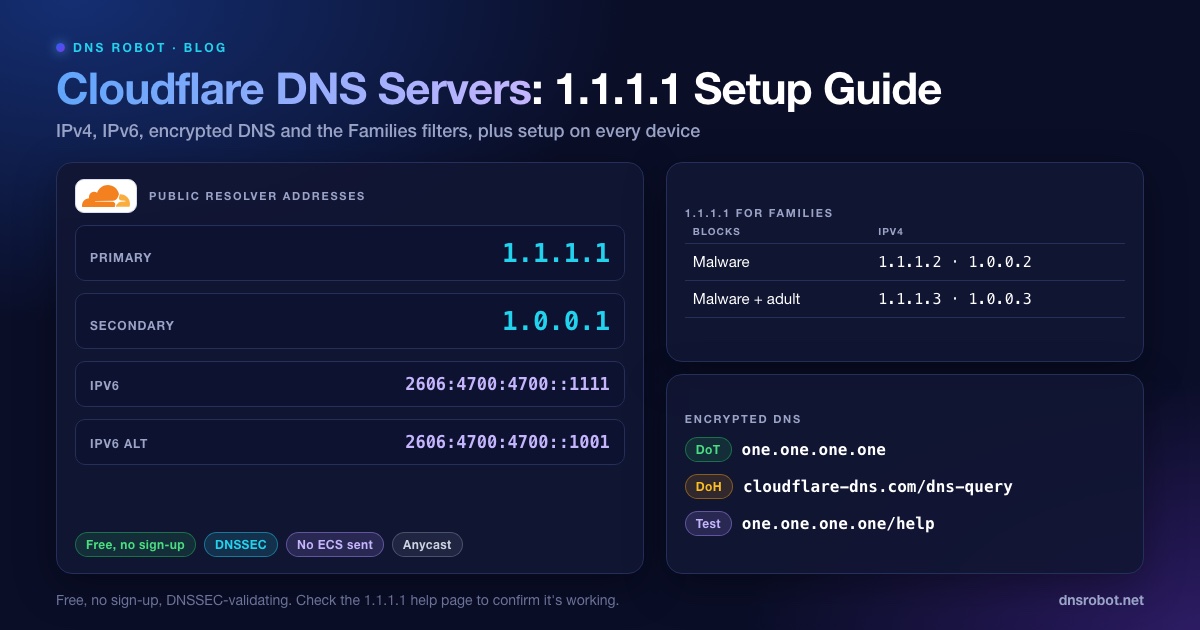
Cloudflare DNS Servers: 1.1.1.1, 1.0.0.1 & IPv6 Setup
Cloudflare DNS servers are 1.1.1.1 and 1.0.0.1 (IPv6 2606:4700:4700::1111). Get every address, the Families filters, DoH/DoT and setup steps for each device.
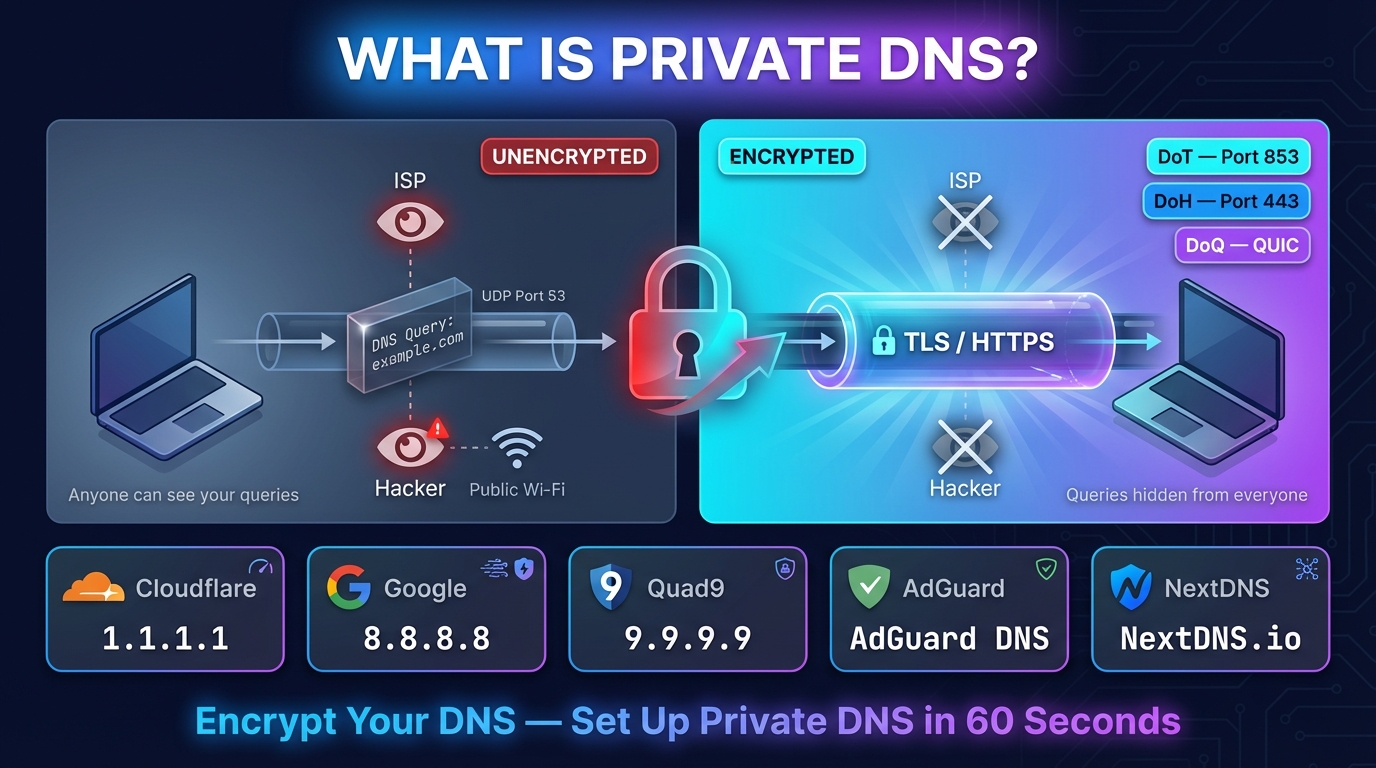
What Is Private DNS? Meaning, Hostname List & Setup
Private DNS encrypts the site names your phone looks up, so your network and ISP can't read them. What it means, the hostname to type, and setup on any device.
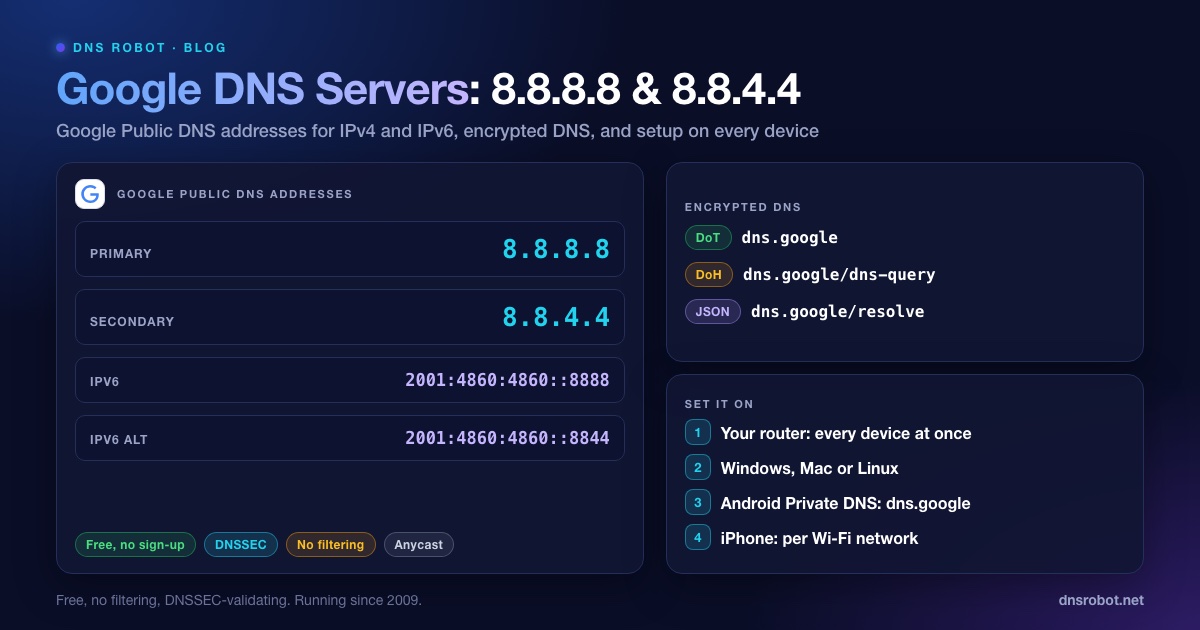
Google DNS: 8.8.8.8, 8.8.4.4, IPv6 Addresses & Setup
Google DNS is 8.8.8.8 and 8.8.4.4, or 2001:4860:4860::8888 and 2001:4860:4860::8844 over IPv6. Every address, other resolvers' IPv6, DoH, DoT, logs and setup.


Related Tools
DNS Speed Test
Time Cloudflare 1.1.1.1, Google 8.8.8.8 and more public DNS servers from your own browser, against your current DNS, and find the fastest for you
DNS Leak Test
See which DNS servers really resolve your lookups and whether your VPN leaks DNS requests to your internet provider
DNS Lookup
Every DNS record from the domain's own nameservers, beside Google's and Cloudflare's cache