











DNS_PROBE_FINISHED_BAD_CONFIG: What It Means & How to Fix It
 Shaik Vahid6 min read
Key takeaway
DNS_PROBE_FINISHED_BAD_CONFIG means Chrome couldn't look up the site with your device's DNS servers, then tried Google Public DNS (8.8.8.8) and that worked. So your internet connection is fine and your DNS servers are the problem: wrong, down or broken. Restart your router, set your DNS back to automatic or to a working public resolver, and flush the DNS cache.
Check it now

Start reading
What Is DNS_PROBE_FINISHED_BAD_CONFIG?
Before a browser can open a website it has to turn the name, such as example.com, into an IP address. That lookup is DNS, and your device sends it to the DNS servers in its network settings: usually your router's, your internet provider's, or ones you or an app typed in.
When that lookup fails, Chrome doesn't just give up. It runs a quick test, a DNS probe, to work out why, and the code after DNS_PROBE_FINISHED_ is its answer. BAD_CONFIG is the answer Chromium's source describes as: "The DNS configuration is wrong, or the servers are down or broken." (Chromium)
How Chrome Decides It's Your DNS
The probe asks for a name that always exists, google.com, twice: once with your device's DNS settings, and once directly through Google Public DNS at 8.8.8.8 and 8.8.4.4. (Chromium) Then it compares the two:
| Your DNS servers | Google Public DNS | Chrome shows |
|---|---|---|
| Answer correctly | (not needed) | NXDOMAIN: the site's name doesn't exist |
| Fail | Answer correctly | BAD_CONFIG |
| Fail | Can't be reached | NO_INTERNET |
| Fail | Reached, but answer with errors | INCONCLUSIVE |
In Chromium's own words: "If the current DNS config is not working but Google DNS is, assume the DNS config is bad (or perhaps the DNS servers are down or broken)." (Chromium)
Where a Bad DNS Setting Comes From
Your device gets its DNS servers from one of a few places. Each can go wrong on its own:
- Your router. Many home networks hand out the router itself as the DNS server. If its DNS forwarding stalls, every device on the network fails while the internet link is fine.
- Your internet provider's DNS, which the router passes on. If those servers are down or broken, Chrome's probe sees exactly this result.
- DNS addresses typed in by hand on the device or the router, for a service that has since changed or no longer works.
- A VPN, ad blocker or security app that sets its own DNS while it runs. If it disconnects badly or is removed, its DNS setting can stay behind.
- Chrome's own Use secure DNS setting, if it names a custom provider (the BAD_SECURE_CONFIG case).
Check the Site Itself From Outside
To be sure the website isn't the one at fault, look its name up from our servers instead of yours. If the lookup below finds its addresses, the site's DNS is fine and the problem is the DNS your device uses.
Look the site up with our DNS
To choose a DNS service that works well from your network, the DNS Speed Test times the big public resolvers from your own browser.
Once your device resolves names again, the DNS Leak Test shows which DNS servers it really uses, so you can see whether a new setting took effect.
How to Fix DNS_PROBE_FINISHED_BAD_CONFIG
Go through these in order and reload the page after each one.
- Restart your routerOn many home networks the router is your DNS server. Restarting it restarts its DNS forwarding, which clears one that has stalled.
- Turn off your VPN, ad blocker or security appIf one of them handles DNS, disconnect or pause it and reload. If the site loads, the app's DNS setting is the cause.
- Set your DNS back to automatic, or to a public resolverChrome's probe has just shown that Google Public DNS answers from your network, so a public resolver will work. Our DNS server not responding guide has the steps for Windows, Mac, iPhone and Android; the addresses are in our Google DNS and Cloudflare DNS guides.
- Flush the DNS cacheOld failed answers can stick around after the fix. See how to flush DNS on every system and in Chrome.
- Check Chrome's Use secure DNS settingIf it names a custom provider and you see BAD_SECURE_CONFIG, switch it to another provider or turn it off, then reload.
DNS_PROBE Errors Compared
Chrome's DNS probe ends in one of these. They look alike but point at different culprits:
| DNS_PROBE_… | Meaning and usual fix |
|---|---|
| STARTED | The probe is still running: wait a moment. See DNS_PROBE_STARTED |
| FINISHED_NXDOMAIN | Your DNS works; the name doesn't exist: check the spelling. See our NXDOMAIN guide |
| FINISHED_BAD_CONFIG | Your DNS fails; Google's answers: fix your DNS settings (this guide) |
| FINISHED_BAD_SECURE_CONFIG | Your secure DNS provider fails; Google's answers: change Chrome's Use secure DNS setting |
| FINISHED_NO_INTERNET | Your DNS fails and Google's can't be reached: fix the internet connection itself |
| FINISHED_INCONCLUSIVE | Google's DNS answers with errors too: sign in to the Wi-Fi, or try another network |
Is the site's DNS working, or just yours?
DNS Robot's free DNS Lookup resolves any name from our servers, from the root down, so you can see in seconds whether the site's DNS is fine and the problem is the DNS on your device.
Sources
Frequently Asked Questions
What does DNS_PROBE_FINISHED_BAD_CONFIG mean?
Is it my internet or my DNS?
How do I fix DNS_PROBE_FINISHED_BAD_CONFIG on Windows?
Will changing my DNS to 8.8.8.8 fix it?
What's the difference between BAD_CONFIG and NXDOMAIN?
What is DNS_PROBE_FINISHED_NO_INTERNET?
What is DNS_PROBE_FINISHED_BAD_SECURE_CONFIG?
Does restarting the router help?
About the author
Shaik VahidFounder of DNS Robot. Vahid spent years in web hosting support fixing domains, DNS records, SSL certificates and email delivery for customers. He builds DNS Robot's tools and writes these guides from the errors people actually hit.
Related Articles
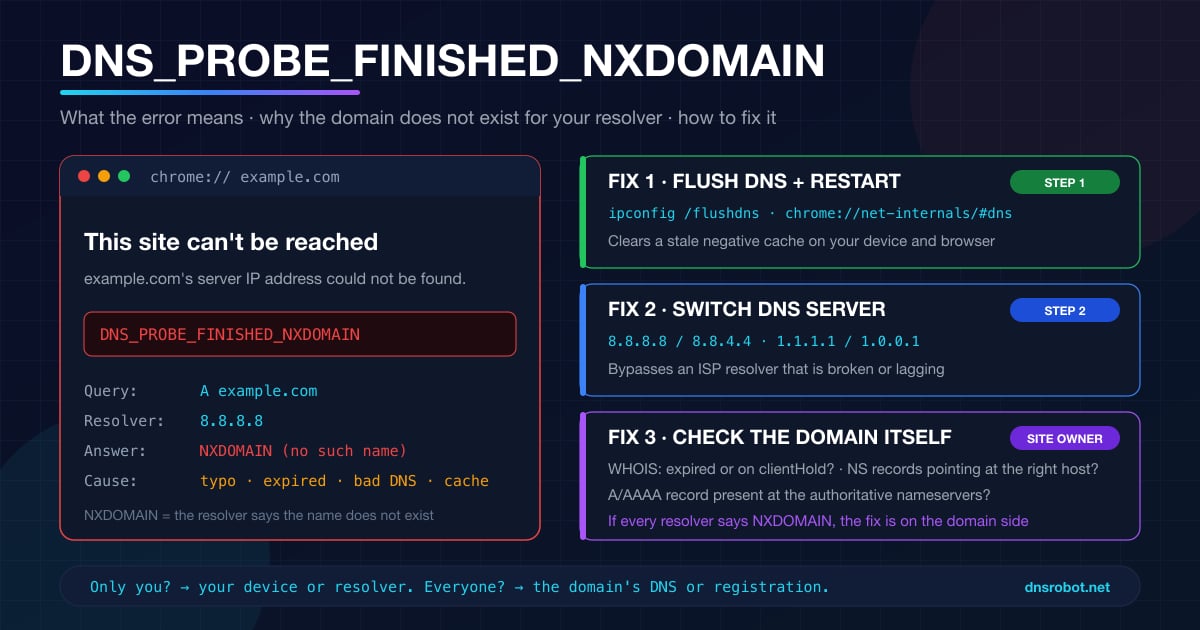
DNS_PROBE_FINISHED_NXDOMAIN: What It Means & How to Fix It
DNS_PROBE_FINISHED_NXDOMAIN means DNS says the domain doesn't exist. Find out in one test whether it's a typo, your DNS, a blocking filter or the site itself.
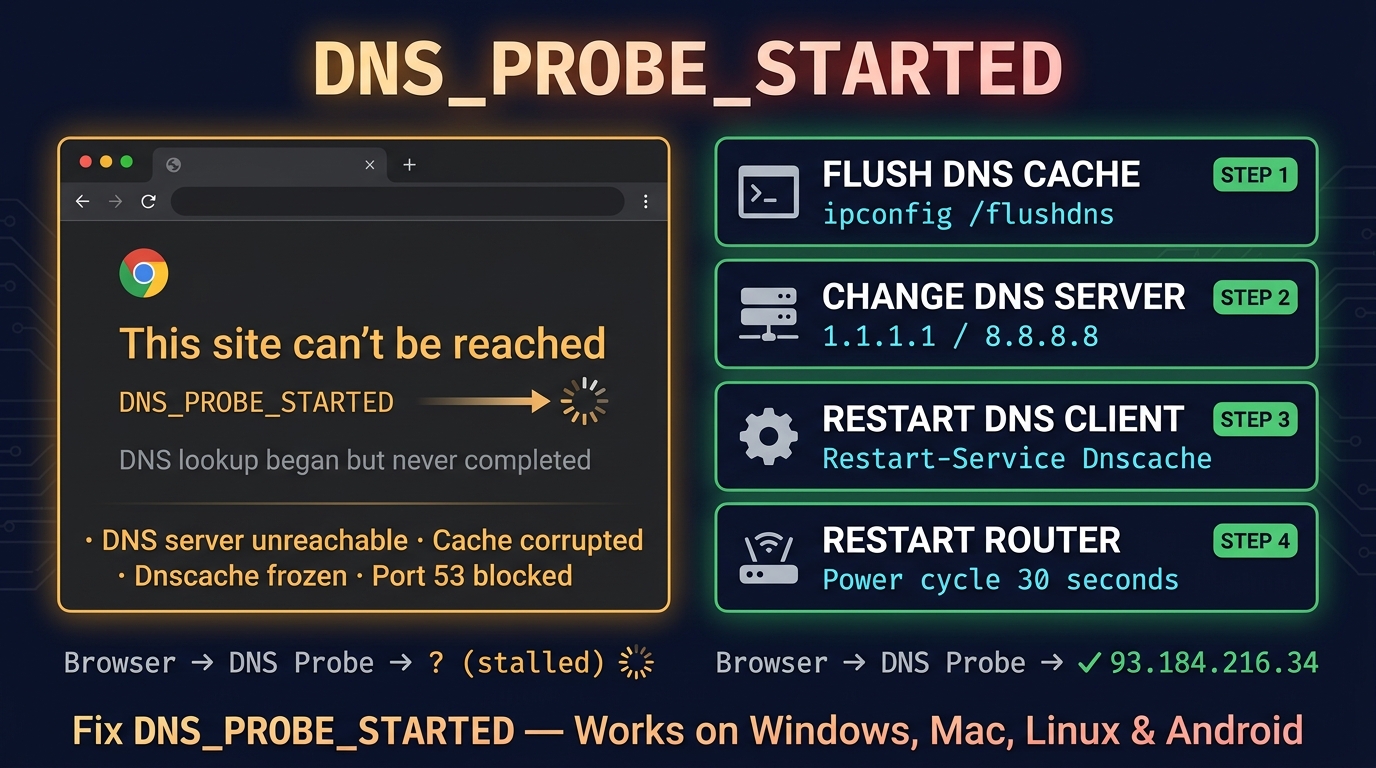
DNS_PROBE_STARTED: Meaning & Fix on Chrome, Android, Windows
The DNS_PROBE_STARTED error means Chrome couldn't look up the site's address and is still diagnosing why. How to fix it on Chrome, Android and Windows.
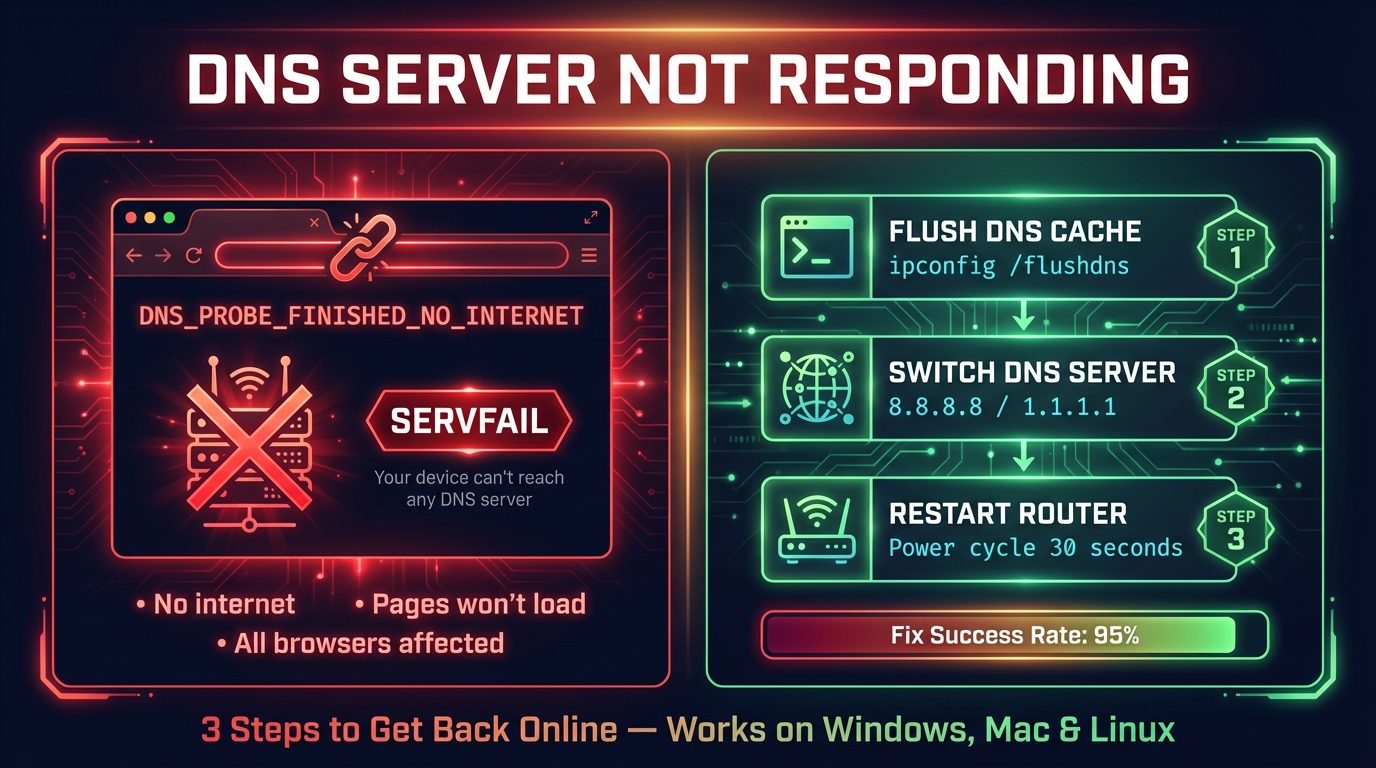
How to Fix DNS Server Not Responding (Step-by-Step)
Fix "DNS server not responding" on Windows, Mac, phones and consoles: what the message means, the quick fixes that work, and how to check DNS is back.


Related Tools
DNS Lookup
Every DNS record from the domain's own nameservers, beside Google's and Cloudflare's cache
DNS Speed Test
Time Cloudflare 1.1.1.1, Google 8.8.8.8 and more public DNS servers from your own browser, against your current DNS, and find the fastest for you
DNS Leak Test
See which DNS servers really resolve your lookups and whether your VPN leaks DNS requests to your internet provider
What Is My ISP
Discover your ISP, ASN, and connection details